Dating Photos for Remote Workers: The 2025 Guide
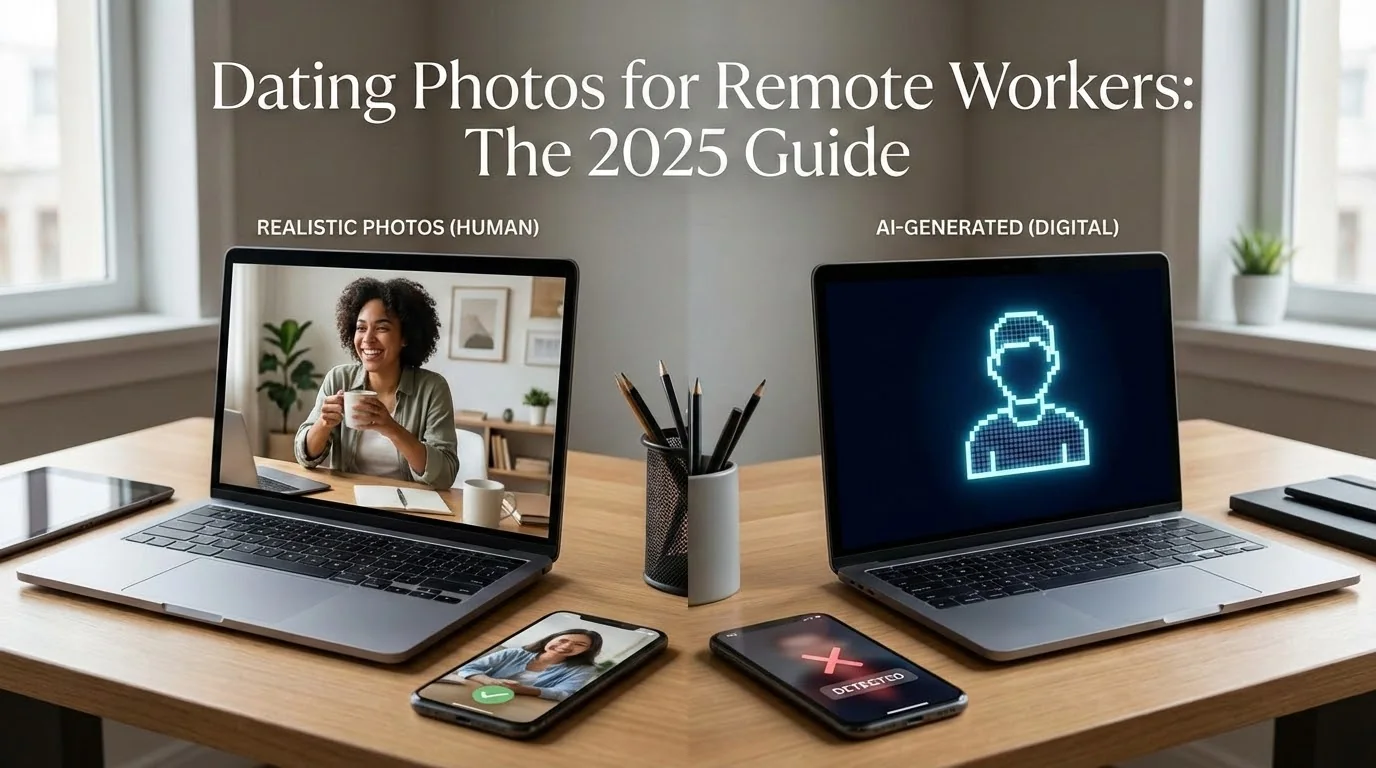
As a remote worker, you've mastered Zoom calls and async communication—but your dating profile? That's a different challenge. With 58% of professionals now working remotely, the struggle to get authentic, varied dating photos is real. Your current profile probably has: bathroom mirror selfies, that one hiking photo from 2019, and maybe a blurry group shot where no one can tell which person is you.
Here's the truth: dating apps favor profiles with diverse, high-quality photos. But when you work from home, you're not accidentally getting candid shots at office happy hours or team events. You need a strategy that works with your remote lifestyle—not against it.
Key Takeaways
- Remote workers face unique challenges: Limited natural photo opportunities lead to repetitive, low-quality dating profiles that get fewer matches
- Variety beats perfection: Dating apps reward diverse photo types (full-body, close-up, activity shots) over a single "perfect" photo
- AI solves the remote worker dilemma: Generate 80-180 professional dating photos from home selfies in 20 minutes—no photographer needed
- Authenticity still matters: Use AI photos with high realness scores (>85%) to avoid detection and maintain genuine appeal
Why Remote Workers Struggle with Dating Photos
The remote work revolution changed how we live—but it also changed how we date. Traditional advice like "ask a friend to take candid photos at brunch" doesn't work when your social interactions happen on Slack and your "going out" means walking to the coffee shop.
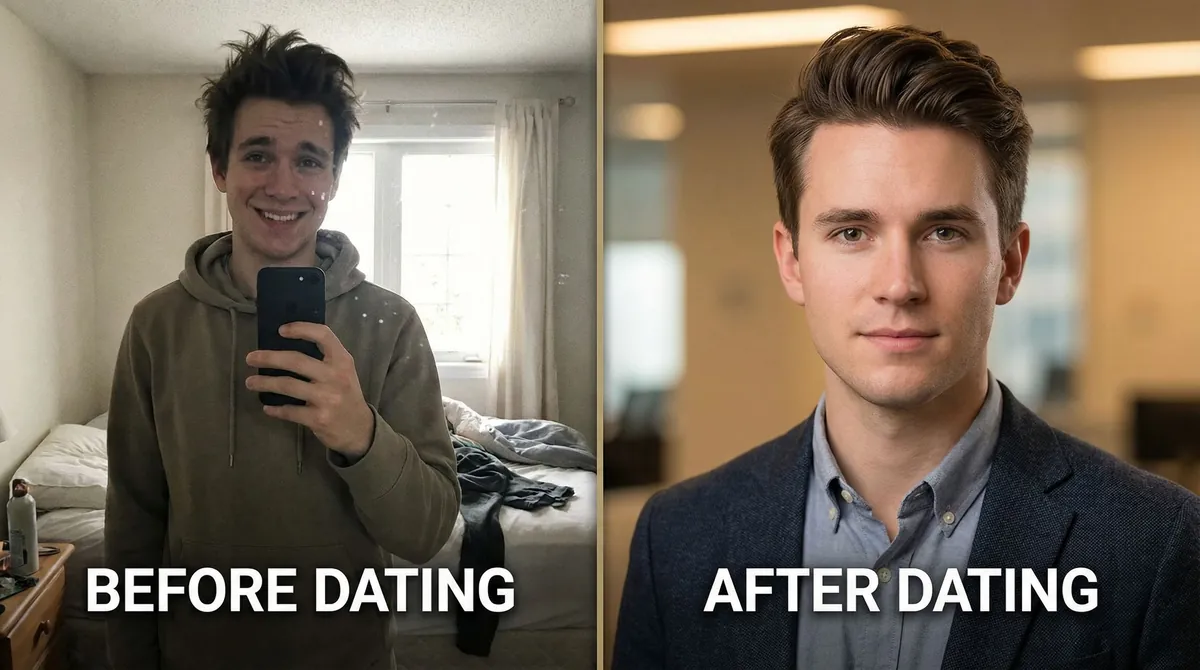
The Remote Worker Photo Problem:
- Limited settings: Your photos all look the same because they're all taken in the same place—your home
- No natural moments: Office workers get candid shots at conferences, team dinners, and after-work drinks. You get... more selfies
- Timing issues: The best natural lighting is at 2 PM on a Tuesday when you're on a client call, not when you're free to take photos
- Self-consciousness: Asking your roommate to be your personal photographer for the fifth time this week feels awkward
According to a 2024 Hinge study, profiles with 6+ varied photos receive 3.2x more matches than those with fewer photos. But getting that variety as a remote worker requires either hiring a professional photographer ($300-800) or spending weekends staging photoshoots—neither of which fits the remote lifestyle.
Transform Your Remote Work Setup Into Dating Profile Gold
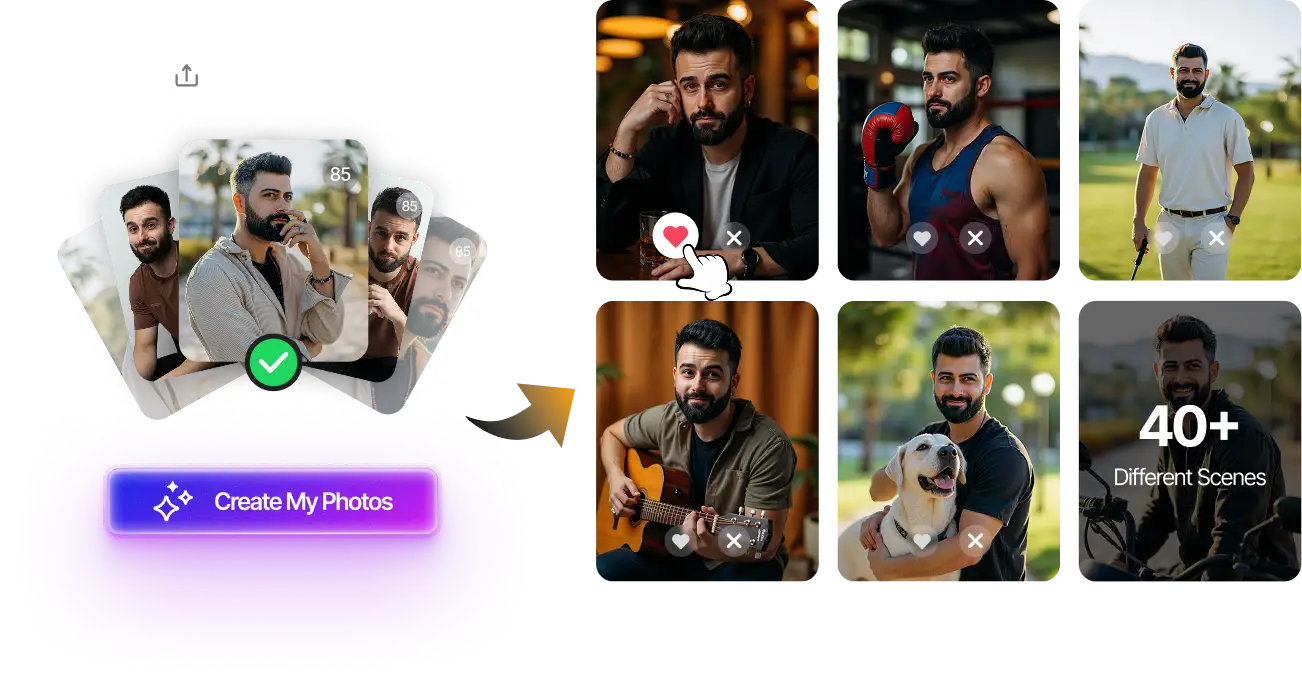
Upload 15-20 selfies from your home office, get 80-180 AI-optimized dating photos in just 20 minutes. No awkward photoshoots needed.
100+ unique photos • Privacy-first • One-time payment
Get Started Now →The Remote Worker Photo Strategy That Actually Works
Forget traditional advice. Here's what actually works for remote workers in 2025:
1. Maximize Your Existing Environment
Your home isn't boring—you just need to see it differently. Remote workers have real advantages: controlled lighting, privacy for multiple outfit changes, and unlimited time to experiment. The key is creating visual variety within your familiar space.
Smart settings to use:
- Home office with natural window light (professional vibe)
- Kitchen with plants or breakfast setup (casual, approachable)
- Living room with books or art (shows personality)
- Balcony or backyard (outdoor variety without leaving home)
- Well-lit hallway or doorway (clean, minimalist background)
2. Leverage AI Photo Generation
This changes the game for remote workers. Modern AI photo generators like AI dating photo tools can transform 15-20 home selfies into 80-180 professional-looking photos across multiple settings, outfits, and styles—all without leaving your desk.
Why this works for remote workers:
- No scheduling conflicts with your work calendar
- Generate photos during your lunch break
- Get variety (beach, city, cafe settings) without travel
- Professional quality without photographer costs
- Privacy-first approach (process runs entirely online, no human review)
The technology has improved significantly. In 2025, AI-generated dating photos with high realness scores look virtually the same as professional photos—and they cost a fraction of the price.
3. Mix AI with Authentic Moments
The winning formula isn't 100% AI or 100% selfies—it's a strategic mix. Use AI for variety and professional polish, then add 1-2 genuine candid shots that show your real personality.
Recommended mix for remote workers:
- 4-5 AI-generated photos (professional headshots, full-body, activity shots)
- 1-2 authentic selfies (candid smile, genuine moment)
- 1 photo that shows your remote work lifestyle (coffee shop work session, home office with personality)
How to Create Dating Photos as a Remote Worker: Step-by-Step
Here's the exact process that takes remote workers from "no good photos" to "profile complete" in under 2 hours:
Step 1: Gather Your Source Photos (30 minutes)
Set aside 30 minutes to take 15-20 varied selfies. This is your AI training data. Quality matters more than quantity.
What to capture:
- Different angles: straight-on, slight left, slight right
- Different expressions: genuine smile, slight smile, neutral
- Different lighting: near window, soft overhead, golden hour
- Different outfits: casual, business casual, going-out attire
Pro tip: Use your phone's self-timer and prop it against books. This gives better angles than holding the phone yourself.
Step 2: Generate AI Photos (20 minutes processing)
Upload your selfies to an AI dating photo generator. The AI will create 80-180+ variations across multiple scenarios—beach, city, cafe, professional settings—all based on your facial features and style.
What you'll get:
- Professional headshots with perfect lighting
- Full-body photos in various outfits
- Activity shots (coffee shop, outdoor settings, casual scenarios)
- Different styles matching your target dating demographic
Processing takes about 20 minutes. Use this time to update your bio or scroll through your existing photos to find that one authentic candid shot worth keeping.
Step 3: Select Your Best 6-8 Photos (15 minutes)
Don't just pick your favorites—pick strategically. Dating apps reward variety, not just attractiveness.
Your photo lineup should include:
- Primary photo: Clear headshot, genuine smile, eye contact (AI-generated professional headshot works best)
- Full-body photo: Shows your physique and style (AI-generated outdoor or casual setting)
- Activity photo: Shows personality or hobbies (AI-generated cafe or outdoor activity)
- Social proof: With friends or in social setting (use authentic photo if available, or AI group setting)
- Conversation starter: Unique setting or interesting background (AI-generated travel or city scene)
- Casual closeup: Natural expression, authentic vibe (authentic selfie or AI casual shot)
Step 4: Quality Check with Realness Score (10 minutes)
Before uploading to dating apps, check your AI photos' realness scores. Dating platforms like Tinder and Hinge use detection systems to flag obviously AI-generated photos. Photos with realness scores above 85% typically pass undetected.
Check Your Photos Before Dating Apps Do
Use our free AI Realness Score Analyzer to ensure your photos look natural and authentic. Instant results, no signup required.
Free analysis • Instant results • No signup required
Analyze Your Photos Free →Step 5: Upload and Test (15 minutes)
Upload your curated selection to your dating app. Give it 24-48 hours, then check your match rate. If you're not seeing improvement, swap out 1-2 photos and test again. Dating profiles are never finished—they're ongoing experiments.
Common Mistakes Remote Workers Make (And How to Fix Them)
Even with AI tools, remote workers fall into predictable traps. Here's what to avoid:
Mistake #1: All Photos Look Too Similar
The problem: All your photos have the same background, lighting, or outfit—even if they're AI-generated.
The fix: When selecting AI photos, intentionally choose different settings (indoor, outdoor, urban, nature) and different styles (casual, professional, active). Your profile should look like you have a life outside your apartment—even if you mostly don't.
Mistake #2: Using Only AI Photos
The problem: A profile with 100% AI photos can feel inauthentic, even if the photos themselves look realistic.
The fix: Include 1-2 genuine selfies or candid moments. This adds authenticity and makes your profile feel more human. The best dating profiles mix AI polish with authentic moments.
Mistake #3: Ignoring Photo Quality Metrics
The problem: Uploading compressed, low-resolution AI photos that dating apps downgrade further.
The fix: Use AI generators that output high-resolution images (minimum 1080px width). Check file sizes—dating apps perform better with photos under 5MB but above 500KB.
Mistake #4: Not Updating Photos Regularly
The problem: You created a great profile 6 months ago and haven't touched it since. Dating app algorithms favor fresh content.
The fix: Swap out 1-2 photos every 4-6 weeks. As a remote worker, you can generate new AI photos anytime without scheduling a photoshoot. This signals to the algorithm that you're an active user.
Remote Work-Specific Photo Ideas That Actually Get Matches

Lean into your remote lifestyle—don't hide it. These photo ideas show off your work-from-home reality while staying attractive:
- Coffee shop work session: Laptop open, coffee in hand, subtle smile (shows you're productive and social)
- Home office backdrop: Professional but casual, shows you have your life together
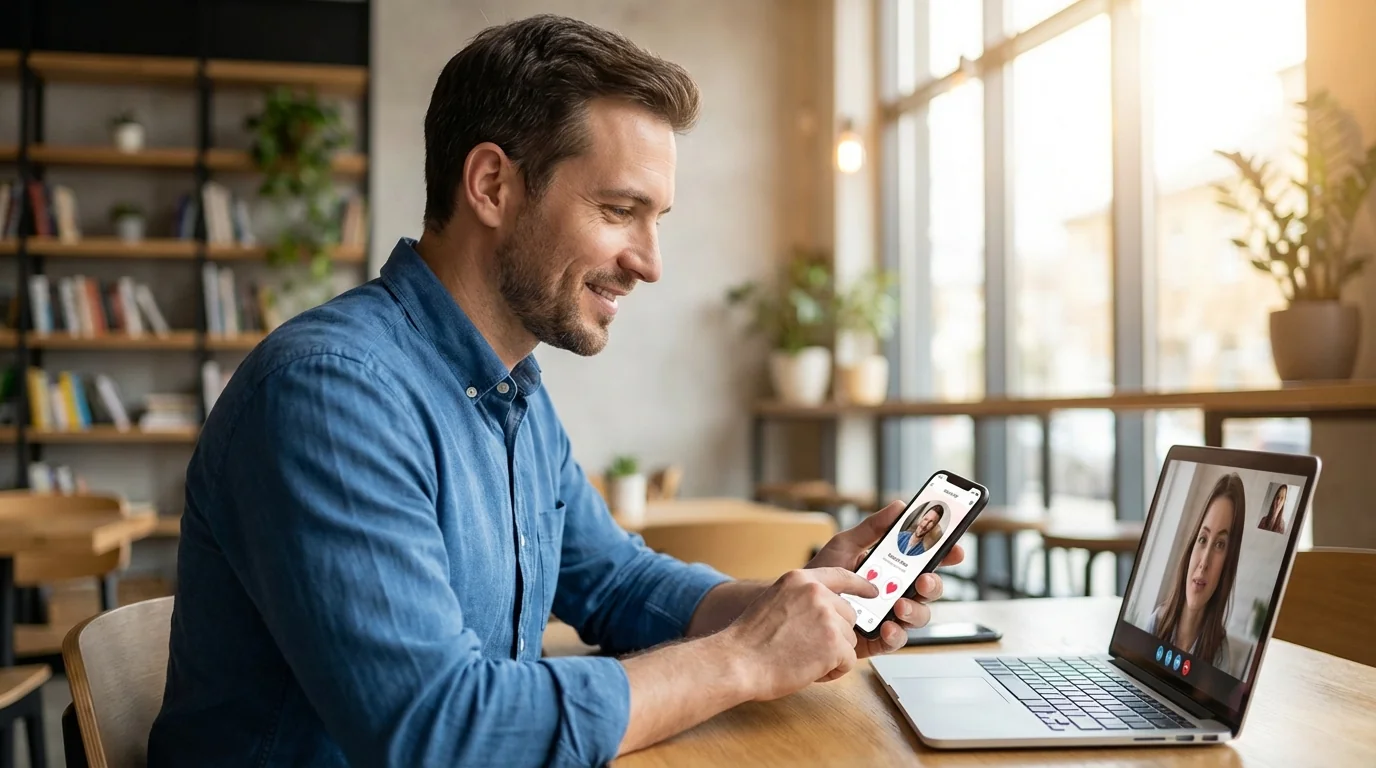
- Video call setup: Humorous take on remote work culture ("my Zoom camera vs. what I really look like")
- Work-from-anywhere vibe: Balcony, park bench, or unique workspace (shows flexibility and adventure)
- Post-work transition: Changing from loungewear to going-out clothes (relatable remote worker humor)
The key is showing that remote work is part of your lifestyle, not your entire identity. You want to convey: "I work from home AND I have interesting hobbies and personality."
Related guide: For a more focused next step, read Hinge Profile Photos Need Personality, Not Just Better Lighting and connect this advice to your wider dating profile plan.
Final Thoughts
Remote workers don't need to settle for mediocre dating photos just because they don't have access to traditional photo opportunities. With the right strategy—combining AI-generated photos, strategic home photography, and authentic candid moments—you can create a dating profile that rivals those curated by professional photographers.
The 2025 reality: AI dating photos for remote workers aren't just acceptable—they're often superior. You get professional quality, unlimited variety, and complete control over your image, all from the comfort of your home office. The stigma around AI photos has faded as the technology has improved; what matters now is authenticity and strategic presentation.
Ready to transform your dating profile? Start with our AI Dating Photo Generator to create 80-180+ professional photos from your home selfies. Or, if you want to test your existing photos first, use our free Realness Score Analyzer to ensure they'll pass dating app detection systems. Your remote work lifestyle is an advantage—use it.
Generate Professional Dating Photos From Your Home Office
Stop settling for bathroom mirror selfies. Upload 15-20 photos, get 80-180 AI-optimized dating photos in 20 minutes. Perfect for remote workers who don't have time for photoshoots.
100+ unique photos • Privacy-first • One-time payment
Get Started Now →Frequently Asked Questions
Can dating apps detect AI-generated photos?
Modern dating apps like Tinder, Hinge, and Bumble use detection systems, but high-quality AI photos with realness scores above 85% typically pass undetected. The key is using advanced AI generators that create realistic skin textures, natural lighting, and authentic expressions. Always check your photos with a realness score analyzer before uploading.
How many photos should remote workers have on their dating profile?
Aim for 6-8 photos minimum. Research shows profiles with 6+ photos receive 3x more matches than those with fewer. As a remote worker, use AI to generate variety: 4-5 AI-generated photos across different settings, plus 1-2 authentic candid shots for personality.
Should I mention being a remote worker in my dating profile?
Yes, but frame it positively. Instead of "I work from home," say "I have location flexibility" or "I work remotely, which means I can [travel/try new coffee shops/maintain work-life balance]." Remote work is attractive when positioned as freedom rather than isolation.
How often should I update my dating photos as a remote worker?
Refresh 1-2 photos every 4-6 weeks. Dating app algorithms favor active profiles with fresh content. Since you can generate new AI photos anytime without scheduling photoshoots, this is easier for remote workers than traditional daters who need professional photographers.
Is it ethical to use AI-generated photos on dating apps?
Yes, as long as the photos accurately represent your current appearance. Think of AI photos like professional photography—they're enhanced versions of you, not different people. The ethical line is crossed when photos show someone who doesn't look like you at all. Use AI to present your best self, not a fictional self.