How to Pass Tinder's AI Photo Detection in 2025
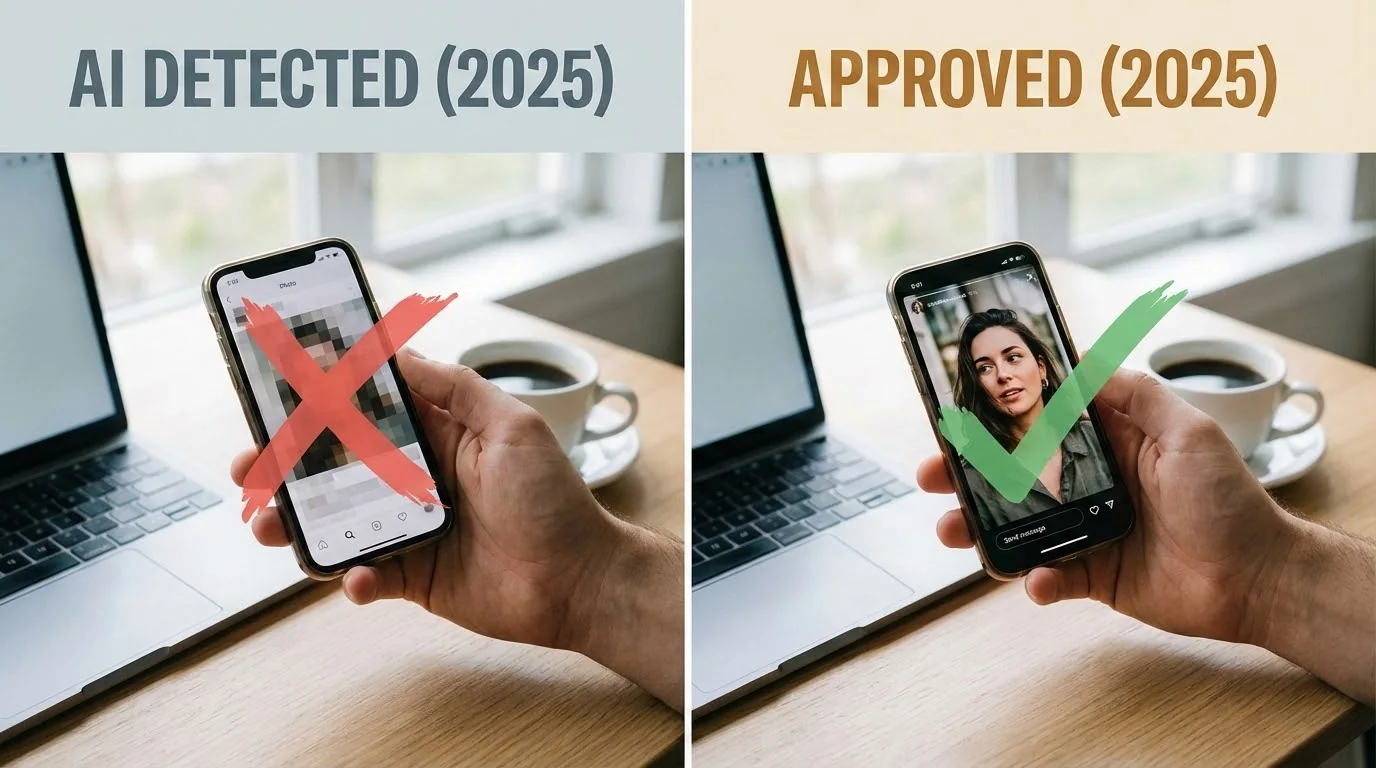
Tinder uses sophisticated AI detection to flag artificial photos. In 2025, over 40% of users who upload AI-generated photos without proper optimization face account restrictions or bans. Learning how to create and optimize AI photos that pass detection matters for your dating success.
This guide shares proven strategies used by thousands of successful Tinder users to create authentic-looking AI dating photos that bypass detection systems while maximizing match potential.
Key Takeaways
- Quality over quantity: Use 2-3 high-quality AI photos mixed with real photos
- Realness Score matters: Aim for 85+ to avoid triggering detection algorithms
- Natural imperfections: Add subtle flaws that make photos look authentically human
- Strategic placement: Position AI photos carefully within your profile lineup
Understanding Tinder's AI Detection System
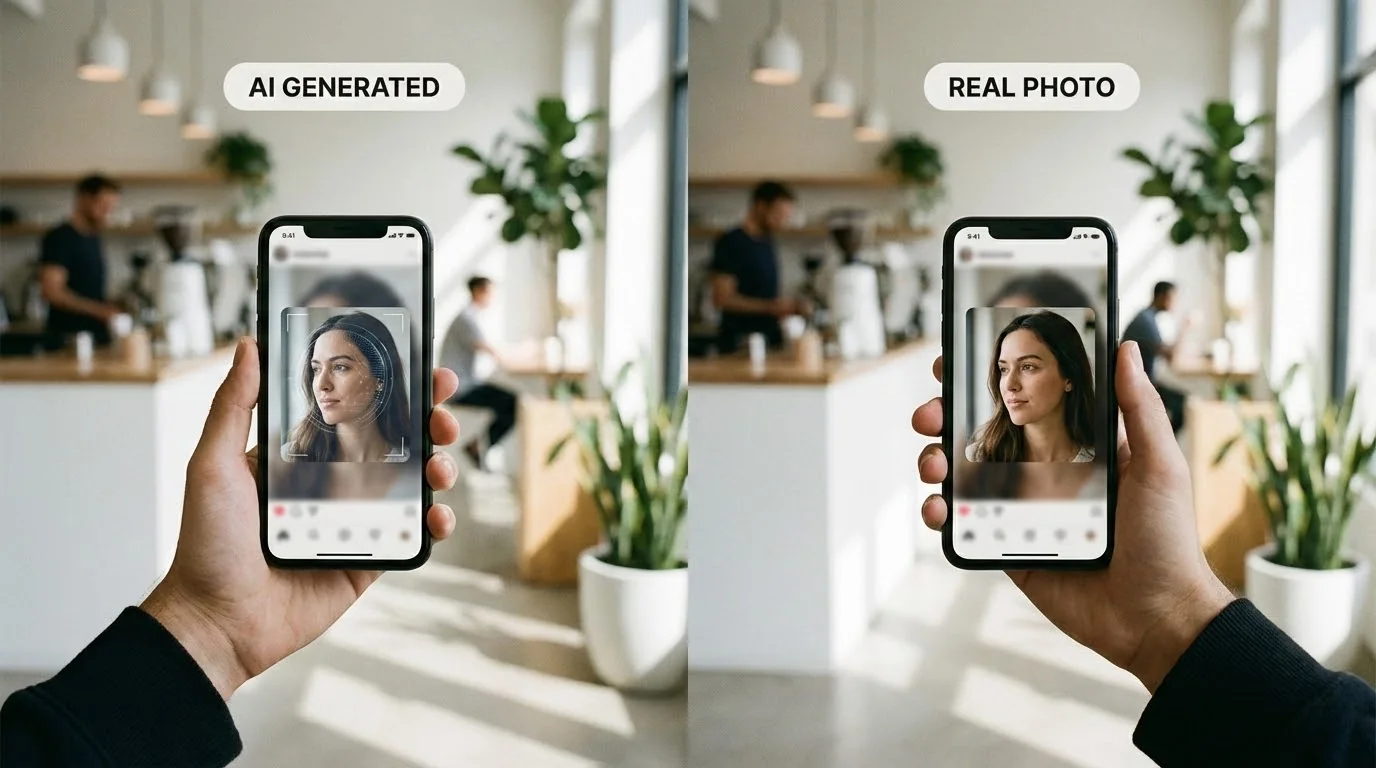
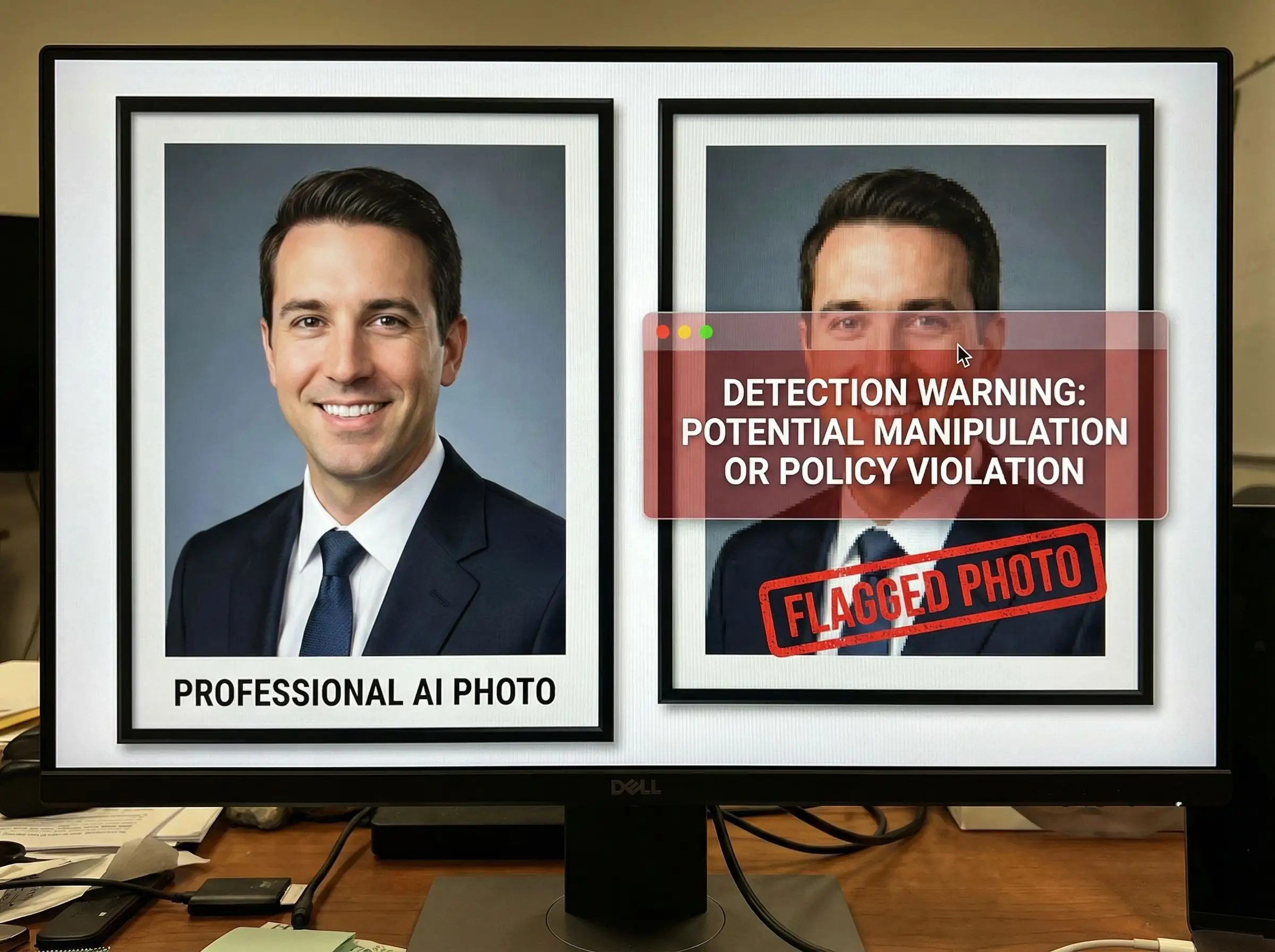
Tinder's detection algorithms analyze multiple factors to identify AI-generated photos. The system examines pixel patterns, facial symmetry, background consistency, and lighting anomalies. In 2025, their neural networks have become increasingly sophisticated, trained on millions of authentic and synthetic images.
The platform flags photos that show obvious AI artifacts like overly smooth skin, unnatural eye reflections, distorted backgrounds, or impossible lighting scenarios. Knowing what triggers detection helps you create photos that look genuinely human-made.
Check Your Photos Before Tinder Does
Use our free AI Realness Score Analyzer to check if your photos might trigger detection systems.
Free analysis • Instant results • No signup required
Analyze Your Photos Free →Proven Strategies to Pass Detection
The most effective approach combines high-quality AI generation with strategic optimization. Start by using a professional AI photo generator that specializes in realistic dating photos rather than generic AI tools. The quality difference is substantial.
Mix AI photos with authentic selfies in a 2:4 ratio. Tinder's algorithm becomes suspicious when all photos share similar quality or styling. Place your best AI-generated photo as your second or third image, not first. This positioning reduces scrutiny while maximizing impact.
Add subtle imperfections manually if needed. Slight skin texture, minor background inconsistencies, or natural lighting variations make photos appear more authentic. Our guide on making AI photos look natural covers advanced techniques for realistic enhancement.
Optimizing Your AI Photos for Success
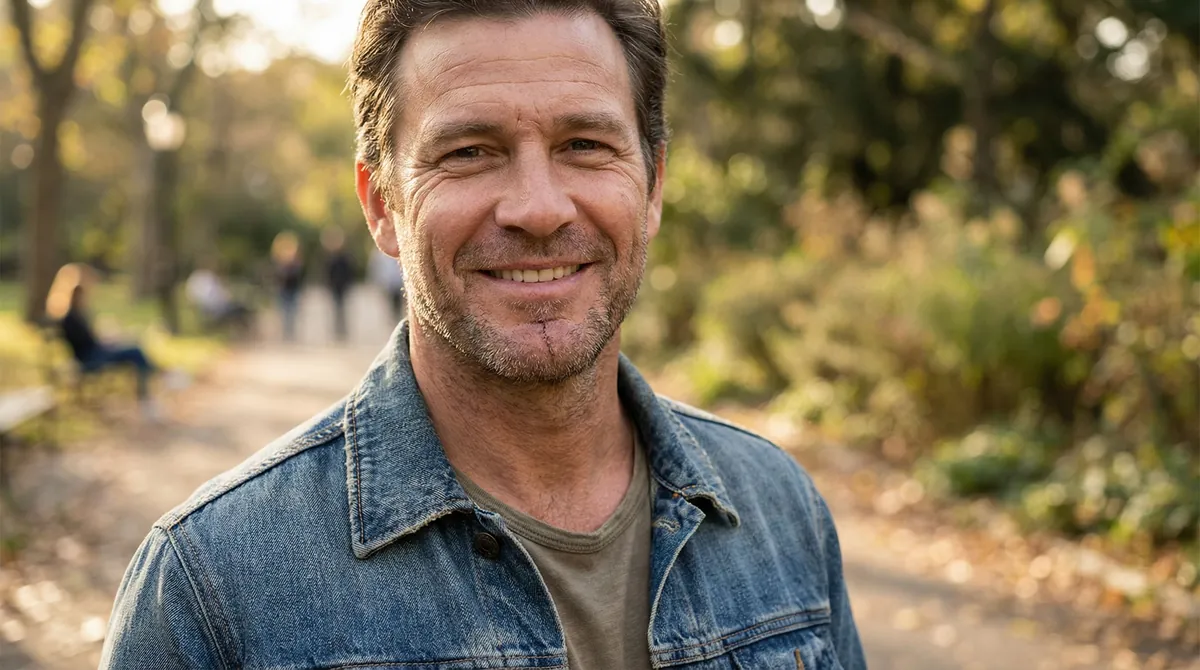
Choose photos with natural environments and realistic lighting. Outdoor settings with varied backgrounds work better than studio-style shots. Avoid images with perfect symmetry or overly polished appearances that scream "AI-generated."
Pay attention to details like clothing wrinkles, natural shadows, and environmental interactions. Photos where you're casually interacting with your surroundings appear more genuine than posed portraits. For platform-specific strategies, check our comprehensive Tinder AI photos guide with proven optimization tips.
Before uploading, run your photos through our Realness Score Analyzer to spot potential red flags. Aim for scores above 85 to minimize detection risk while maintaining attractive presentation.
Transform Your Dating Profile Today
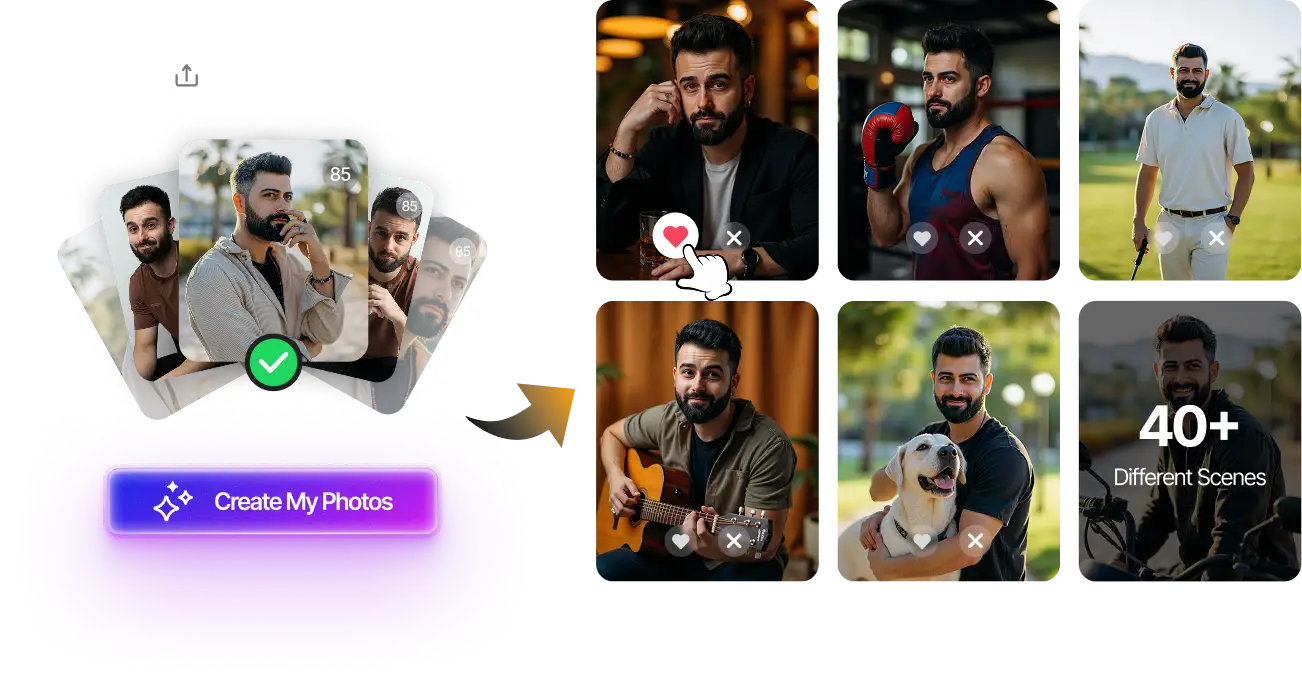
Upload your selfies, get 80-180 AI-optimized dating photos in just 20 minutes. No photoshoot needed.
100+ unique photos • Privacy-first • One-time payment
Get Started Now →Step-by-Step Implementation Guide
Step 1: Generate 10-15 AI photos using a quality service that specializes in dating profiles. Select 2-3 that look most natural and score highest on realness metrics.
Step 2: Take 4-5 authentic selfies in similar lighting conditions and environments. This creates consistency across your profile while maintaining the authenticity signal Tinder looks for.
Step 3: Arrange photos strategically: Start with a genuine selfie, followed by your best AI photo, then alternate between real and AI images. This pattern minimizes detection risk.
Step 4: Test your lineup using Tinder's photo verification if available. Monitor your match rate over the first week. If it drops significantly, adjust your photo selection.
Step 5: Update photos every 2-3 months to keep your profile fresh and adapt to detection algorithm changes. Regular updates also signal active engagement to Tinder's ranking system.
Final Thoughts
Successfully passing Tinder's AI detection in 2025 requires balancing quality AI generation with strategic optimization and authentic photos. By following these proven strategies—mixing AI and real photos, optimizing for high realness scores, and positioning images strategically—you can create an attractive profile that bypasses detection while maximizing match potential.
Ready to create professional AI dating photos that pass detection? Try our AI Dating Photo Generator to get 80-180 optimized photos designed specifically to avoid detection while getting you more matches. Or start by checking your current photos with our free Realness Score Analyzer to see where you stand.
Transform Your Dating Profile Today
Upload your selfies, get 80-180 AI-optimized dating photos in just 20 minutes. No photoshoot needed.
100+ unique photos • Privacy-first • One-time payment
Get Started Now →FAQ
Can Tinder really detect AI-generated photos?
Yes, Tinder uses advanced AI detection algorithms that analyze pixel patterns, facial features, and image consistency. However, high-quality AI photos with proper optimization can pass detection when mixed strategically with authentic photos.
What happens if Tinder flags my AI photos?
If Tinder detects AI photos, they may remove the images, restrict your account visibility, or temporarily ban you. Repeated violations can lead to permanent account suspension. This is why optimizing for high realness scores matters.
How many AI photos can I safely use on Tinder?
We recommend using 2-3 high-quality AI photos mixed with 4-5 authentic photos. This 40-60% ratio provides attractive presentation while minimizing detection risk. Never use only AI-generated photos.
Do I need to disclose that I'm using AI photos?
Tinder's terms don't explicitly require disclosure, but transparency builds trust. Consider mentioning in your bio that some photos are professionally enhanced if asked directly during conversations.
What's the best AI photo generator for Tinder?
Services specializing in dating photos produce better results than generic AI tools. Look for generators that create natural-looking photos with realistic imperfections, varied poses, and authentic environments specifically optimized for dating apps.