Dating Photo Safety: AI Detection and Privacy in 2026
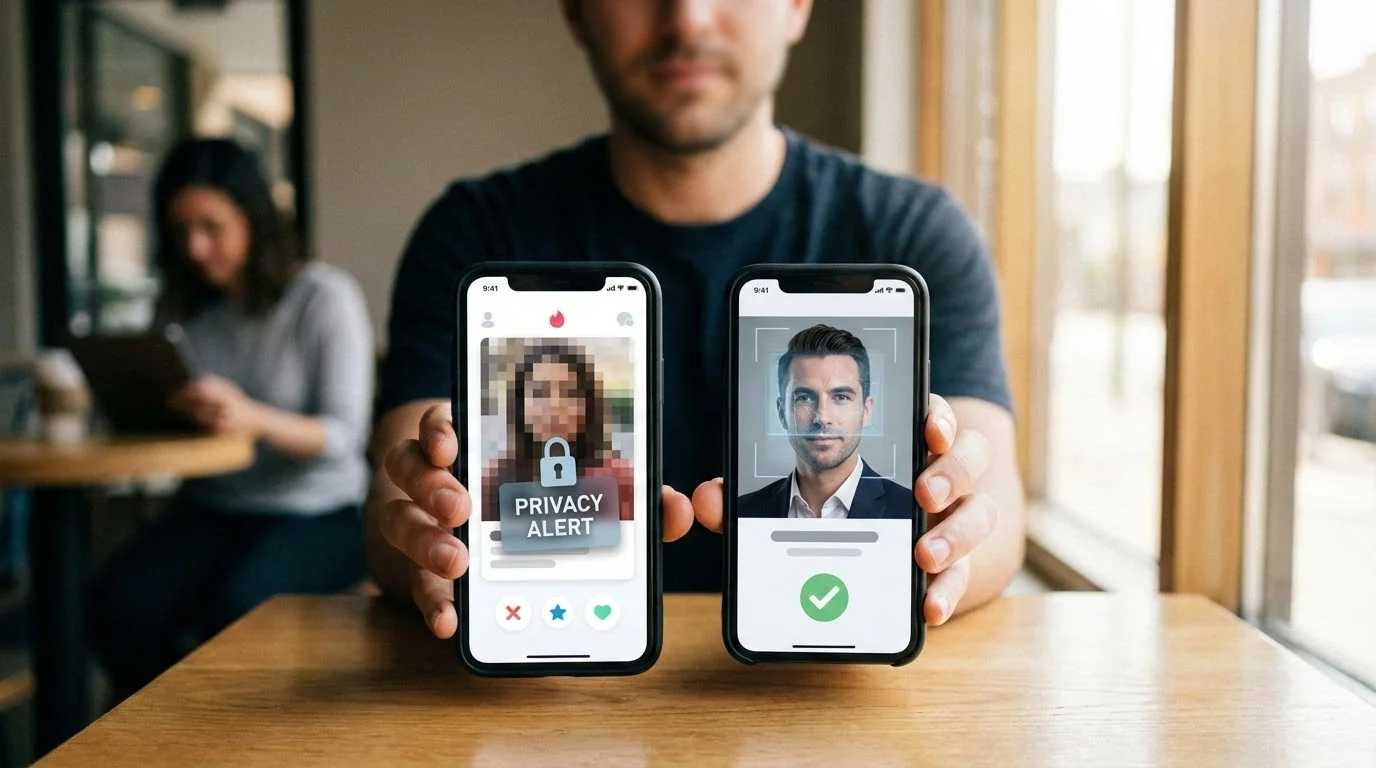
Uploading photos to dating apps in 2026 means trusting platforms with your most personal images. With AI detection systems reviewing photo quality and privacy concerns around face data, knowing how to protect yourself matters before you upload a new profile set.
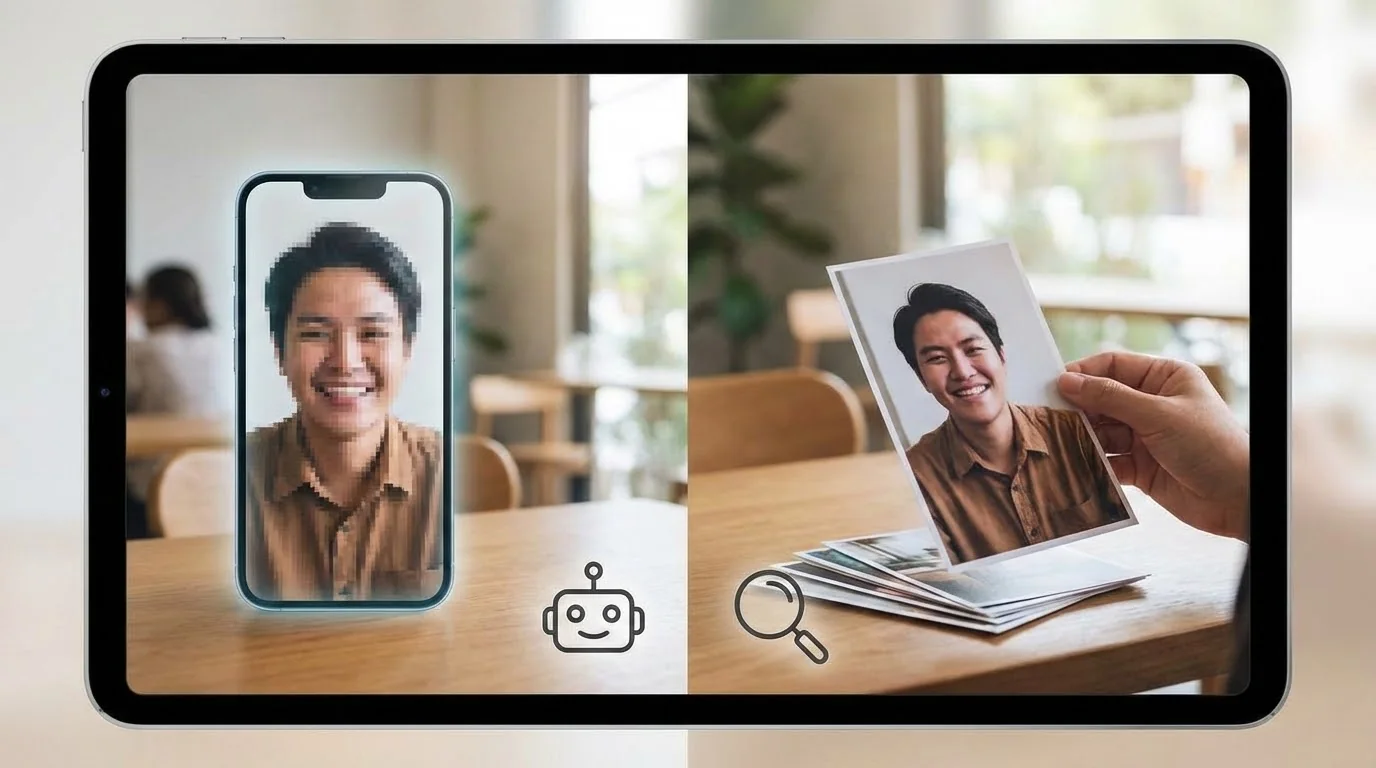
Recent studies show that 67% of dating app users worry about their photo privacy, yet only 23% take active steps to protect themselves. Whether you're using real photos or AI-generated ones, understanding detection systems and privacy safeguards is essential for staying safe online. If your immediate question is whether a photo looks fake, start with the free Realness Score Analyzer; this page focuses on the broader safety and privacy decisions around using the photo.
Key Takeaways
- AI detection is everywhere: Dating apps use sophisticated algorithms to analyze photo authenticity, metadata, and user behavior patterns
- Privacy risks are real: Your photos can be used for facial recognition training, third-party marketing, and even identity theft if platforms are compromised
- Protection is possible: Simple steps like checking photo realness scores, removing metadata, and understanding app policies can dramatically improve your safety
- Detection isn't punishment: Most apps prioritize authentic profiles over banning users—focus on quality and transparency
How Dating Apps Detect AI Photos in 2026
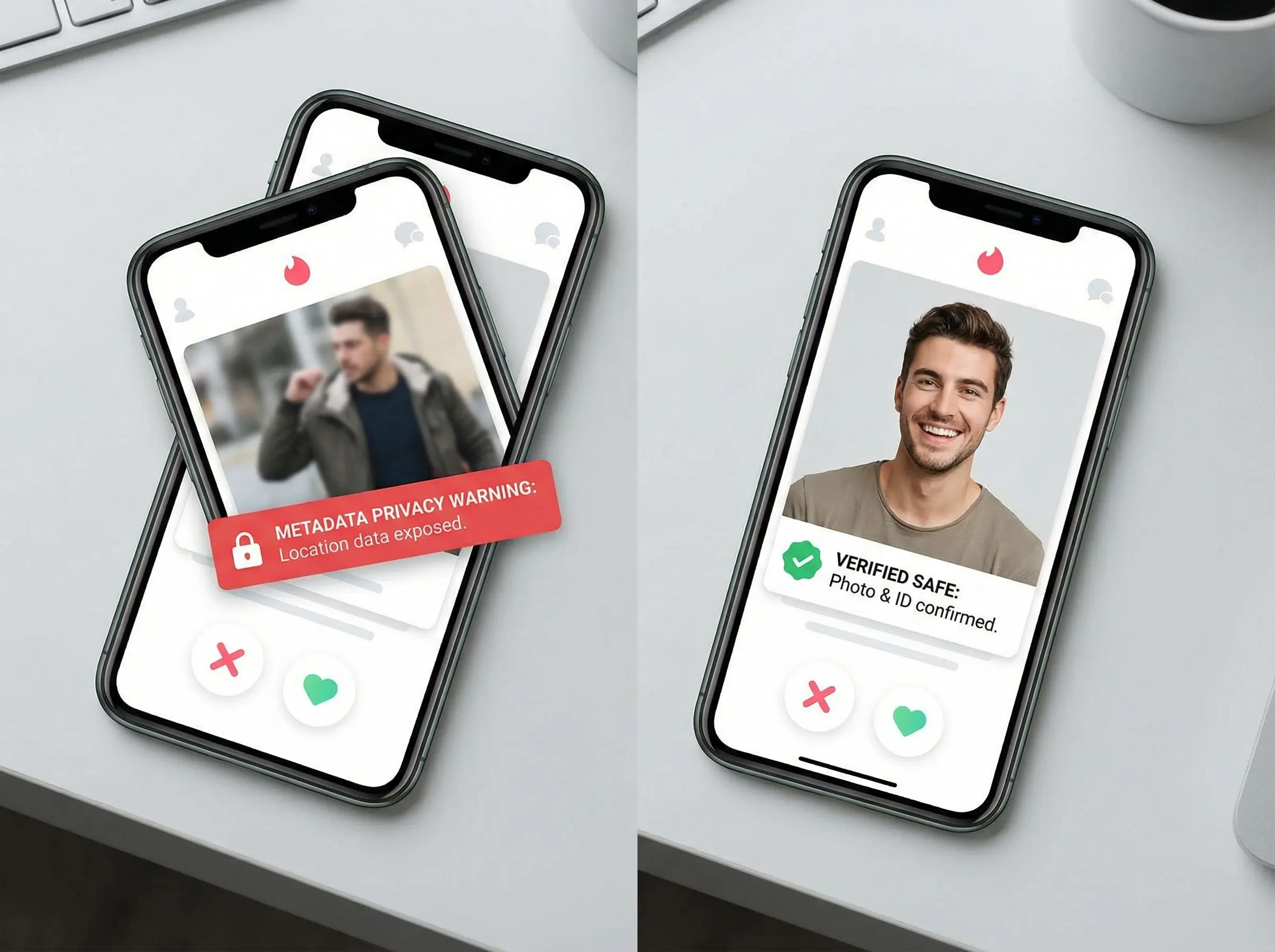
Dating platforms have invested heavily in detection technology. Here's what they're looking for:
Visual Artifacts: AI-generated photos often show unnatural skin textures, inconsistent lighting across the face, or distorted backgrounds. Modern detection algorithms scan for pixel-level anomalies that human eyes might miss.
Metadata Analysis: Every digital photo carries hidden information—camera model, editing software, creation date. AI photos typically lack authentic camera metadata or show signs of heavy manipulation. Apps cross-reference this data with your upload history to spot inconsistencies.
Behavioral Patterns: Platforms track how you interact with the app. Uploading 10 professional-quality photos in different outfits and locations within minutes triggers red flags. Authentic users typically upload photos gradually over time.
Facial Recognition: Advanced systems analyze facial geometry to ensure all your photos show the same person. Inconsistent facial features across photos—even subtle ones—can trigger manual review or automatic flagging.
Check Your Photos Before Apps Flag Them
Use our free AI Realness Score Analyzer to see exactly how dating apps will evaluate your photos. Get instant feedback on what might trigger detection systems.
Free analysis • Instant results • No signup required
Analyze Your Photos Free →Privacy Risks You Need to Know
Beyond AI detection, uploading photos to dating apps exposes you to several privacy risks:
Data Breaches: Major dating platforms have experienced security breaches exposing millions of user photos. In 2024 alone, three popular apps leaked profile data including images, locations, and personal details.
Facial Recognition Training: Many apps' terms of service allow them to use your photos to train AI systems. Your face could be helping develop technology you never consented to. Read the fine print—some platforms explicitly reserve this right.
Third-Party Sharing: Dating apps often partner with advertising networks and analytics companies. Your photos might be shared with dozens of organizations for marketing or service improvement purposes.
Reverse Image Searches: Once your photo is online, anyone can use reverse image search tools to find your other social media profiles, even if you used a different name on the dating app. This can compromise your anonymity and personal safety.
Location Data: Photos taken with smartphones embed GPS coordinates in metadata. Unless you remove this information before uploading, people with technical skills can pinpoint where you took the photo—potentially revealing your home or workplace.
Protecting Your Photos: Step-by-Step Guide

Step 1: Remove Metadata
Before uploading any photo, strip embedded data using free tools like ExifTool or built-in phone settings. On iPhone, go to Settings > Privacy > Location Services and disable location for your camera app. Android users can use apps like Photo Metadata Remover.
Step 2: Use Platform-Specific Photos
Never reuse the same photo across multiple platforms. This prevents reverse image searches from linking your profiles. Consider using different photos for different apps, especially if you value anonymity.
Step 3: Check Photo Authenticity
If you're using AI-enhanced or generated photos, verify they pass authenticity checks. Tools like Realness Score Analyzer show you exactly what detection systems see, helping you avoid flags before uploading.
Step 4: Read Privacy Policies
Spend 10 minutes reviewing how each app handles your data. Look for sections on photo retention, third-party sharing, and AI training. Apps like Hinge and Bumble have different policies—know what you're agreeing to.
Step 5: Limit Photo Quantity
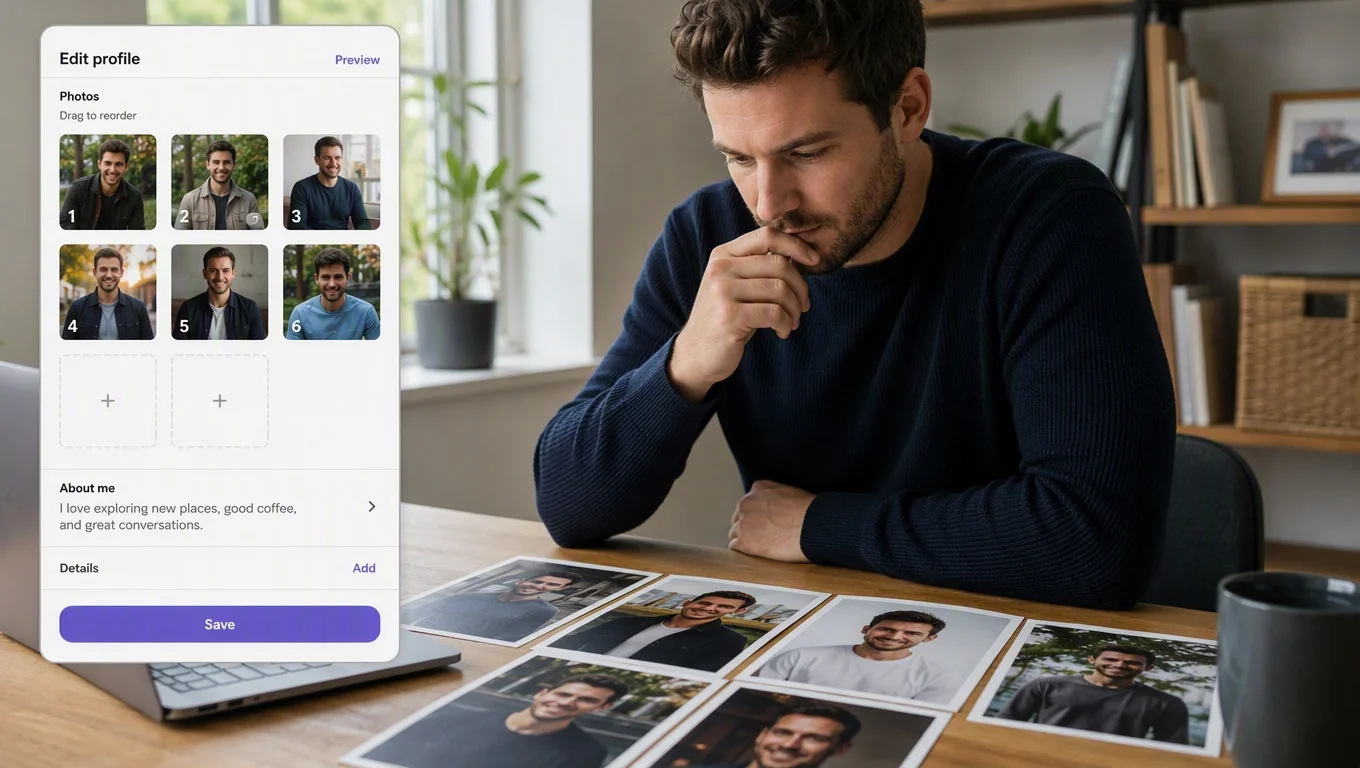
More photos mean more exposure. Upload only what's necessary to make a good impression—typically 4-6 high-quality images. Fewer photos reduce your digital footprint and make profile management easier.
Step 6: Monitor Your Digital Footprint
Regularly Google yourself and run reverse image searches on your dating photos. Set up Google Alerts for your name to catch unauthorized use of your images. Early detection of privacy breaches helps you respond quickly.
Create Privacy-Safe Dating Photos
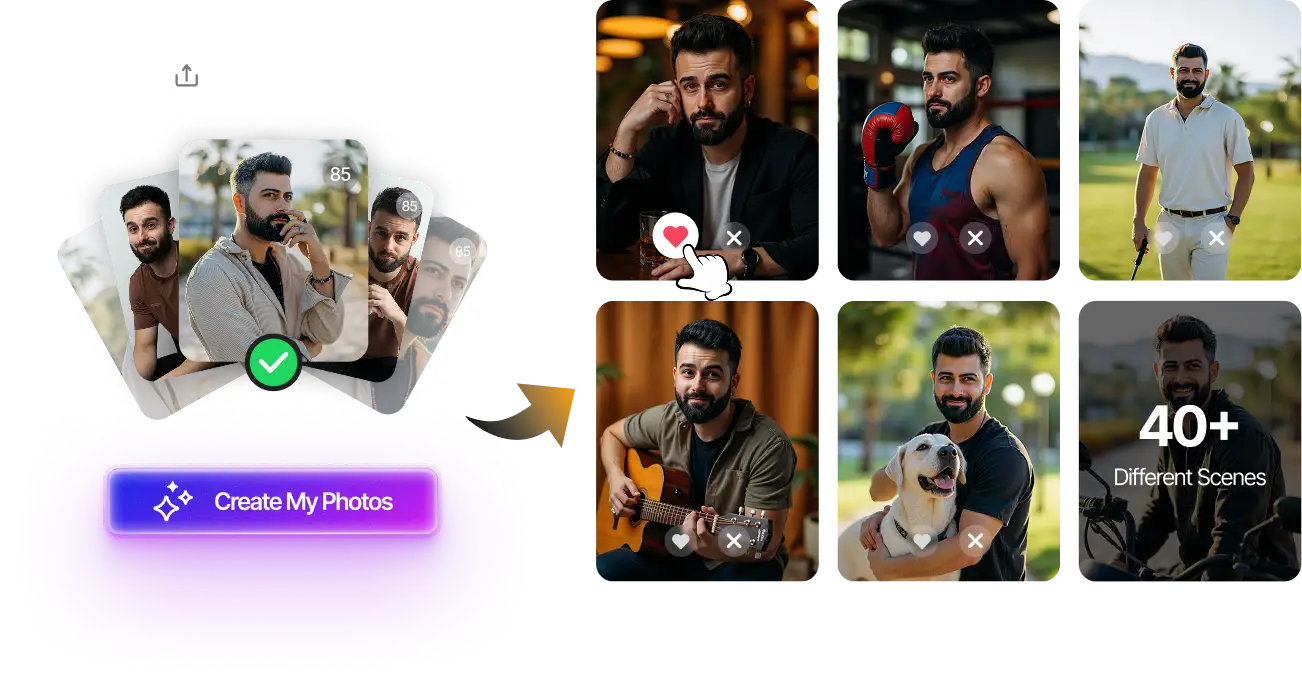
Generate professional dating photos that pass AI detection without compromising your privacy. Upload selfies, get 80-180 optimized photos in 20 minutes.
100+ unique photos • Privacy-first • One-time payment
Get Started Now →AI Photos vs Real Photos: Safety Comparison
Real Photos:
✅ No AI detection concerns
✅ Appear more authentic to potential matches
❌ Expose your actual appearance and location
❌ Can be reverse-searched to find other profiles
❌ Metadata reveals camera type, date, and GPS coordinates
AI-Generated Photos:
✅ No location data or metadata exposure
✅ Can't be reverse-searched to your real identity
✅ Protects your actual appearance from strangers
❌ Risk of platform detection and account flags
❌ Ethical concerns about authenticity
❌ May require disclosure depending on platform rules
The safest approach combines both: use AI tools to enhance real photos rather than replacing them entirely. This gives you privacy benefits while maintaining authenticity. For detailed guidance on using AI photos on specific platforms, check out our Hinge AI photos guide, and if your concern is enforcement or visibility after a bad upload, use the dating app shadowban diagnosis guide before resetting accounts.
What to Do If Your Photos Are Flagged
If a dating app flags your photos as potentially AI-generated or violating guidelines:
Don't Panic: Most platforms send warnings before taking action. Flagging doesn't always mean immediate banning—it often means your photos are under manual review.
Review Platform Guidelines: Each app has specific photo policies. Tinder's approach to AI photos differs from Bumble or Hinge. Understanding the rules helps you respond appropriately.
Be Honest: If contacted by support, transparency works better than denial. Explain your photo editing process and offer to verify your identity through video chat if needed.
Replace Problematic Photos: Upload new images that better align with platform standards. Mix genuine selfies with professionally edited photos to create a balanced, authentic-looking profile.
Appeal if Necessary: If you believe your photos were wrongly flagged, most apps have appeal processes. Provide evidence like original photo files, timestamps, or camera metadata to support your case.
Related guide: For a more focused next step, read How to Spot Fake Dating Profile Photos (Scammer + AI Checks) and connect this advice to your wider dating profile plan.
Final Thoughts
Dating photo safety in 2025 requires balancing authenticity with privacy protection. AI detection systems are sophisticated, but understanding how they work puts you in control of your dating app experience.
The key is preparation: check your photos' realness scores before uploading, remove identifying metadata, and stay informed about platform policies. Whether you choose real photos, AI-enhanced images, or professional AI-generated dating photos, prioritizing both authenticity and privacy protection ensures a safer online dating journey.
Ready to create photos that pass AI detection while protecting your privacy? Try our free Realness Score Analyzer to check your current photos, or explore our AI Photo Generator for privacy-safe, professional dating images.
Transform Your Dating Profile Safely
Upload your selfies, get 80-180 AI-optimized dating photos in just 20 minutes. Privacy-first approach with no data retention.
100+ unique photos • Privacy-first • One-time payment
Get Started Now →Frequently Asked Questions
Can dating apps see if I use AI-generated photos?
Yes, modern dating apps use AI detection algorithms that analyze visual artifacts, metadata, and behavioral patterns. They look for inconsistencies in skin texture, lighting, facial geometry, and missing camera data. However, high-quality AI photos that closely mimic real photography can pass these checks.
What happens to my photos after I delete my dating profile?
Most apps retain your photos for 30-90 days after account deletion, though some keep them indefinitely for "business purposes" as stated in their terms of service. Some platforms explicitly reserve the right to use your images for AI training even after deletion. Always read the data retention policy before uploading.
Is it legal for dating apps to use my photos for AI training?
If it's stated in their terms of service and you agreed to them, yes. Many popular dating apps include clauses allowing them to use uploaded content for "service improvement" and "technology development," which covers AI training. Read privacy policies carefully and consider apps with stricter data protection standards.
How can I remove metadata from my photos before uploading?
On iPhone, disable location services for your camera app in Settings > Privacy > Location Services. For existing photos, use apps like Metapho or Photo Metadata Remover. On Android, use apps like Photo Exif Editor. Desktop users can use free tools like ExifTool or Windows File Properties to remove embedded data.
Will I get banned for using AI photos on dating apps?
It depends on the platform and how realistic your photos are. Some apps explicitly prohibit AI-generated images, while others focus on preventing catfishing rather than banning AI photos outright. Using high-quality, realistic AI photos that accurately represent your appearance typically carries lower risk. Always check platform-specific guidelines and consider using our Realness Score Analyzer before uploading.