Does Hinge Detect AI Photos? Hinge AI Photo Rules for 2026
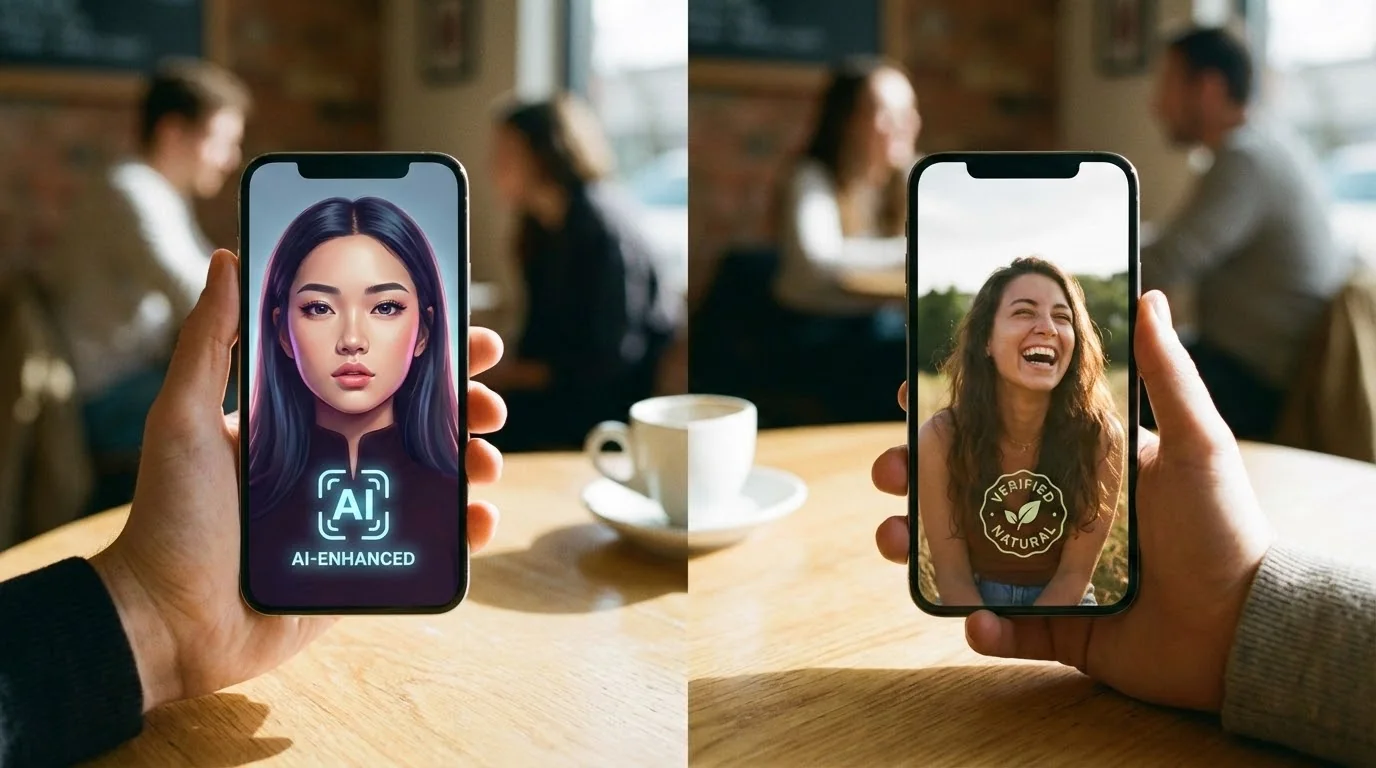
Short answer: Hinge can review photos and profile behavior, but its public rule is authenticity, not a simple "all AI photos are banned" rule. Hinge's terms say users should not misrepresent themselves or use AI-generated content to mislead others.
If your AI photos still look like a current, recognizable version of you, they are much lower risk than fake identities, fake body changes, fantasy scenes, or a full profile of overly polished images. (For what each slot in your lineup should do, see our ranking of dating profile photos by outcome.) This guide answers the high-intent questions users search for: does Hinge use AI, can Hinge detect AI photos, what Hinge's AI photo policy means in 2026, and how to use AI-assisted photos without hurting profile trust.
If the issue is your whole profile rather than a single photo, run the free dating profile optimizer before changing every Hinge image at once.
Key Takeaways
- Hinge's public rule is authenticity: AI photos become risky when they mislead people about who you are
- Use AI photos as photo improvement, not identity replacement: keep your face, age, body type, and lifestyle believable
- Realness Score above 85 is a useful internal quality target before uploading
- Mix AI with real photos: a balanced profile looks more natural than a set of identical polished shots
- Roll changes out gradually: replacing every photo at once can look suspicious to both people and moderation systems
Hinge's Official Policy on AI Photos: What the Rules Actually Say
Hinge does not ban AI photos outright. Its AI Principles page addresses them by name: "If you decide to include generative AI images, audio, or video in your profile, it should not be used to misrepresent yourself or your intentions." The rule is about misrepresentation, not about which tool made the photo.
The Community Guidelines (last updated April 2026) put the same idea under "Be yourself": every account needs at least one photo that clearly shows your face, and "posting misleading or outdated photos is misaligned with our values of honesty and authenticity." A photo set that still looks like you on a normal Tuesday passes that bar. One that reshapes your jaw or takes ten years off doesn't.
There's one number worth knowing before you upload anything. Hinge's own guide to using AI in dating tells daters to "skip the AI-generated profile photos. 88% of Hinge daters are uncomfortable with them." That discomfort is a reaction to photos people can tell are AI: waxy skin, lighting that's a little too perfect. Which is exactly why we score every photo for realness before you post it. A photo that fails a Realness check reads as fake to your matches too, and no policy loophole fixes that.
The short version: allowed, as long as the photos are honestly you; at least one clear face shot; and if people can spot the AI, you've lost the match long before moderation gets involved.
Does Hinge Detect AI Photos in 2026?
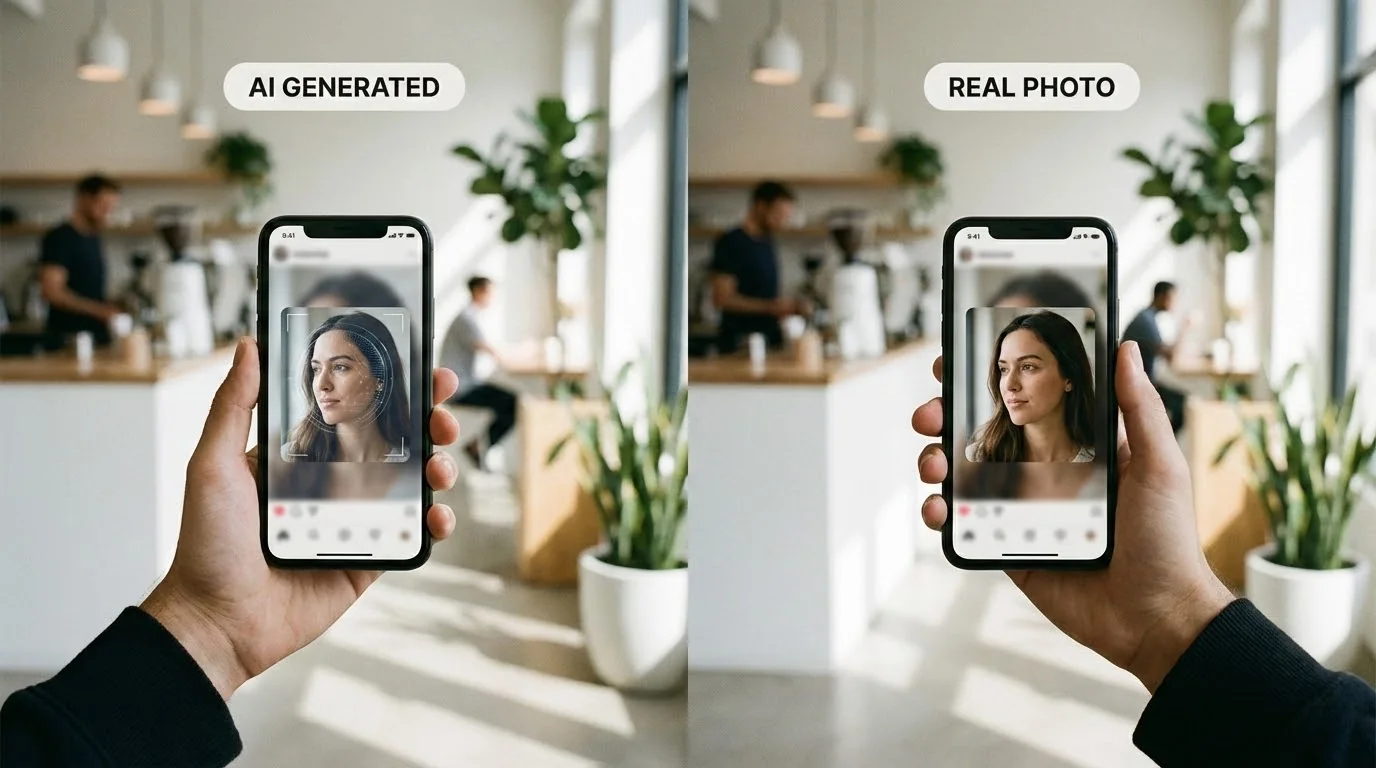
Short answer: Hinge does not disclose every photo review signal, so nobody outside Hinge can promise exactly what it detects. The practical rule is clear: AI photos become risky when they mislead matches about your face, age, body, lifestyle, or identity.
That means "can Hinge detect AI photos?" is not the only question to optimize for. The better question is whether the photo would still feel honest if a match saw you in person. A realistic AI-assisted photo based on your real appearance is a different risk category from a fake face, fake body, fake age, or fake lifestyle scene.
| Photo type | Hinge risk level | Why it matters |
|---|---|---|
| Current face, realistic lighting, believable outfit | Lower | Looks like photo improvement, not identity replacement |
| Over-polished AI skin, distorted hands, inconsistent face | Medium | Looks artificial and may reduce profile trust |
| Fake body, fake age, fake luxury lifestyle, or another person's face | High | Can cross into misrepresentation |
| Six AI photos with no real, candid, or current context | High | Makes the whole profile feel less authentic |
Higher-risk AI photo patterns include:
- Completely fake profiles or images that do not show the real person behind the account
- Low-quality AI photos with obvious artifacts, distorted hands, plastic skin, or inconsistent teeth
- Profiles with only polished AI photos and no candid or current real-world context
- Photos that violate community guidelines, including nudity, harassment, minors, or misleading identity cues
Does Hinge Use AI?
When people ask "does Hinge use AI," they usually mean one of two things: whether Hinge uses automation to review profiles, or whether Hinge allows users to upload AI-generated photos. Treat those as separate questions.
Dating apps can use automated tools, human review, user reports, and trust signals to protect safety and profile quality. That does not mean every AI-assisted photo is automatically banned. For users, the safer standard is authenticity: do not create a profile that looks like another person or presents a version of your life you cannot stand behind.
What Hinge and Other Apps May Review
Hinge does not publish a full detection system. These are common review signals dating apps can evaluate when deciding whether a photo looks authentic, misleading, or low quality.
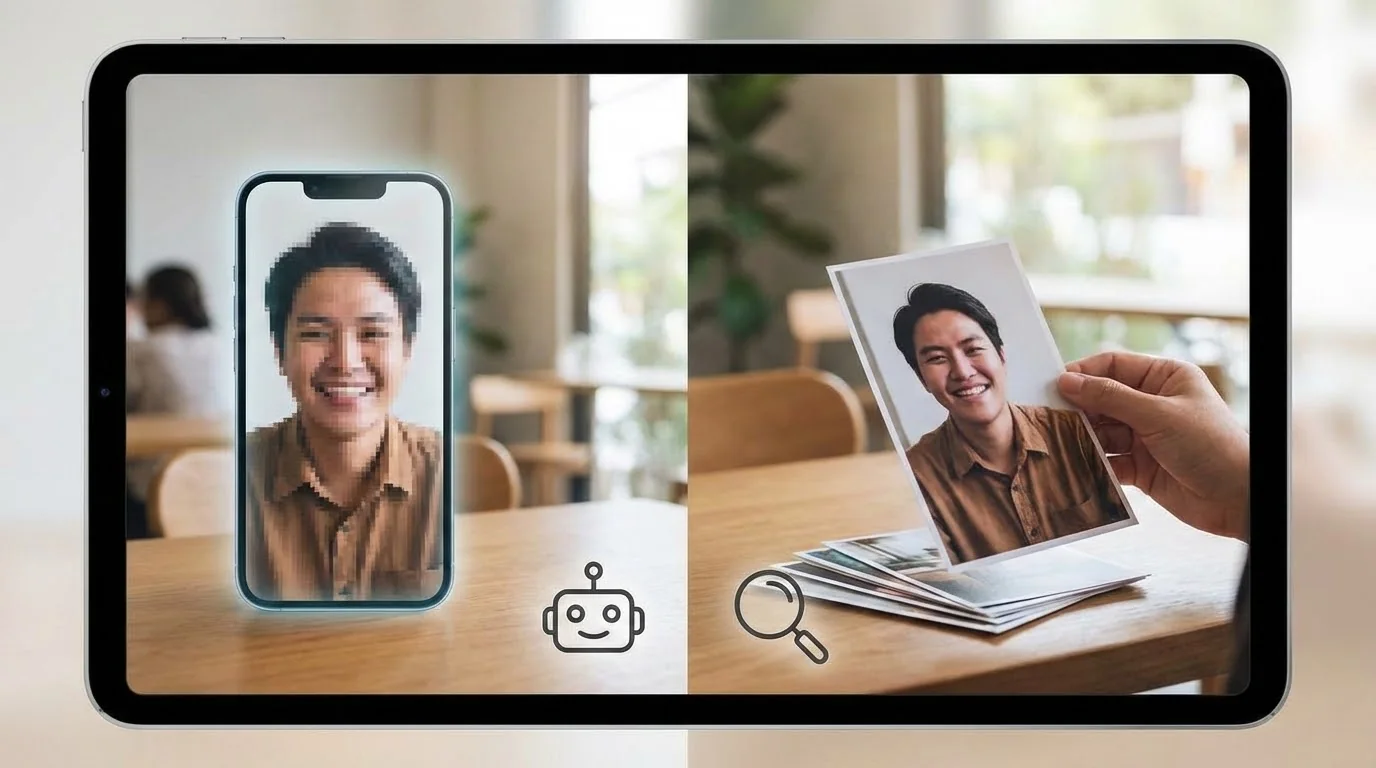
Visual Markers
- Skin texture consistency: AI often creates unnaturally smooth or poreless skin
- Hand and finger anatomy: AI struggles with realistic hands (extra fingers, weird joints)
- Background coherence: Blurry or nonsensical backgrounds are red flags
- Lighting physics: Shadows and reflections that don't match real-world physics
- Edge artifacts: Unnatural blurring or sharp transitions at face edges
Metadata Analysis
- EXIF data: Photos without camera metadata raise suspicion
- File patterns: AI generators often leave specific file signatures
- Upload timing: Multiple photos uploaded simultaneously from the same session
Behavioral Patterns
- Profile consistency: Do all your photos show the same person with realistic variation?
- Photo diversity: Mix of settings, outfits, and angles
- Engagement patterns: Low engagement with obvious AI photos may trigger review
Test Your Photos' Realness Score (Free)
Free tool · No signup
Check Your Photos Before Hinge Does
Upload a photo and get its Realness Score in seconds — the same 0–100 scale used below. Anything under 85 is worth fixing before it goes on your profile.
Analyze My Photos Free →Free analysis · Instant results · No signup required
What is Realness Score and Why It Matters
A Realness Score is DatePhotos.AI's 0-100 quality signal for how natural an AI dating photo looks. It is not a score published by Hinge, but it is a practical pre-upload check for the same visual problems that make AI photos feel misleading: plastic skin, inconsistent lighting, distorted hands, and mismatched facial details. For the full diagnostic framework, use the free Realness Score Analyzer before changing every image in your Hinge lineup.
| Realness Score | Detection Risk | What Happens |
|---|---|---|
| 90-100 | Extremely Low | Passes detection, looks fully authentic |
| 85-89 | Low | Safe zone, minimal risk of flagging |
| 70-84 | Medium | May pass automated checks but risky |
| Below 70 | High | Likely to trigger manual review or removal |
Pro tip: Aim for a Realness Score of 85 or higher as an internal quality benchmark. Learn more in our guide to the best AI dating photos. The goal is not to "beat" Hinge; it is to avoid photos that look fake to both people and moderation review.
7-Step Guide to Using AI Photos on Hinge Safely
Step 1: Generate High-Quality AI Photos
Not all AI photo generators are equal. If you're new to AI dating photos, check out our complete guide to creating AI dating photos. Look for services that:
- Use advanced models trained on real photography
- Offer realistic skin textures and natural imperfections
- Generate proper hand anatomy (this is critical)
- Create coherent backgrounds that match lighting
- Provide Realness Score guarantees (85+ recommended)
Step 2: Check Your Realness Score
Before uploading anything to Hinge, run your AI photos through a Realness Score analyzer. This takes 3 seconds and can save you from getting flagged.
What to look for:
- Score above 85: ✅ Safe to use
- Score 70-84: ⚠️ Consider regenerating with different settings
- Score below 70: ❌ Don't use, will likely get flagged
Step 3: Mix AI with Real Photos
The safest profile strategy is a 60/40 mix:
- 60% AI photos: Your best-looking, professionally styled shots
- 40% real photos: Candid shots, group photos, activity photos
Example 6-photo Hinge profile:
- AI headshot (main photo) - High Realness Score
- Real photo with friends
- AI full-body shot - Natural setting
- Real photo doing a hobby
- AI lifestyle shot - Outdoor/travel
- Real candid photo
Step 4: Avoid Common AI Photo Mistakes
Don't do this:
- ❌ Upload all AI photos at once
- ❌ Use photos with visible AI artifacts (weird hands, blurry backgrounds)
- ❌ Choose overly perfect or model-like photos
- ❌ Use the same background in multiple AI photos
- ❌ Ignore lighting inconsistencies
Do this instead:
- ✅ Upload photos gradually (1-2 per week)
- ✅ Select photos with natural imperfections
- ✅ Choose realistic, attainable looks
- ✅ Vary settings, outfits, and lighting
- ✅ Match lighting direction across photos
Step 5: Remove EXIF Data (Optional but Recommended)
Some AI generators leave telltale metadata. Strip EXIF data before uploading:
- Mac: Use Preview → Tools → Show Inspector → Remove Location Info
- Windows: Right-click → Properties → Details → Remove Properties
- Online tools: Use exifremove.com or similar services
Step 6: Upload Strategically
Timing matters:
- Don't replace all 6 photos in one day
- Start with 1-2 AI photos, keep 4-5 real photos
- Wait 3-7 days before adding more AI photos
- Replace photos individually, not in batches
Step 7: Monitor for Warning Signs
Watch for these red flags that Hinge might be reviewing your profile:
- Sudden drop in matches after photo change
- Photos removed without explanation
- "Under review" message on profile
- Decreased visibility (fewer likes received)
If you notice these signs, immediately replace AI photos with real ones and wait 2 weeks before trying again.
Get AI Photos with 85+ Realness Score Guarantee
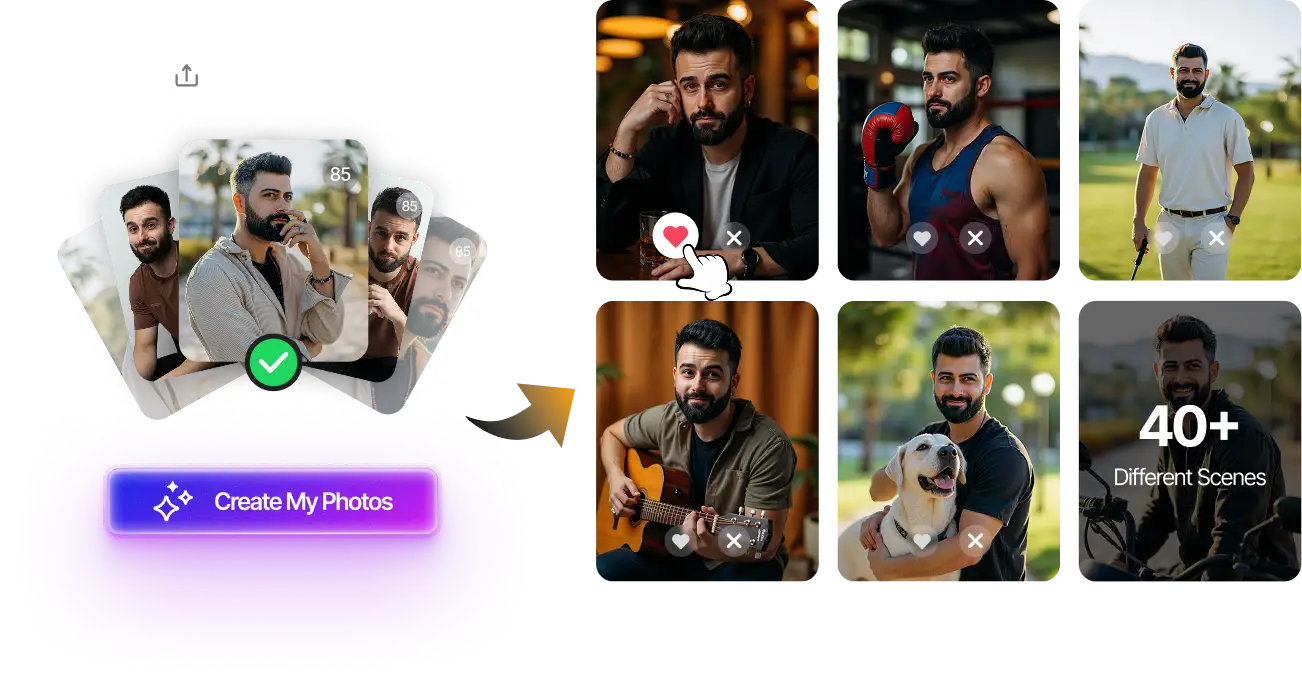
Upload your selfies, get 180 AI-optimized dating photos in 20 minutes. Every photo guaranteed 85+ Realness Score for Hinge safety.
180 unique photos • Privacy-first • One-time payment $29
Create My Hinge Photos Now →What Happens If Hinge Flags Your AI Photos?
If Hinge decides a photo or prompt violates its rules, the first outcome may be content removal rather than a full account ban. The safer move is to remove anything misleading before it becomes an account issue.
First Warning
- Photo removed from profile
- No notification (photo just disappears)
- Profile remains active
- Can upload replacement photo
Multiple Violations
- "Profile under review" message
- Reduced visibility in recommendations
- 24-48 hour review period
- May need to verify identity
Severe Cases
- Temporary ban (7-30 days)
- Permanent account suspension (rare)
- Device ban (very rare, only for repeated violations)
Important: Hinge is much more lenient than Tinder. Most users who get flagged simply have their photos removed, not banned entirely.
Real Success Stories: AI Photos on Hinge
Case Study 1: Mark, 32, Software Engineer
"I used 4 AI photos (all with 88+ Realness Score) mixed with 2 real photos. Been on Hinge for 6 months, no issues. My match rate went up 3x compared to my old selfies."
Case Study 2: David, 28, Remote Worker
"I tried uploading all AI photos at once—bad idea. Hinge removed 3 of them within 24 hours. I switched to the 60/40 mix strategy and haven't had problems since. The key is gradual replacement."
Case Study 3: James, 35, Introvert
"As an introvert, I hate photo shoots. AI photos saved me. I used DatePhotos.AI, checked every photo's Realness Score before uploading, and mixed them with 2 real photos. 8 months on Hinge, zero flags."
Hinge vs Other Apps: AI Photo Policies
| Dating App | AI Detection | Strictness Level | Recommended Strategy |
|---|---|---|---|
| Hinge | Active | Medium | 60/40 mix, 85+ Realness Score |
| Tinder | Very Active | High | 70/30 mix, 90+ Realness Score |
| Bumble | Active | Medium-High | 50/50 mix, 87+ Realness Score |
| OkCupid | Limited | Low | Any mix, 80+ Realness Score |
Verdict: Hinge is more forgiving than Tinder (read about Tinder AI photo ban policies) but stricter than OkCupid. The 60/40 strategy works best.
For a dedicated landing page built around Hinge photo intent, use our Hinge AI photos guide for prompt-friendly image selection, realistic composition, and examples that keep the profile believable.
Frequently Asked Questions
Does Hinge use AI?
Hinge does not disclose every internal review or ranking system. For users, the important distinction is this: platform automation is different from user-uploaded AI photos. A realistic AI-assisted photo is lower risk when it still represents your real face, age, and lifestyle honestly.
Can Hinge detect AI photos?
Hinge does not publish a full AI photo detection checklist. It is safer to assume that obvious AI artifacts, inconsistent faces, fake identity changes, and misleading lifestyle scenes can be reviewed or reported. Use Hinge AI photos only when they look natural and recognizable.
Are AI photos on Hinge allowed in 2026?
Hinge's public terms focus on authenticity and misrepresentation. AI-assisted photos are much safer when they improve lighting, outfit, or background while still looking like a current version of you. Fake identities, deceptive edits, and unrealistic lifestyles are the risky category.
Does Hinge ban AI photos?
Hinge does not publish a simple "all AI photos are banned" rule. However, a misleading AI photo can still be removed or contribute to account trust issues. Keep your first photo especially realistic and mix AI-assisted shots with recent real photos.
What is Hinge's AI-generated photos policy?
The practical policy is authenticity. Do not use AI-generated content to mislead matches about who you are. If a photo changes your identity, body, age, or lifestyle in a way that would surprise someone in person, do not use it on Hinge.
What is the best ratio of AI to real photos on Hinge?
For a six-photo Hinge profile, start with three or four polished AI-assisted photos and two or three recent real photos. If your AI photos look too perfect compared with your real photos, reduce the AI count and lead with the most believable image.
What should I do if Hinge removes my AI photo?
Replace it with a recent real photo or a more natural AI-assisted photo. Do not immediately upload a full new set of polished images. Wait, review what looked misleading, and rebuild your profile gradually with a more balanced photo mix.
Ready to Upgrade Your Hinge Profile?
Get realistic AI dating photos designed for a natural Hinge profile: recognizable face, believable lighting, and an 85+ Realness Score target.
No photoshoot needed • Privacy-first • One-time $29
Create My Photos Now →Final Thoughts: The Smart Way to Use AI Photos on Hinge
Using AI photos on Hinge in 2026 is possible, but the strategy has changed. The key is not hiding that AI exists; it is making sure every image still looks like a real, current, recognizable version of you.
Remember the golden rules:
- Always check Realness Score (aim for 85+)
- Mix AI with recent real photos so the profile feels coherent
- Upload gradually, not all at once
- Avoid obvious AI artifacts
- Monitor for warning signs
Thousands of users are successfully using AI photos on Hinge right now. The difference between those who get flagged and those who don't? They follow the strategies in this guide.
Your next step: Check your AI photos' Realness Score before uploading, or generate new AI photos with guaranteed high scores. Your improved match rate starts with photos that look authentic and professional.