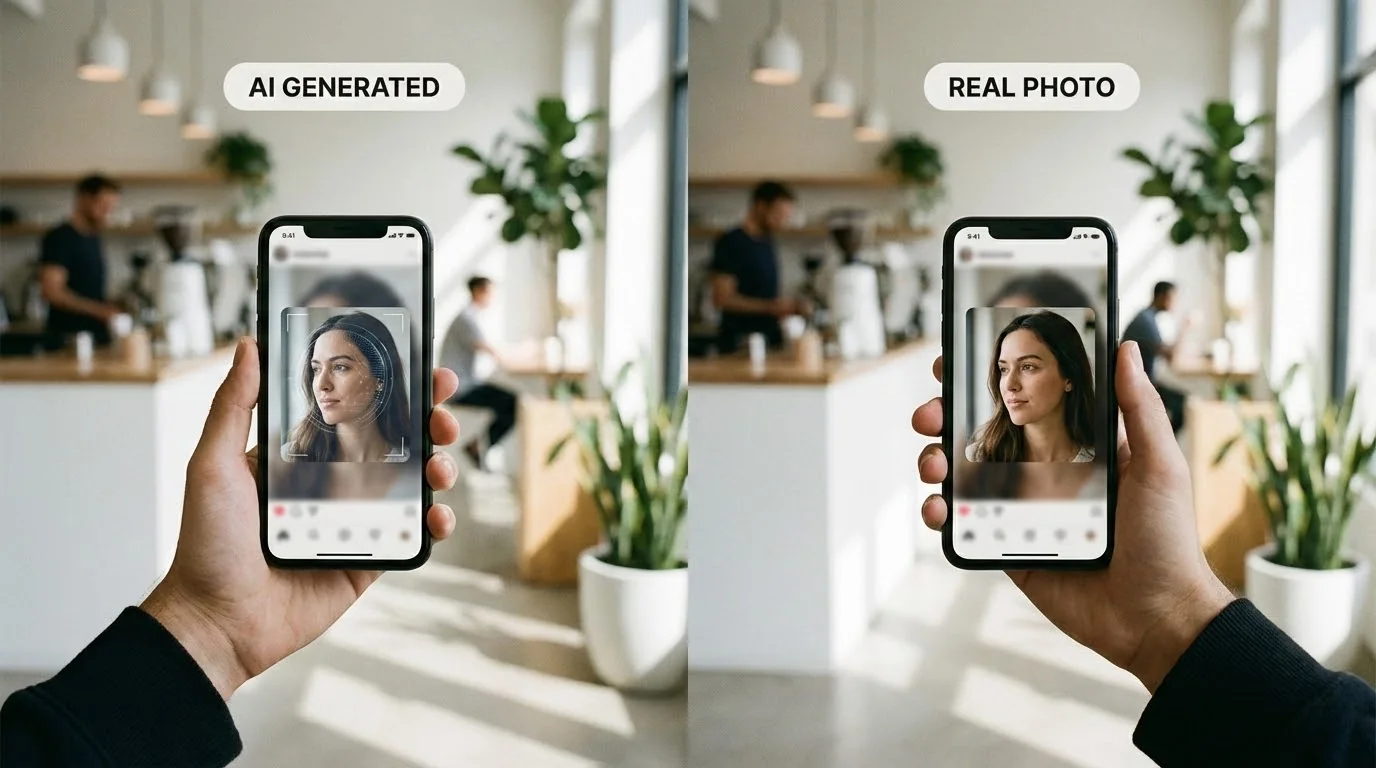
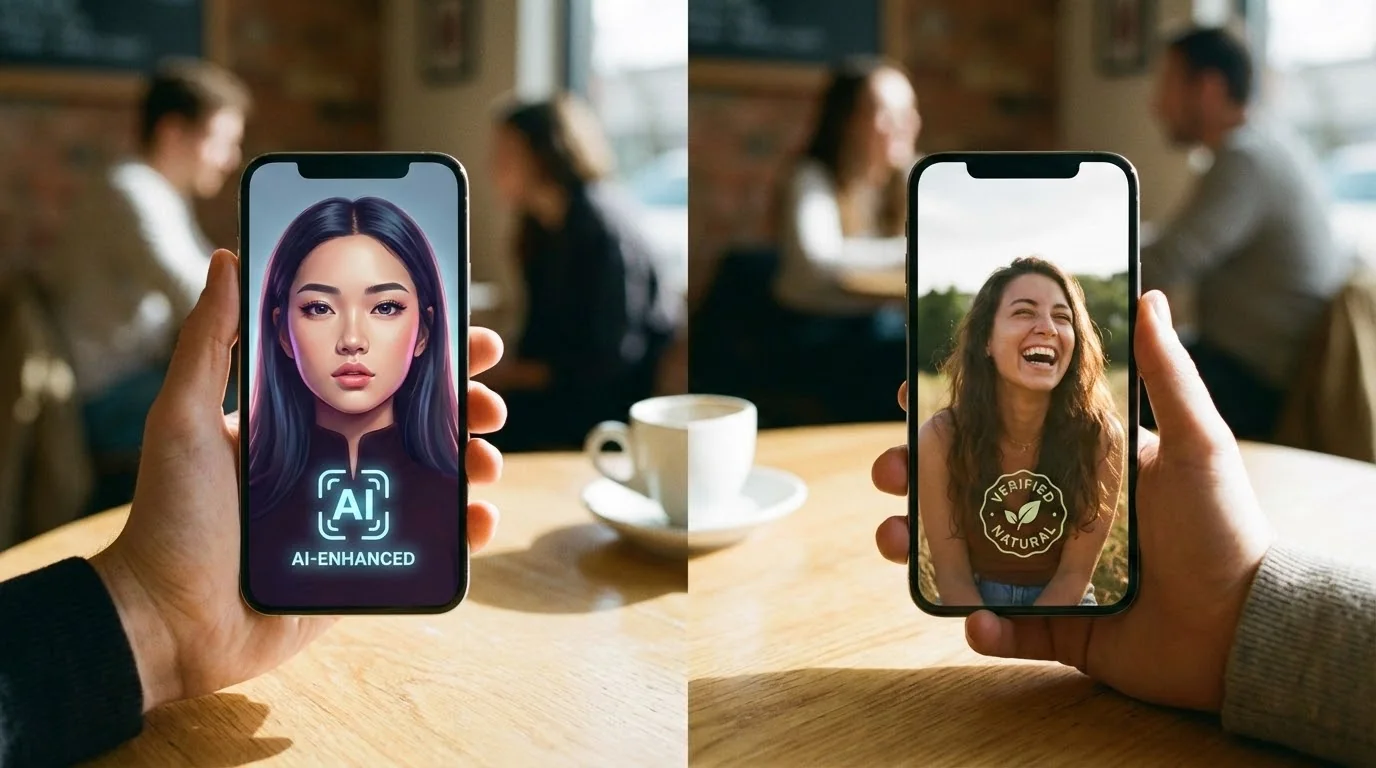
Do My Dating Photos Look AI-Generated? 2026 Checklist
Short answer: your dating photos may look AI-generated if the face is too smooth, the hands are wrong, the background has strange details, the lighting does not make sense, or every photo looks equally polished.
Use a two-step check before uploading to Tinder, Hinge, or Bumble: first do a quick visual inspection, then run the image through a Realness Score Analyzer. This catches both obvious AI artifacts and subtle fake-looking edits.
For current dating app policy risk, also read the 2026 AI dating photo policy guide.
Key Takeaways
- Check hands, skin, hair, background, and shadows first: these are the fastest AI tells.
- Over-editing can make real photos look AI-generated, especially heavy skin smoothing and fake lighting.
- Use a Realness Score after visual review so you are not guessing from appearance alone.
- Do not upload a full synthetic-looking set at once: photo consistency and timing can affect trust.
- The safest AI photos still look current and recognizable, not like a different person in a fantasy scene.
Why You Need to Check Your Photos for AI Detection
Dating apps aren't just looking for obvious fakes anymore. Their AI detection systems have become much more sophisticated in 2025:
- Tinder uses computer vision AI that analyzes 50+ data points per photo
- Hinge employs behavioral analysis that flags profiles with 100% AI photos
- Bumble cross-references metadata and visual patterns to detect AI generation
- Match Group (Tinder, Hinge, OkCupid) shares detection data across platforms
The consequences of getting caught are serious:
- 🚫 Immediate photo removal without notification
- ⚠️ Profile shadowban reducing your visibility by 70-90%
- ❌ Account suspension lasting 7-30 days
- 🔒 Permanent ban in extreme cases (repeat violations)
The good news? If you check your photos before uploading, you can avoid all of these problems. Let's start with the simplest method: your own eyes.
The 5-Second Visual Inspection: Spotting AI Photos
Before using any tool, you can catch most AI-generated photos with a quick visual check. Here are the telltale signs:
1. Hands and Fingers (The #1 AI Giveaway)
AI models still struggle with hands. Look for:
- ❌ Extra or missing fingers (6 fingers, 4 fingers, merged digits)
- ❌ Unnatural joint angles or impossible hand positions
- ❌ Blurry or melted hands where the AI failed to render details
- ❌ Asymmetric hands where left and right don't match
- ✅ Natural variation in finger length and realistic wrinkles are good signs
Pro tip: If the photo crops out hands or hides them strategically, that's suspicious—AI generators often do this to avoid the hand problem.
2. Skin Texture and Pores
Real skin has imperfections. AI skin looks too perfect:
- ❌ Porcelain smoothness without any visible pores
- ❌ Heavily airbrushed appearance like heavy Instagram filters
- ❌ Uniform skin tone across entire face (no natural color variation)
- ❌ Missing freckles, moles, or natural marks that real people have
- ✅ Visible texture, slight blemishes, natural shine variations are authentic
3. Hair and Hairline Details
AI struggles with individual hair strands:
- ❌ Blurry hair edges that blend into the background
- ❌ Unrealistic hair flow that defies physics
- ❌ Missing flyaway hairs (real hair has some chaos)
- ❌ Merged hair strands that look painted rather than real
- ✅ Individual visible strands and natural messiness are good
4. Background Coherence
Check if the background makes sense:
- ❌ Nonsensical objects (text that's unreadable gibberish)
- ❌ Warped architecture (walls that curve weirdly, asymmetric windows)
- ❌ Depth inconsistencies (objects at impossible distances)
- ❌ Blurred edges around the subject where AI "cut and pasted" them in
- ✅ Recognizable locations with clear, readable text are authentic
5. Lighting and Shadows
Physics don't lie—AI sometimes does:
- ❌ Shadows pointing wrong directions (multiple light sources that don't match)
- ❌ Face lit differently than background
- ❌ Missing shadows where there should be some (under chin, nose)
- ❌ Overly dramatic lighting that looks studio-lit in casual settings
- ✅ Consistent light direction and natural shadow placement
Check Your Photos in 3 Seconds
Upload your photo to our free Realness Score Analyzer. Get instant AI detection score (0-100) and detailed feedback on what dating apps will see.
Free forever • No signup • Instant results
Analyze Your Photos Free →
How to Use a Realness Score Analyzer (Free Method)
Visual inspection works for obvious fakes, but what about borderline cases? A Realness Score Analyzer uses the same detection algorithms as dating apps to score your photos objectively.
What is a Realness Score?
A Realness Score is a 0-100 metric measuring how authentic your photo looks:
| Score Range | Meaning | Risk Level | Recommendation |
|---|---|---|---|
| 90-100 | Indistinguishable from real | Extremely Low | Safe to use anywhere |
| 85-89 | High quality, minimal tells | Low | Safe for most dating apps |
| 70-84 | Noticeable AI characteristics | Medium | Risky, may get flagged |
| 50-69 | Obviously AI-generated | High | Will likely be detected |
| Below 50 | Clearly fake | Certain | Do not use |
Step-by-Step: Using the Free Analyzer
- Upload your photo: Drag and drop or select from your device
- Wait 3 seconds: The analyzer processes using AI detection models
- Review your score: See your 0-100 Realness Score instantly
- Check detailed feedback: Identify specific problem areas (hands, skin, background)
- Decide whether to use it: Aim for 85+ for dating app safety
What the Analyzer Actually Checks
Modern Realness Score analyzers evaluate:
- 🔍 Facial landmark consistency: Are eyes, nose, mouth proportions realistic?
- 🔍 Skin texture authenticity: Presence of pores, natural color variation
- 🔍 Hand and finger anatomy: Correct number of digits, realistic joints
- 🔍 Background coherence: Logical scene composition, readable text
- 🔍 Lighting physics: Shadow direction, light source consistency
- 🔍 Metadata patterns: File signatures that indicate AI generation
- 🔍 Edge artifacts: Unnatural blurring or transitions
7 AI Photo Mistakes That Always Get Detected
After analyzing thousands of AI dating photos, these patterns trigger detection consistently:
Mistake #1: The Six-Finger Problem
Despite improvements, AI still adds extra fingers or creates bizarre hand shapes. Solution: Always regenerate photos with hand issues. Never upload a photo with more or fewer than 5 fingers per hand.
Mistake #2: Porcelain Doll Skin
Skin that's too perfect looks fake. Real photos show pores, slight discoloration, and texture. Solution: Choose AI photos with visible skin texture and natural imperfections.
Mistake #3: Gibberish Background Text
AI-generated text in backgrounds is unreadable nonsense. Solution: Avoid photos with visible text or signs in backgrounds, or verify text reads as real words.
Mistake #4: Missing or Wrong Shadows
Shadows that point different directions or faces lit differently than surroundings. Solution: Check that shadows match the apparent light source direction.
Mistake #5: Too Good to Be True
If you look like a professional model in every shot but your real photos are average, it's obvious. Solution: Mix AI photos with real ones (60/40 ratio recommended in our Hinge AI photos guide).
Mistake #6: Identical Backgrounds Across Photos
Using the same AI-generated background in multiple photos. Solution: Vary settings drastically—indoor, outdoor, different locations.
Mistake #7: Overly Dramatic Lighting
Perfect studio lighting in casual settings (e.g., "hiking" photo with professional key light). Solution: Match lighting style to the claimed setting.
How to Improve Your Photos' Realness Score
Got a low score? Here's how to improve it:
For AI-Generated Photos:
- Regenerate with different settings: Try different prompts focusing on "natural, realistic, candid"
- Choose photos without hands: Upper body shots, face-only photos avoid the hand problem
- Pick less perfect options: Slight asymmetry and imperfections increase realness
- Use better AI generators: High-quality services like professional AI dating photo generators produce more realistic results with guaranteed 85+ scores
- Add subtle imperfections in editing: Very slight blemishes, natural skin texture (don't overdo it)
For Real Photos Being Flagged:
- Reduce heavy filters: Instagram filters can make real photos look AI-generated
- Avoid excessive skin smoothing: Keep natural texture visible
- Use less dramatic editing: Subtle adjustments only
- Include EXIF metadata: Camera data proves it's from a real device
Test Your Photos' Realness Score Now
After improving your photos, check if they pass detection. Our free AI analyzer gives you the exact score dating apps will see.
Instant results • No signup • 100% free forever
Analyze Your Photos Free →How Dating Apps May Review AI-Looking Photos in 2026
Dating apps do not publish every review signal, so nobody outside the platforms can promise exactly what gets flagged. The practical risk model is clear enough: obvious artifacts, misleading appearance changes, user reports, verification mismatch, and synthetic-looking full profiles all increase risk.
Tinder
Tinder risk is highest when photos suggest fake identity, misleading appearance changes, spam behavior, or ban evasion. Realistic AI-assisted photos are safer when they match your current look and are not uploaded as a full synthetic set.
Hinge
Hinge profiles invite comments on specific photos and prompts, so misleading or uncanny photos can generate user skepticism quickly. Hinge photos should feel like real moments from your life.
Bumble
Bumble trust depends heavily on approachability and verification consistency. If a photo looks too polished, too synthetic, or inconsistent with the rest of your profile, it can hurt both moderation trust and human response.
Frequently Asked Questions
How can I tell if my dating photos look AI-generated?
Check hands, skin texture, hair edges, background text, shadows, teeth, and whether every photo looks equally polished. If something feels too perfect or physically impossible, run the image through a Realness Score Analyzer before uploading.
Can real dating photos look AI-generated?
Yes. Heavy filters, aggressive skin smoothing, face reshaping, fake background blur, and over-sharpening can make real photos look synthetic. This is why edited real photos should be checked too.
What Realness Score is safe for dating apps?
Use Realness Score as a quality signal, not a guarantee. Higher scores are safer, but the photo still needs to match your current appearance and fit naturally with the rest of your profile.
Do Tinder, Hinge, and Bumble detect every AI photo?
No platform discloses exact detection coverage. Assume they can use automated review, reports, verification, and manual moderation. The safest photos are realistic, representative, and not misleading.
Should I delete photos that look AI-generated?
Do not upload photos with obvious artifacts, changed identity, fantasy scenes, or inconsistent facial features. If the issue is minor lighting or crop, edit lightly and test again.
What should I do if all my AI photos look fake?
Regenerate from better input selfies instead of trying to fix every output. Use clear, varied, unfiltered source photos with different angles and lighting so the AI has a realistic base to learn from.