How to Make AI Photos Look More Natural in 2025
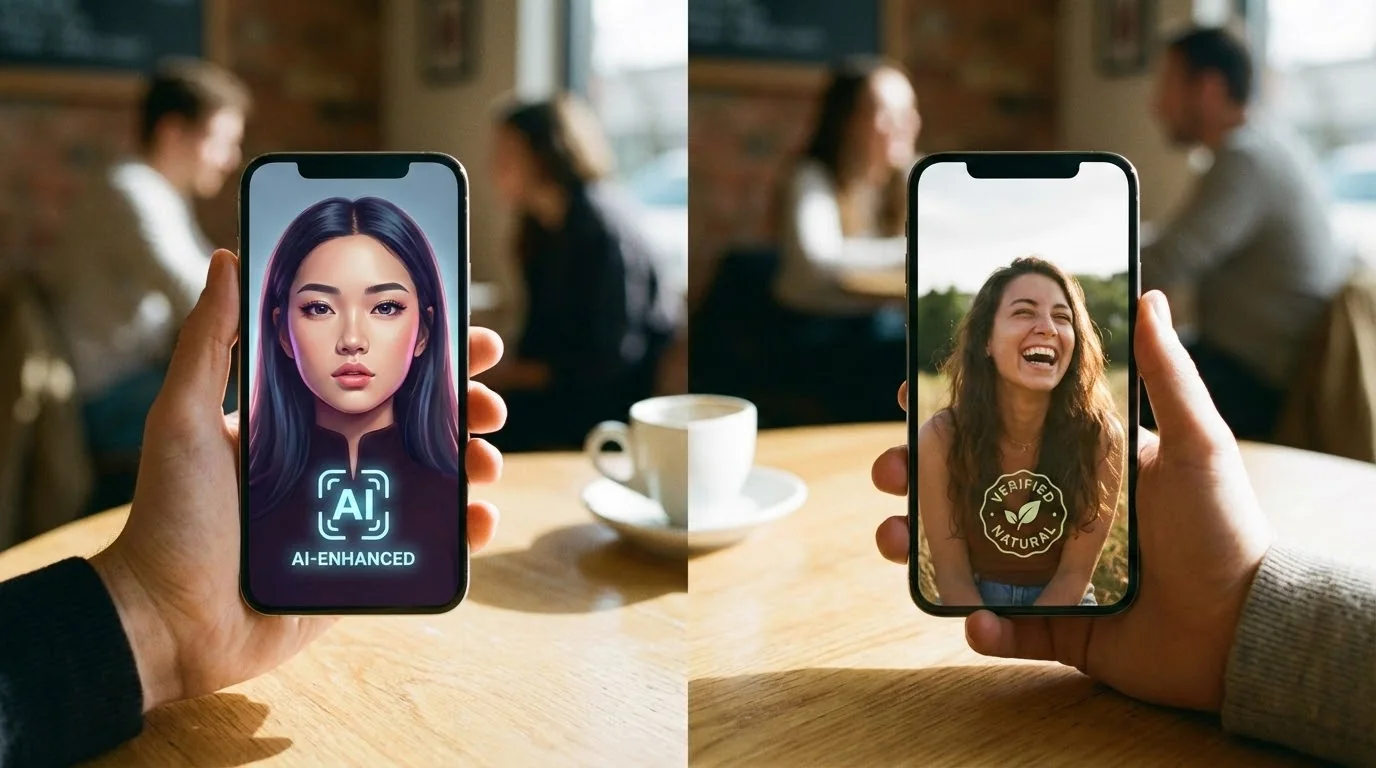
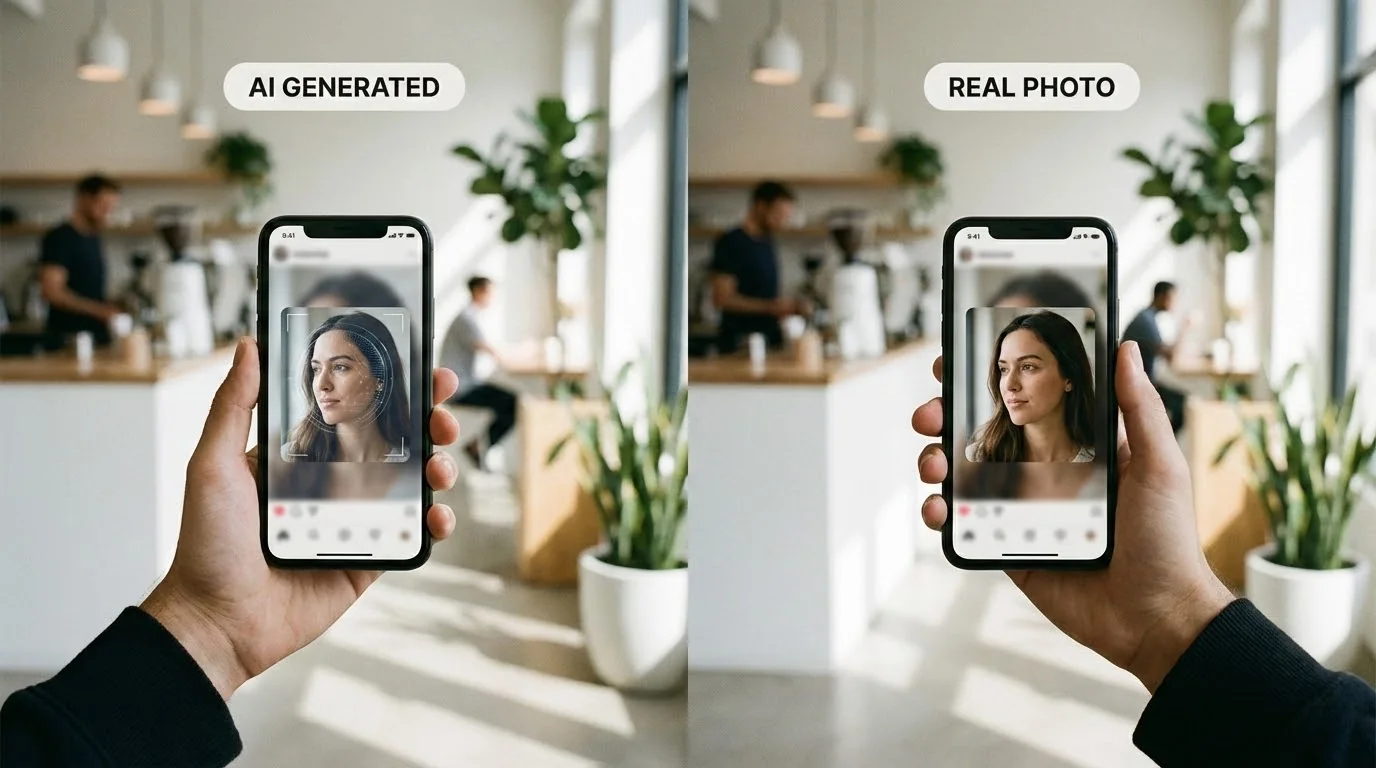
You've generated AI dating photos, but they look... off. Maybe the lighting is too perfect, the background too crisp, or there's that telltale AI "glow" that screams synthetic. You're not alone. 85% of AI-generated dating photos fail realness checks because they look too polished.
The good news? A few strategic tweaks can make your AI photos look natural enough to pass both human judgment and dating app detection systems. This guide shows you exactly how.
Key Takeaways
- Subtle imperfections matter. Perfect photos trigger AI detection, so add realistic flaws like natural shadows and texture
- Context is everything. Generic backgrounds and studio lighting scream "AI-generated," so use real-world settings
- Mix AI with authentic photos. Dating apps penalize profiles with 100% AI photos, so blend 2-3 AI images with real ones
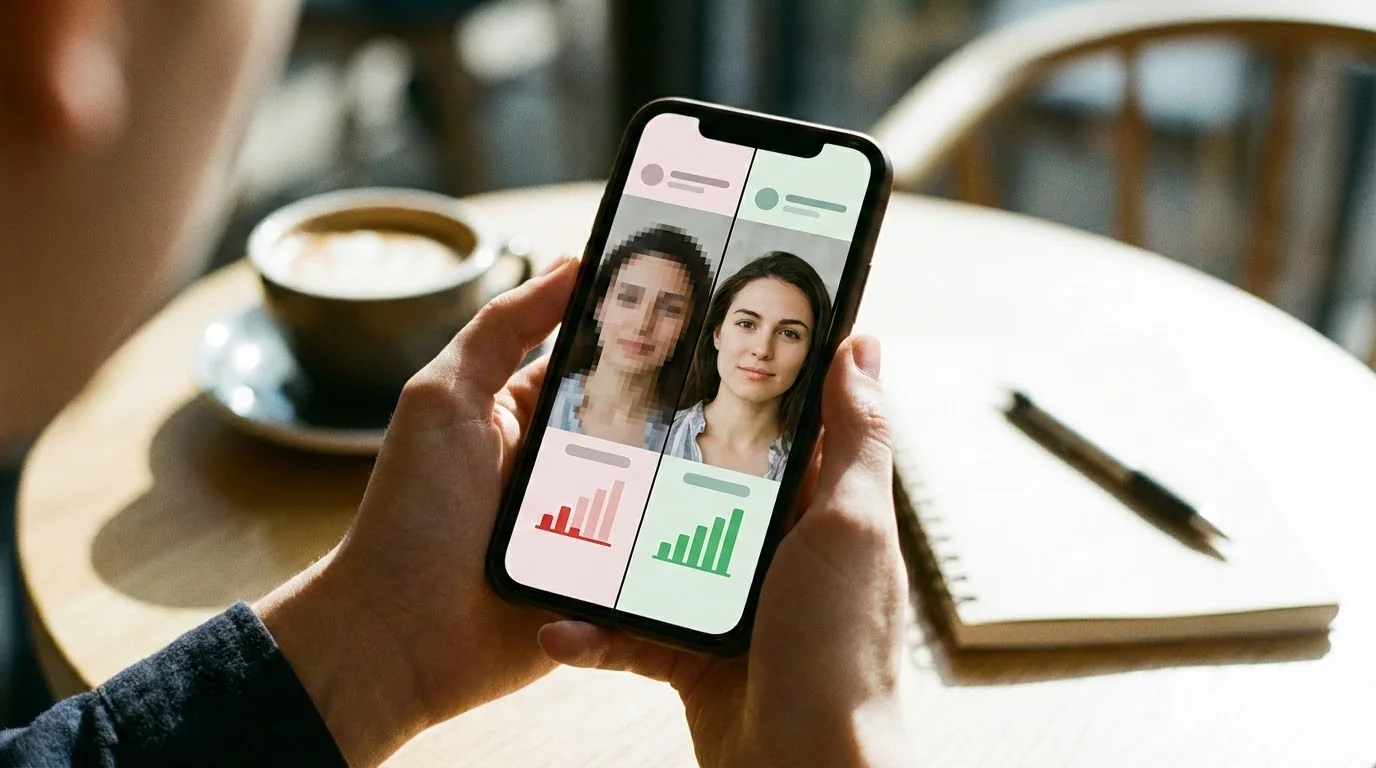
- Test before uploading. Use detection tools to check your realness score and identify obvious AI markers
Why Natural-Looking AI Photos Matter
Dating apps like Tinder, Hinge, and Bumble are getting better at detecting AI-generated images. In 2025, platforms use advanced computer vision to flag synthetic photos, and profiles with obvious AI content face:
- Reduced visibility. Your profile gets shown to fewer people
- Lower match rates. Users swipe left on photos that look fake
- Account warnings or bans. Some apps actively remove AI-heavy profiles
But the real issue isn't the technology. It's trust. When your photos look overly processed, potential matches question your authenticity. Natural-looking AI photos help you present a better version of yourself while staying genuine.
For platform-specific strategies, check our guides on using AI photos on Hinge and Bumble's AI photo policies.
Common AI Photo Tells That Ruin Natural Look
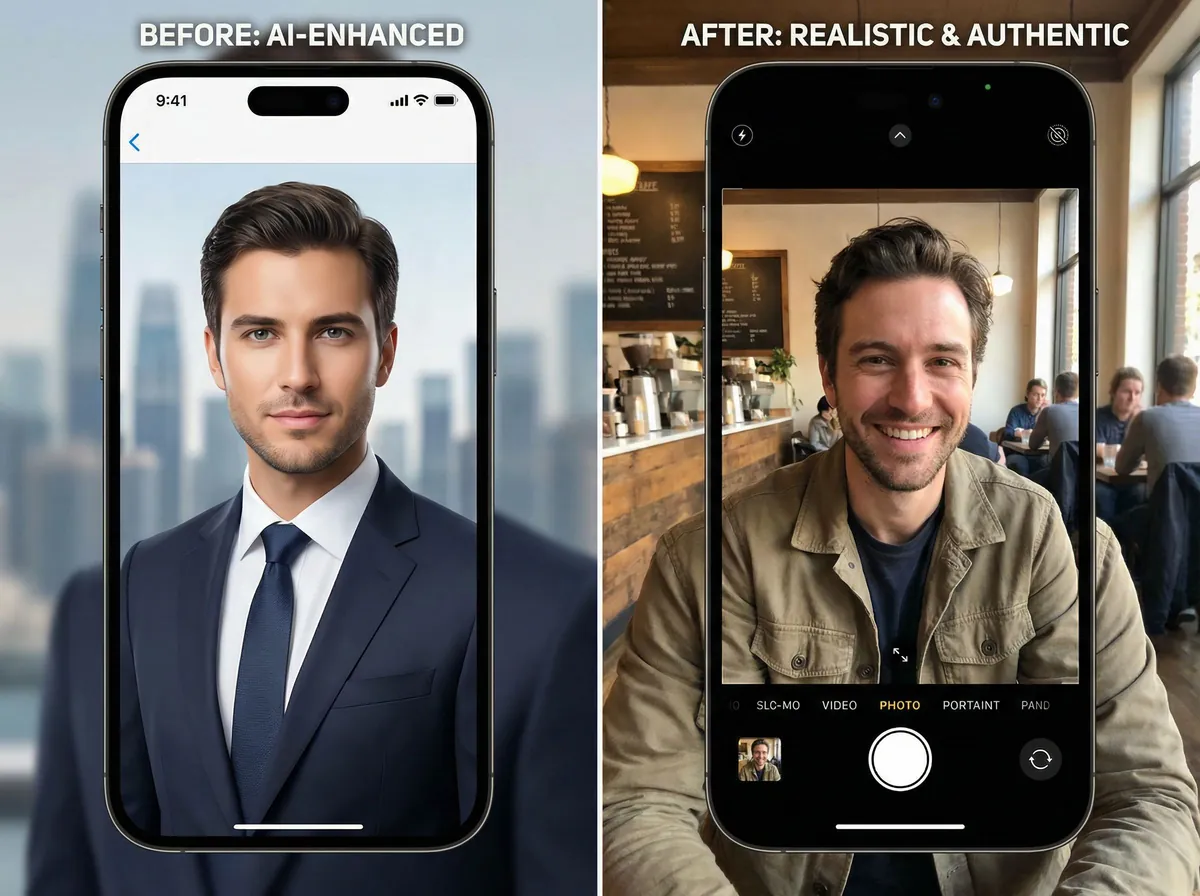
Before you can fix AI photos, you need to recognize what makes them look synthetic. Here are the most common giveaways:
1. Over-Smoothed Skin Texture
AI often creates porcelain-smooth skin that looks airbrushed. Real skin has pores, fine lines, and texture variations. When every blemish disappears, it's an instant red flag.
2. Perfect Studio Lighting
Most AI generators default to ideal three-point lighting with zero harsh shadows. Real photos, especially selfies, have uneven lighting, natural shadows under the chin, and occasional glare.
3. Generic or Impossible Backgrounds
AI backgrounds often look like stock photos or contain subtle impossibilities: windows with odd reflections, trees with unnatural symmetry, or furniture that doesn't quite make geometric sense.
4. Too-Perfect Composition
Professional AI photos place subjects in the ideal rule-of-thirds position with perfect headroom and balanced negative space. Real photos are slightly off-center, cropped awkwardly, or have distracting elements.
5. Unnatural Eye Contact
AI-generated eyes often stare directly at the camera with unsettling intensity or have identical catch lights in both pupils, something rarely seen in actual photography.
Check Your Photos Before Uploading
Use our free AI Realness Score Analyzer to identify which photos might trigger detection systems and get specific improvement suggestions.
Free analysis • Instant results • No signup required
Analyze Your Photos Free →Proven Techniques to Improve AI Photo Naturalness
Now let's fix those telltale signs. These techniques work regardless of which AI photo generator you use:
Add Realistic Imperfections
The counterintuitive truth: flaws make photos believable. Add subtle texture overlays, minor skin imperfections, or slight color variations. Most photo editing apps let you layer noise or grain filters. Use them at 10-20% opacity.
Adjust Lighting to Match Real Conditions
Reduce the "studio glow" by:
- Lowering overall exposure by 5-10%
- Adding directional shadows (simulate window light from one side)
- Introducing slight color casts (warm indoor lighting or cool outdoor tones)
- Creating uneven lighting across the face
Modify Backgrounds Strategically
Replace generic AI backgrounds with real-world settings. Use photo editing tools to place your AI-generated subject onto authentic backgrounds from your phone's photo library. Coffee shops, parks, or even a tasteful home setting create instant believability. For a deeper scene-by-scene breakdown, use the AI photo backgrounds guide for dating apps.
Break Perfect Composition
Intentionally make photos less perfect:
- Crop slightly off-center
- Include partial objects at frame edges
- Add slight rotation (1-2 degrees)
- Leave headroom irregular
Vary Eye Contact and Expression
If you're generating multiple photos, avoid having every image feature direct eye contact. Mix in:
- Looking slightly off-camera
- Mid-laugh captures (less posed)
- Candid-style shots with natural expressions
Technical Adjustments That Boost Authenticity
Beyond visual tweaks, these technical modifications help photos pass automated detection:
Add EXIF Metadata
AI-generated images often lack camera metadata. Use tools like ExifTool to add realistic EXIF data including camera model, lens information, focal length, and GPS coordinates. Match the metadata to what a smartphone or DSLR would actually record.
Introduce Compression Artifacts
Real photos get compressed when shared across platforms. Export your AI photo at 85% quality, then re-export at 90%. This creates subtle compression patterns that mimic real-world file handling.
Apply Lens-Specific Distortion
Smartphone cameras have characteristic lens distortion, especially front cameras. Add subtle barrel or pincushion distortion matching the device you claim used. Most editing software has lens correction tools you can apply in reverse.
Match Color Profiles
Different cameras produce different color signatures. If you're mixing AI photos with real ones, match the color grading. Use curves and color balance to ensure consistent skin tones and white balance across your entire photo set.
Want Professional-Looking AI Photos?
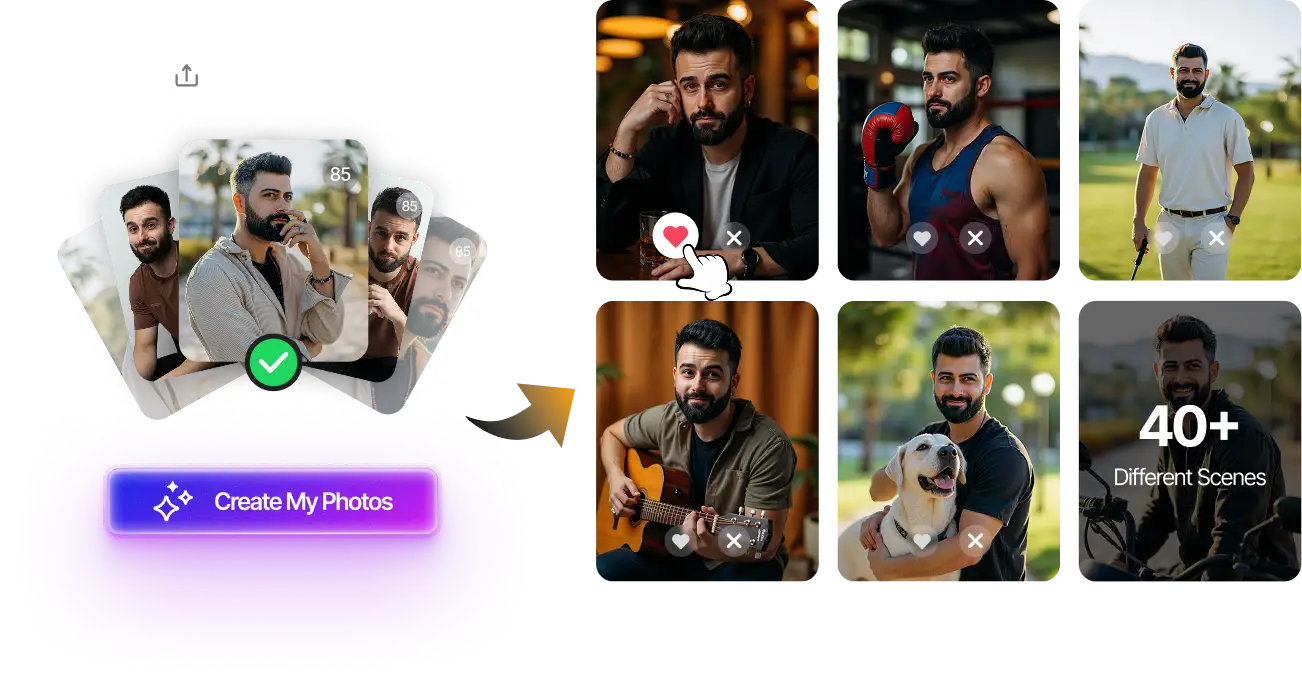
Upload your selfies and get 80-180 AI-optimized dating photos that look natural and authentic. Our advanced models automatically add realistic imperfections.
100+ unique photos • Privacy-first • One-time payment
Get Started Now →Step-by-Step Photo Improvement Workflow
Follow this process to transform obviously AI photos into natural-looking images:
Step 1: Initial Quality Check
Before editing, run your photo through a realness score analyzer to establish a baseline score and identify specific problem areas.
Step 2: Address Major Issues First
Fix the most obvious problems in this order:
- Background replacement (if generic or impossible)
- Lighting adjustments (reduce perfection)
- Skin texture restoration (add subtle imperfections)
Step 3: Add Authentic Details
Layer in natural elements:
- Slight motion blur (1-2 pixels on edges)
- Natural shadows consistent with light direction
- Environmental reflections in eyes
- Fabric texture and clothing wrinkles
Step 4: Technical Post-Processing
Apply technical authenticity layers:
- Add appropriate EXIF metadata
- Apply subtle noise/grain
- Introduce compression artifacts
- Match color profile to other photos
Step 5: Final Validation
Test your improved photo again with detection tools. Aim for a realness score above 85. If still flagged, revisit the areas the analyzer highlights and make additional adjustments.
The Optimal AI-Real Photo Mix Strategy
Even perfectly natural-looking AI photos work best when mixed with authentic images. Here's the winning formula:
The 40-60 Rule
Keep AI photos to 40-60% of your total profile photos. For a 6-photo dating profile, use:
- 2-3 AI-enhanced photos (the best ones)
- 3-4 authentic photos (selfies or friend-taken shots)
Strategic AI Photo Placement
Use AI photos for:
- Primary profile photo. Your first impression should be polished
- Full-body shots. Hard to get naturally, so AI fills the gap
- Professional/styled looks. Situations you wouldn't normally photograph
Use real photos for:
- Candid moments. Laughing with friends, hobbies, travel
- Group photos. AI struggles with multiple people
- Activity shots. Hiking, concerts, adventures
Maintain Visual Consistency
When mixing photo types, keep these consistent:
- Overall color grading and tone
- Clothing style and grooming
- Time period (same season/year appearance)
- Photo quality (don't mix 4K AI with grainy selfies)
Final Thoughts
Making AI photos look natural isn't about perfection. It's about believable imperfection. Add realistic flaws, adjust the technical details, and mix AI with authentic images, and you create a profile that feels genuine while still putting your best self forward.
The key is balance. Use AI to improve your dating presence without sacrificing authenticity. Start with our free realness score analyzer to identify your photos' weak points, then apply these proven techniques. The goal isn't to trick anyone. It's to present yourself confidently and authentically using the tools available.
Ready to create natural-looking AI dating photos from scratch? Try our AI Dating Photo Generator that automatically applies these authenticity principles to every image.
Transform Your Dating Profile Today
Upload your selfies, get 80-180 AI-optimized dating photos in just 20 minutes. No photoshoot needed.
100+ unique photos • Privacy-first • One-time payment
Get Started Now →Frequently Asked Questions
Can dating apps actually detect AI-generated photos?
Yes, major dating apps like Tinder and Hinge use computer vision algorithms to detect AI photos. But well-optimized AI photos with natural imperfections often pass undetected. The key is avoiding obvious AI tells like perfect skin, studio lighting, and generic backgrounds.
What's a good realness score for dating app photos?
Aim for a realness score above 85 out of 100. Scores between 85-95 indicate natural-looking photos that blend AI enhancement with authentic characteristics. Anything below 70 will likely trigger detection systems and reduce profile visibility.
Should I tell matches I'm using AI photos?
There's no universal rule, but honesty builds trust. If asked directly, be transparent about using AI enhancement while emphasizing that photos still represent how you actually look. Most people understand using technology to present your best self. It's no different than filters or professional photography.
How many AI photos can I use without getting flagged?
Keep AI photos to 40-60% of your total profile. For a 6-photo profile, use 2-3 AI-generated images mixed with 3-4 authentic photos. This ratio passes most detection systems while maintaining profile authenticity.
What's the biggest mistake people make with AI dating photos?
Using 100% AI-generated photos with zero authentic images. This instantly triggers detection algorithms and makes your profile look fake to potential matches. Always mix AI photos with real ones, and make sure your AI photos include realistic imperfections like natural lighting variations and subtle skin texture.