How to Spot Fake Dating Profile Photos (Scammer + AI Checks)
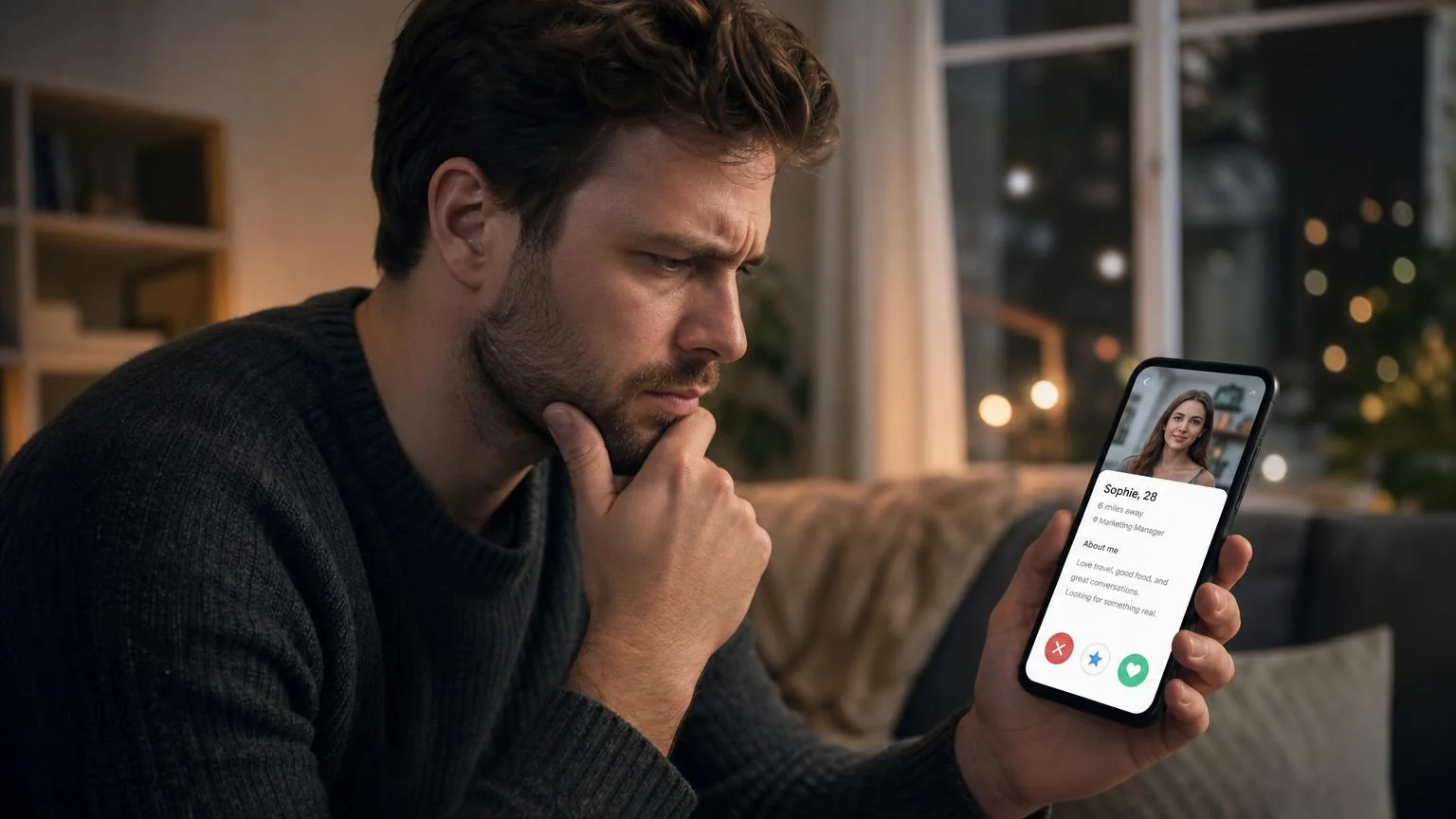
Spotting military dating scammer photos and other fake dating profile photos comes down to a few fast checks: run a reverse image search, look for stolen or stock-style images, and watch for the tells that give away AI-generated faces. If a photo shows up elsewhere on the web, looks too polished for a supposedly candid moment, or falls apart under close inspection, treat the profile as suspicious until it earns your trust.
This guide walks you through the exact steps daters use to verify suspicious profiles. You'll learn the pattern behind dating online scams photos, how to reverse-search an image in under a minute, and the AI-photo tells that are getting harder to catch. By the end, you'll have a repeatable checklist you can run on any profile that feels off.
Key Takeaways
- Reverse image search first. If the same face appears on stock sites, other social accounts, or unrelated profiles, that's your strongest early signal.
- Military scam photos follow a script. Uniforms, deployment stories, and requests to move off-app fast are classic red flags of a stolen-identity romance scam.
- AI faces have tells. Look at ears, teeth, hands, backgrounds, and jewelry, the details AI still struggles to render cleanly.
- Behavior confirms the photo. A fake photo plus refusing a live video call is close to a confirmed catfish.
What Are Fake Dating Profile Photos?
Fake dating profile photos are images that don't actually show the person you're talking to. They fall into three broad buckets, and knowing which one you're looking at changes how you verify it.
The first bucket is stolen photos: real pictures of a real person lifted from social media, modeling portfolios, or another dating app. This is the backbone of most romance scams, including military dating scammer photos, where fraudsters reuse images of actual service members.
The second bucket is AI-generated faces. These don't belong to anyone. A scammer can create an unlimited supply of "people" who will never show up in a reverse image search, because the face has never existed before.
The third bucket is heavily edited or misleading real photos: old shots, extreme filters, or images that are technically "them" but designed to deceive. That last group isn't always malicious, but it still tells you something about how the profile wants to be seen.
Military Dating Scammer Photos: The Pattern to Recognize
Romance scams built around a fake soldier are one of the most common and costly online dating cons reported each year, and they almost always lean on the same visual and behavioral script. Recognizing the pattern is faster than analyzing any single image.
Here's what dating online scams photos in this category tend to share:
- Uniform-heavy galleries. Nearly every photo shows the person in military dress, often in staged or promotional-looking settings rather than casual, everyday moments.
- Mismatched details. Insignia, rank, and unit patches that don't line up, or photos that clearly come from different people across the same profile.
- "Deployed and unreachable" stories. A convenient reason they can't video chat, meet, or verify, usually tied to a remote base or active mission.
- Fast emotional escalation. Strong affection within days, followed by a request to move to a private messaging app.
The tell that matters most isn't the uniform. It's the combination of a polished, stolen-looking gallery with any request involving money, gift cards, crypto, or "help" with travel and fees. Real people you just met online do not need your bank details.
When a profile hits several of these notes at once, don't debate it. Run the photo checks below and, more importantly, ask for a live, unscripted video call.
Check Your Photos Before Tinder Does
Use our free AI Realness Score Analyzer to check if photos might trigger detection systems or read as artificial.
Free analysis • Instant results • No signup required
Analyze Your Photos Free →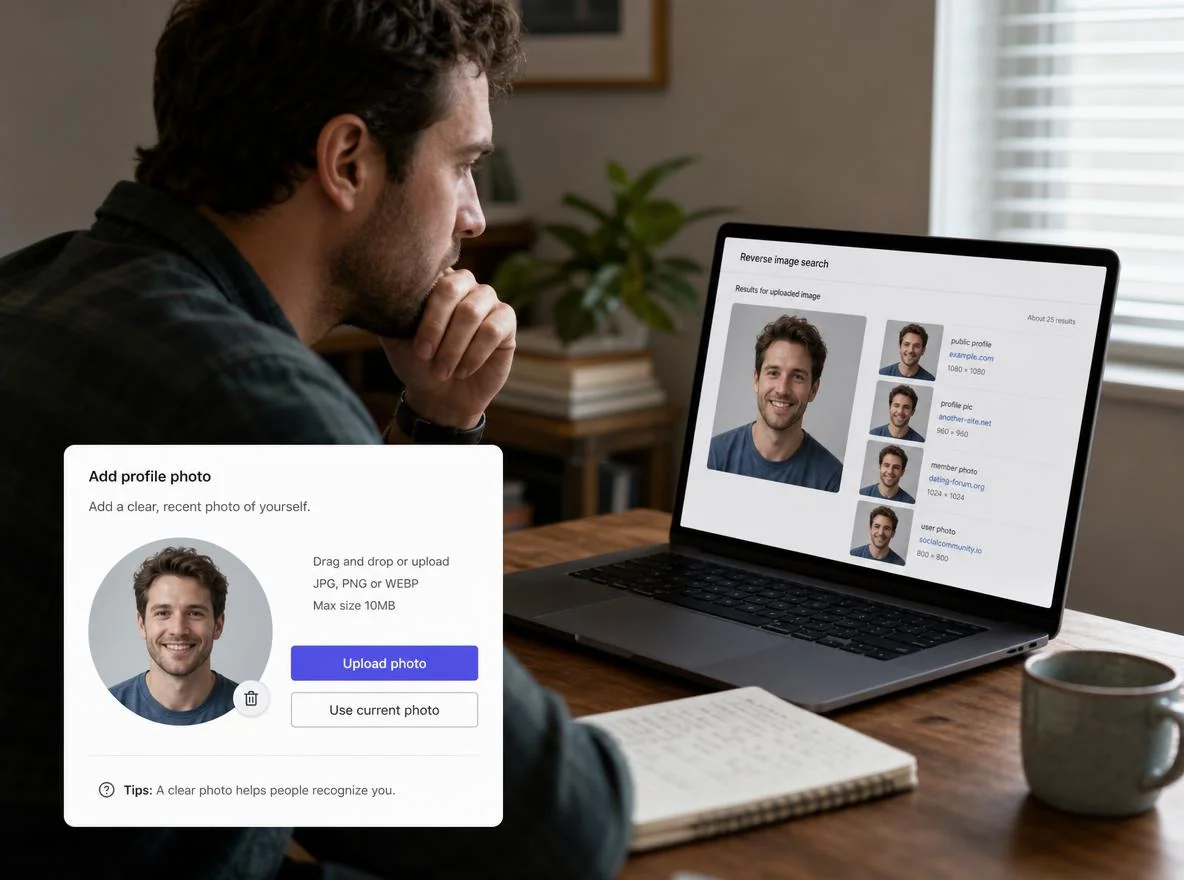
How to Reverse Image Search a Suspicious Profile
Reverse image search is the single most useful check you have. It answers one question fast: has this exact photo appeared somewhere else on the internet? If the answer is yes, and "elsewhere" is a stock site or a stranger's Instagram, you're done.
Here's the process, step by step:
- Save or screenshot the photo. Grab the clearest headshot from the profile. Crop out any app watermarks so the search engine focuses on the face and background.
- Upload it to a reverse image tool. Use a mainstream image search feature. Most major search engines let you drag in an image or paste a URL. Run the same photo through more than one tool, since each indexes different sites.
- Scan the results for mismatches. Look for the same face attached to a different name, a modeling site, a stock library, or accounts in another country.
- Repeat with a second photo. Scammers sometimes mix one "clean" image with several stolen ones. Checking two or three photos catches inconsistencies a single search would miss.
- Crop and re-search. If the full image returns nothing, crop tightly to just the face and try again. Tight crops can surface matches that busy backgrounds hide.
One caveat: a clean result doesn't guarantee a real person. AI-generated faces won't match anything because they were never photographed. That's exactly why the next check matters. If you're building your own profile and want to make sure your best dating profile photos read as authentic rather than artificial, the same tells work in reverse.
AI-Photo Tells: What Gives Fake Faces Away
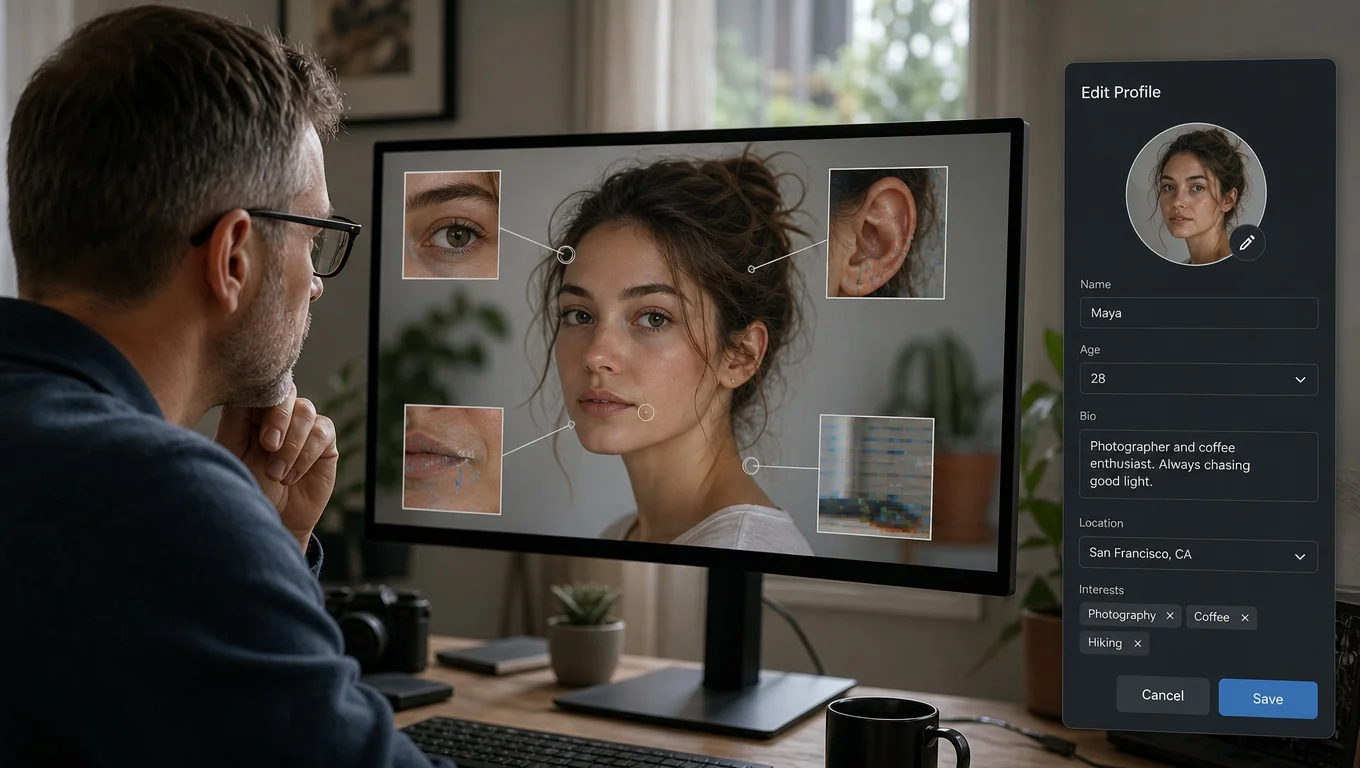
AI portraits have gotten good, but they still leave fingerprints if you know where to look. Zoom in and inspect the edges and small details. That's where the model struggles.
Run through these check points on any face that reverse search couldn't place:
- Ears and earrings. Mismatched ears, melted-looking lobes, or an earring on one side only are common AI slips.
- Teeth and mouths. Too many teeth, blurry gum lines, or a smile that doesn't quite reach the eyes.
- Hands and fingers. The classic giveaway: extra fingers, fused knuckles, or hands that bend in odd ways.
- Hair and edges. Strands that dissolve into the background, or a hairline that blurs where it should be sharp.
- Backgrounds. Warped text, nonsensical signs, repeating patterns, or objects that merge into each other.
- Symmetry that's too perfect. Flawless skin with zero texture, and lighting that's suspiciously even across the whole face.
No single tell is proof. But when two or three stack up on the same image, you're likely looking at a generated face. For a faster read, an ai dating photo analyzer can score how artificial an image looks so you're not squinting at pixels alone.
Not Sure If a Photo Is Real?
Run any suspicious image through our free Realness Score Analyzer to see how likely it is to be AI-generated or altered.
Free analysis • Instant results • No signup required
Analyze Your Photos Free →Behavior That Confirms a Fake Profile
Photos start the investigation, but behavior usually closes it. A fake image paired with any of these patterns should end the conversation.
- Refusing a live video call. The excuses pile up: bad connection, deployment, camera broken. A real match will hop on a quick call.
- Pushing off-app fast. Wanting to move to private messaging within the first day removes the platform's safety tools.
- Any money request. Emergencies, travel costs, customs fees, investment "opportunities." All variations of the same scam.
- Copy-paste affection. Generic compliments, flowery messages that ignore what you actually said, or replies that feel scripted.
If you want to sanity-check your own setup against these signals, or make sure your gallery doesn't accidentally look staged, a quick read through how to take dating profile pictures shows what natural, trust-building photos look like.
Quick Verification Checklist
Run this table top to bottom whenever a profile feels off. The more boxes that raise a flag, the more caution the situation deserves.
| Check | What to look for | Red flag if… |
|---|---|---|
| Reverse image search | Where else the photo appears | Matches a stock site or stranger's account |
| Photo consistency | Same person across all images | Faces or body types don't match |
| AI tells | Ears, hands, teeth, backgrounds | Two or more visual glitches |
| Military script | Uniform-heavy, deployed, unreachable | Uniform photos plus any money ask |
| Video call | Willingness to chat live | Repeated excuses to avoid it |
| Money requests | Any ask for funds or gift cards | Present at all — instant stop |
Final Thoughts
Learning to spot fake dating profile photos protects your time, your money, and your peace of mind. The core routine is simple: reverse image search first, scan for AI tells second, and let behavior confirm what the photos suggest. Military dating scammer photos and other dating online scams photos all crack under the same three checks, so you don't need to memorize every trick. Just run the checklist.
Trust your instincts, insist on a live video call before you get emotionally invested, and never send money to someone you haven't met. When an image genuinely has you second-guessing, run it through a realness check instead of talking yourself into believing it. A minute of verification beats weeks of doubt.
Transform Your Dating Profile Today
Upload your selfies, get 80-180 AI-optimized dating photos in just 20 minutes. No photoshoot needed.
7-Day Money Back • Privacy-first • One-time payment
Get Started Now →FAQ
How do I spot military dating scammer photos? Watch for galleries dominated by uniform shots, deployment stories that conveniently prevent video calls, and mismatched rank or insignia. Reverse-search the images; stolen soldier photos often trace back to real service members' public accounts. Any money request seals it as a scam.
Can reverse image search catch every fake profile? No. It's excellent for stolen photos but useless against AI-generated faces, which never existed to be indexed. Pair reverse search with AI-tell inspection and a live video call for full coverage.
What are the easiest AI-photo tells to check? Ears, hands, teeth, and backgrounds. AI still struggles with earrings, finger counts, gum lines, and text or objects in the background. Two or more glitches on one image is a strong signal it's generated.
Are all edited dating photos scams? No. Plenty of real people use filters or older photos without bad intent. The concern is deception paired with red-flag behavior: refusing calls, rushing off-app, or asking for money.
What should I do if I confirm a profile is fake? Stop communicating, don't send anything, and report and block the profile through the dating app. If you already sent money, contact your bank and local authorities right away.