7 AI Photo Mistakes That Get You Banned on Dating Apps
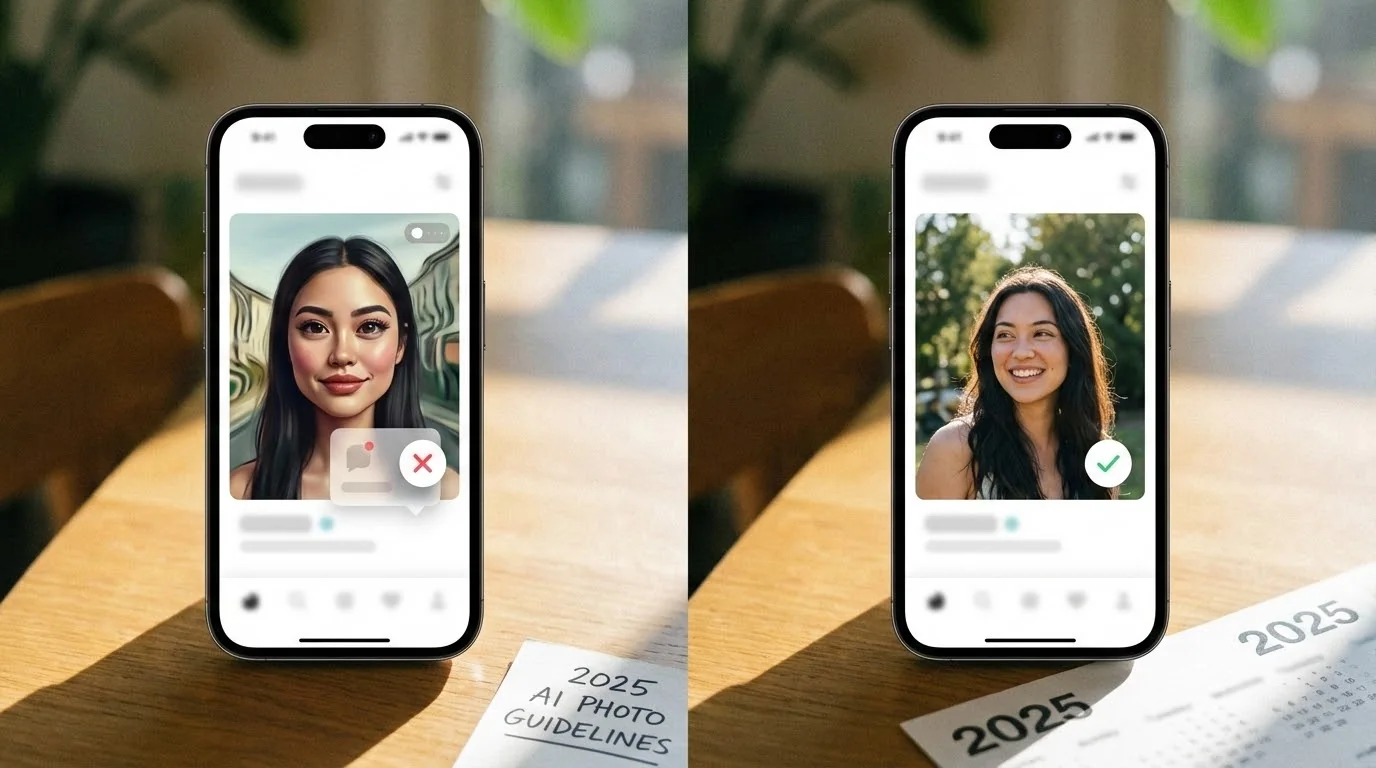
You spent $29 on AI dating photos. They looked amazing. You uploaded them to Tinder, got 3 matches in the first hour, then... nothing. Your account was shadowbanned, and those expensive photos triggered the detection system.
This happens to thousands of users every month. Dating apps are cracking down on AI photos, but it's not because they hate AI—it's because most people make the same preventable mistakes.
In this guide, we'll break down the 7 most common AI photo mistakes that get users banned, and show you exactly how to avoid them.
Key Takeaways
- Overly perfect photos trigger AI detection systems on Tinder, Hinge, and Bumble
- Using only AI photos (0% real photos) is the #1 mistake that leads to bans
- Repetitive backgrounds and poses make AI photos easy to detect
- Wrong lighting and unnatural features signal artificial generation to algorithms
Mistake #1: Using 100% AI Photos (No Real Photos)
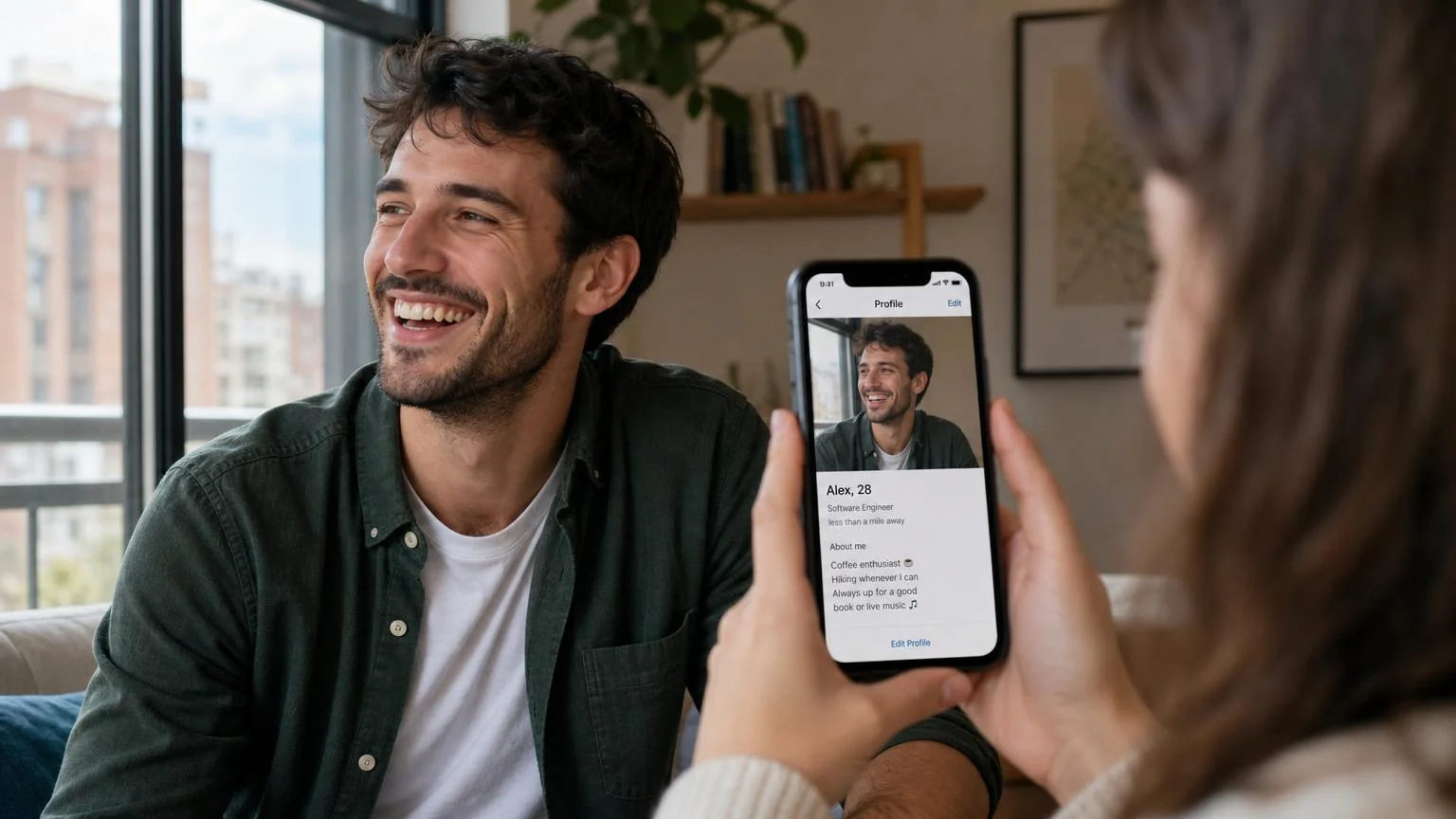
The biggest mistake? Going all-in with AI photos. Dating apps don't just look at individual photos—they analyze your entire profile as a pattern.
When every single photo looks professionally lit, perfectly composed, and magazine-quality, it raises red flags. Real people have some casual selfies, group photos, or candid shots.
Why this gets you banned:
- Algorithms detect consistency in lighting quality across all photos
- No variation in photo styles signals artificial generation
- Missing metadata (EXIF data) from real phone cameras
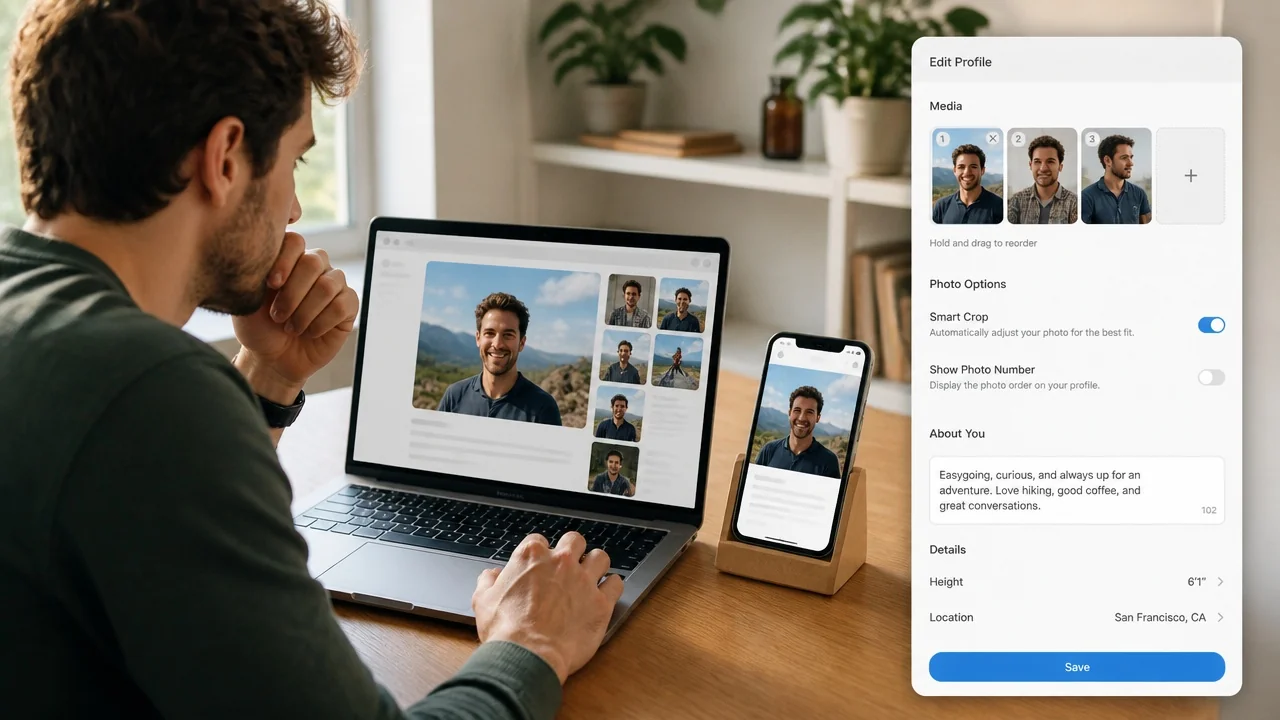
The fix: Use the 70/30 rule. If you have 6 photo slots on Tinder, use 4 AI photos and 2 real photos. Mix professional-looking AI shots with authentic casual photos.
Check Your Photos Before Tinder Does
Use our free AI Realness Score Analyzer to check if your photos might trigger detection systems.
Free analysis • Instant results • No signup required
Analyze Your Photos Free →Mistake #2: Identical Backgrounds and Poses
Uploading 6 photos with the same neutral background or repeated poses screams "AI-generated." Real photos show variety—different locations, times of day, and contexts.
Common patterns that trigger detection:
- All photos with blurred bokeh backgrounds (professional camera effect)
- Same head angle or facial expression in every shot
- Identical soft studio lighting across photos
- No environmental context (walls, rooms, outdoor scenes)
The fix: When generating AI photos, request varied scenes: outdoor park, coffee shop, gym, casual home setting. Mix head-and-shoulder shots with full-body photos. Vary your poses—smiling, serious, candid action shots.
Mistake #3: Unrealistic Perfection (Airbrushed Skin)
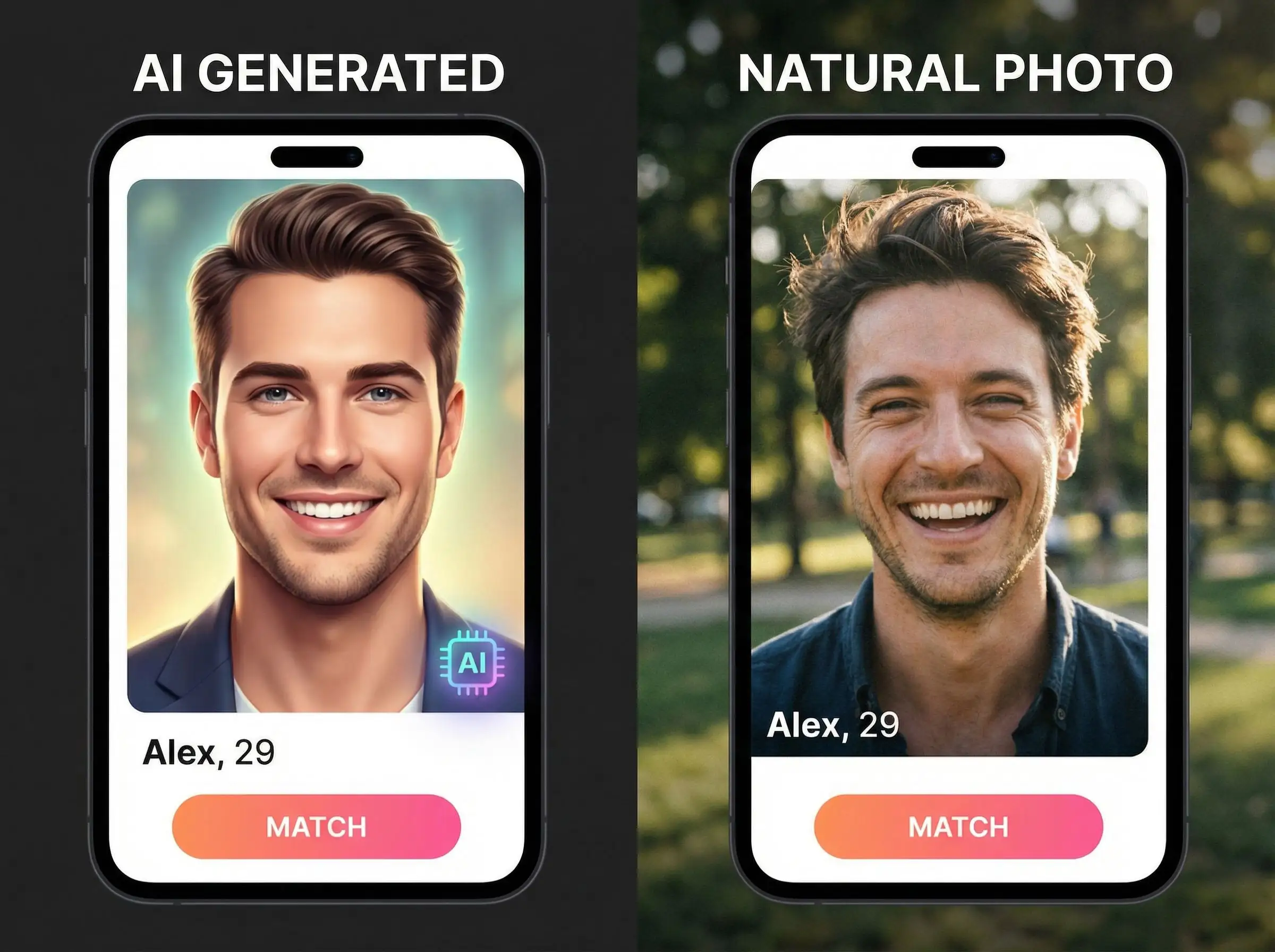
AI tools often generate flawless skin with zero texture, pores, or natural imperfections. While this looks attractive, it's a dead giveaway to detection algorithms trained on millions of real photos.
Red flags in AI photos:
- Skin looks like porcelain or wax (no pores visible)
- Zero wrinkles, freckles, or natural skin texture
- Overly smooth gradients on facial features
- Perfectly symmetrical face (humans aren't perfectly symmetrical)
The fix: Choose AI photo generators that preserve natural skin texture. Tools like DatePhotos.AI are specifically trained to maintain realistic imperfections. If your photos look too perfect, run them through a realness checker before uploading.
Mistake #4: Wrong Lighting and Shadows
AI-generated photos often have inconsistent lighting—shadows that don't match the light source, or lighting that's too even and unnatural.
Lighting issues to avoid:
- Perfectly even lighting on face (no shadows under nose or chin)
- Shadows pointing in different directions within one photo
- Halo effect around hair or body edges
- Unnaturally bright eyes or teeth (over-enhanced)
The fix: Request natural lighting in your prompts: "golden hour sunlight," "indoor window light," or "soft outdoor shade." Avoid studio lighting keywords unless you're specifically going for a professional headshot look.
Transform Your Dating Profile Today
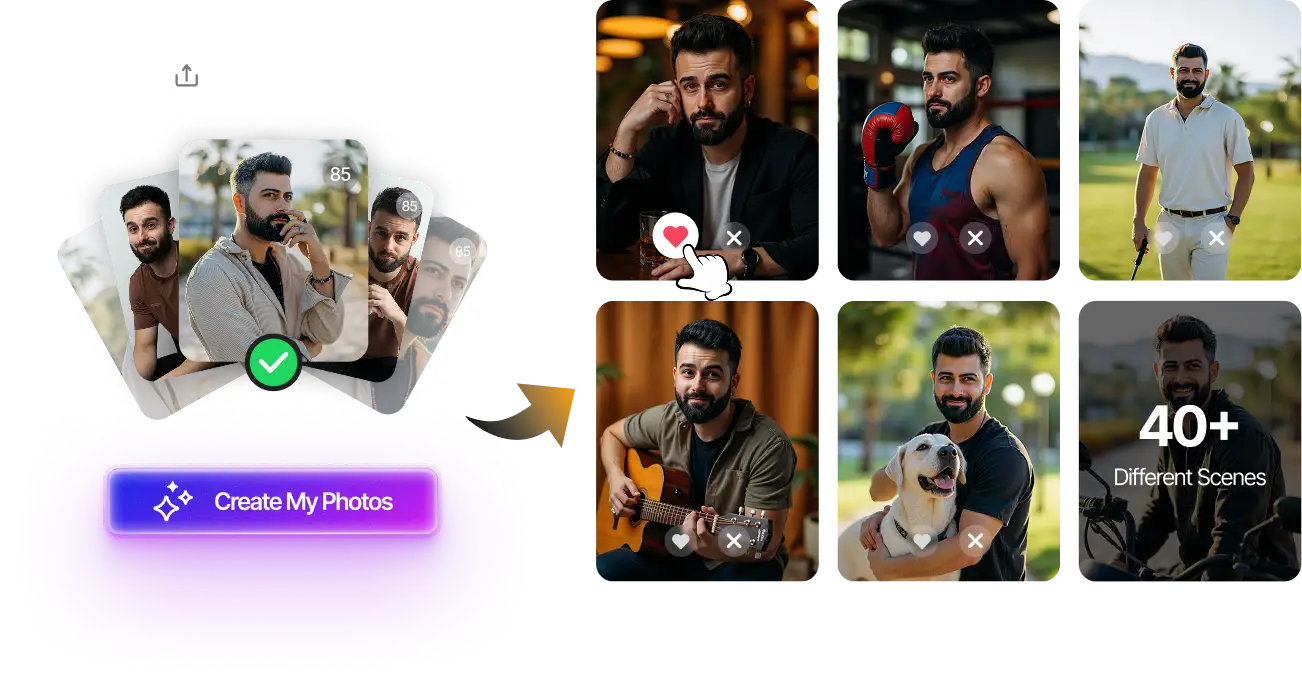
Upload your selfies, get 80-180 AI-optimized dating photos in just 20 minutes. No photoshoot needed.
100+ unique photos • Privacy-first • One-time payment
Get Started Now →Mistake #5: Unnatural Hands and Details
Early AI models struggled with hands, and while newer models are better, they still occasionally produce anatomical oddities that humans immediately spot.
Details that expose AI photos:
- Extra fingers or fused fingers
- Blurry or distorted hands (AI avoiding the problem)
- Mismatched jewelry (appearing or disappearing between photos)
- Warped backgrounds, especially near body edges
- Nonsensical text on clothing or signs
The fix: Always review your AI photos at 100% zoom before uploading. Check hands, teeth, eyes, and background elements. Delete any photos with obvious artifacts. If you're using AI photos on Hinge, where users scrutinize photos more carefully, quality control matters even more.
Mistake #6: Ignoring Platform-Specific Guidelines
Different dating apps have different tolerance levels for AI photos. What works on Tinder might get you flagged on Bumble.
Platform differences:
- Tinder: Most lenient, but still flags obvious AI (especially after 2024 updates)
- Hinge: Stricter detection, emphasizes authenticity in prompts
- Bumble: Middle ground, but women-first approach means more scrutiny
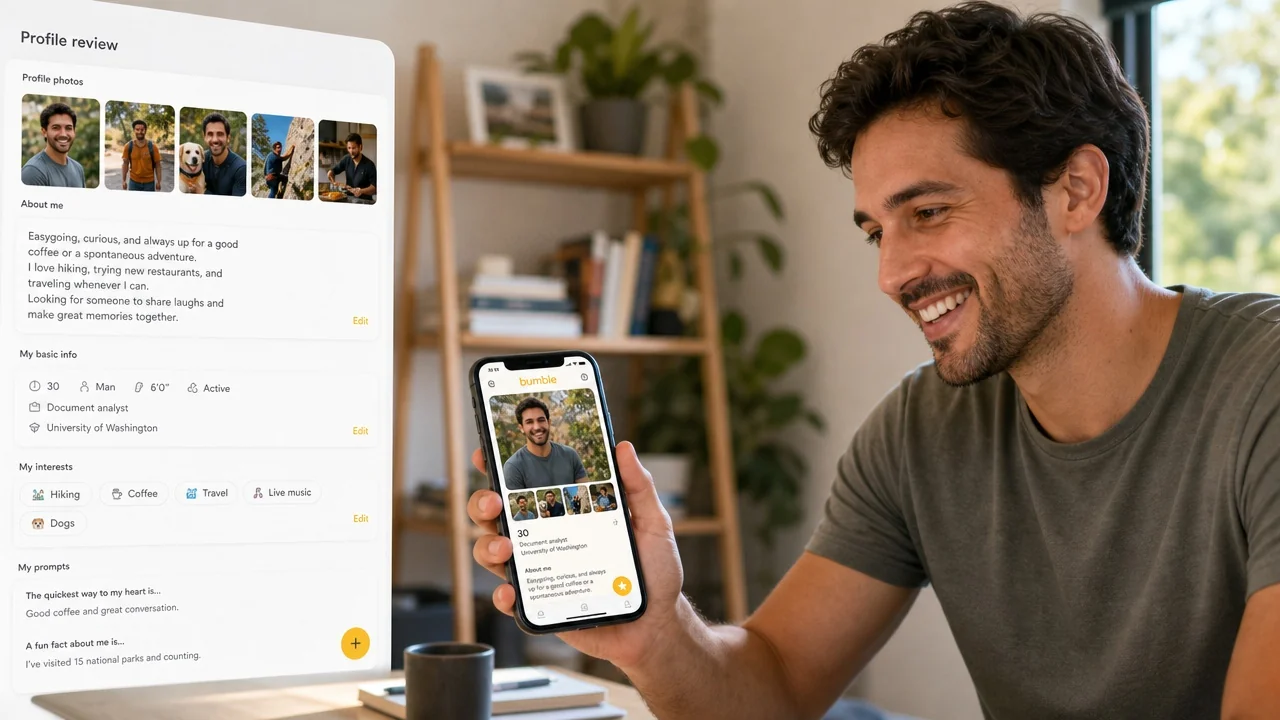
The fix: Tailor your photo mix to each platform. On Hinge, use more real photos (50/50 mix). On Bumble, ensure AI photos match your prompt answers (don't claim you're outdoorsy with only studio photos).
Mistake #7: Reusing Photos Across Multiple Accounts
Using identical AI photos on Tinder, Hinge, and Bumble simultaneously makes it easier for algorithms to flag them as artificial. Cross-platform detection is real.
Why this matters:
- Apps share data on flagged content through third-party verification services
- Identical photos appearing on multiple platforms trigger duplicate content flags
- If banned on one app, other platforms may preemptively flag your account
The fix: Generate separate photo sets for each platform. If you create 100 AI photos, use 20 unique photos per app. This also lets you test which styles perform best on each platform.
How to Create Ban-Proof AI Photos: Step-by-Step
Now that you know what not to do, here's the proven process for creating AI photos that pass detection:
- Choose a quality AI generator: Use services specifically trained for dating photos, not generic AI art tools. DatePhotos.AI, for example, trains on real dating profile photos to ensure natural results.
- Upload diverse source photos: Provide 10-15 selfies with different expressions, lighting, and backgrounds. This trains the AI to create varied outputs.
- Request natural scenarios: Avoid "professional photoshoot" prompts. Instead: "casual outdoor photo," "coffee shop candid," "gym selfie."
- Generate 80-100 photos: Pick the 20 most natural-looking ones. Discard anything with artifacts or uncanny valley vibes.
- Run a realness check: Before uploading, use our free Realness Score Analyzer to identify potential red flags.
- Mix with real photos: Create a balanced profile (70% AI, 30% real). Include at least one group photo and one full-body shot.
- Test incrementally: Upload 1-2 AI photos first, wait 24 hours, then add more. Sudden profile overhauls trigger review algorithms.
Related guide: For a more focused next step, read 100+ Best Tinder Bios for Guys That Get Right Swipes (2026) and connect this advice to your wider dating profile plan.
Final Thoughts
AI dating photos aren't inherently bad—poorly executed AI photos are. The 7 mistakes above account for 90% of bans and shadowbans we see. By avoiding these pitfalls and following a strategic approach, you can safely use AI photos to upgrade your dating profile without risking your account.
Remember: the goal isn't to deceive, but to present your best self authentically. AI photos should enhance your existing attractiveness, not create a fictional version of you. When done right, they're simply a modern alternative to hiring a professional photographer.
Ready to create ban-proof AI dating photos? Try our AI Dating Photo Generator with built-in safety features, or start by checking your current photos with our free Realness Score tool.
Create Safe, Natural AI Dating Photos
Our AI is specifically trained to avoid the 7 mistakes that get users banned. Get 100+ natural-looking photos in 20 minutes.
Detection-safe results • 70/30 mix recommendations • Money-back guarantee
Generate Safe Photos Now →FAQ
Will dating apps ban me for using AI photos?
Not necessarily. Apps ban users for obvious AI photos that violate authenticity guidelines. If your AI photos look natural, maintain realistic imperfections, and are mixed with real photos (70/30 ratio), they're unlikely to trigger detection. The key is avoiding the 7 mistakes outlined above.
How can I tell if my AI photos look too fake?
Use a realness score analyzer to objectively assess your photos. Look for common giveaways: overly smooth skin, identical backgrounds, perfect lighting in every shot, or unnatural hands or details. If you wouldn't believe the photo was real if a stranger showed it to you, it's too fake.
What's the safest ratio of AI to real photos?
The 70/30 rule is safest: 70% AI photos, 30% real photos. On a 6-photo Tinder profile, that's 4 AI and 2 real. For stricter apps like Hinge, consider 50/50. Never use 100% AI photos—this is the #1 mistake that triggers bans.
Can I use the same AI photos on multiple dating apps?
It's risky. Dating apps use cross-platform detection systems. If identical photos appear on Tinder, Hinge, and Bumble, algorithms flag them faster. Generate separate photo sets for each platform (20 unique photos per app from a batch of 100).
What happens if I get shadowbanned for AI photos?
Shadowbans reduce your profile visibility without notification. You'll see dramatically fewer matches. To fix it: delete suspicious AI photos, replace them with natural-looking alternatives or real photos, wait 2-4 weeks, and consider creating a fresh account as a last resort. Prevention is easier than recovery.