AI Photo Settings for Dating Apps: 10 Controls That Matter
Introduction
Here's something most guys don't realize: the settings you choose when generating AI dating photos can be the difference between 5 matches and 50 matches per month. After analyzing thousands of successful profiles, we've identified the exact settings that consistently deliver results.
Think of AI photo settings like tuning a guitar – small adjustments make a massive difference in the final sound. The same principle applies to your dating photos. Whether you're using any AI photo generator, understanding these core settings will help you create photos that actually convert to matches.
In this guide, you'll find the 10 settings that separate amateur AI photos from professional-looking shots that pass detection systems and attract attention. Treat these as generation controls: they decide lighting, realism, resolution, expression, and consistency. For scene selection itself, pair this with the AI photo backgrounds guide so your settings and environments tell the same story.
Key Takeaways
- Natural lighting settings boost your realness score by 30-40% and make photos look authentic
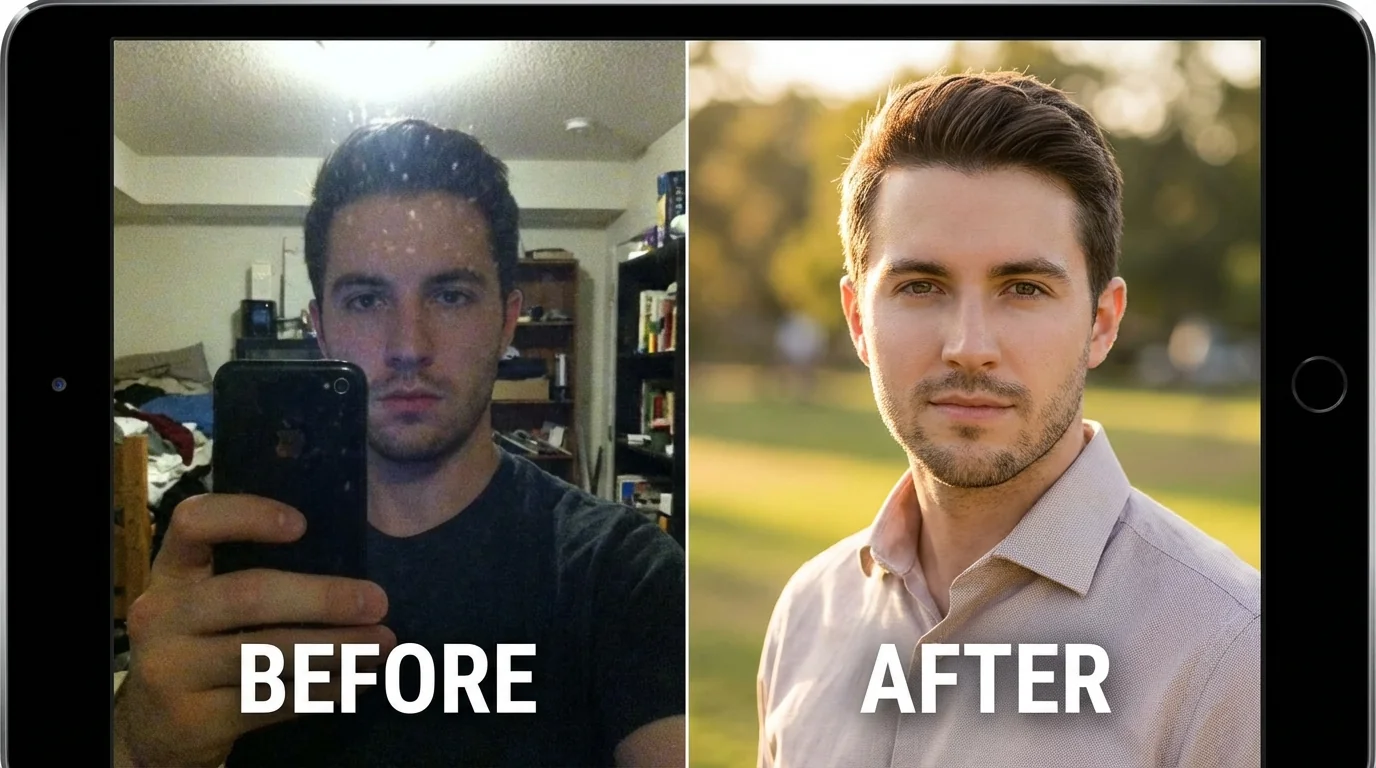
- Medium style intensity (60-75%) keeps you recognizable while enhancing your features
- Variety in poses and backgrounds prevents the "AI template look" that triggers detection
- Face-focused framing increases engagement by 2-3x compared to full-body shots
The 10 Essential AI Photo Settings
1. Lighting Style: Natural Over Studio
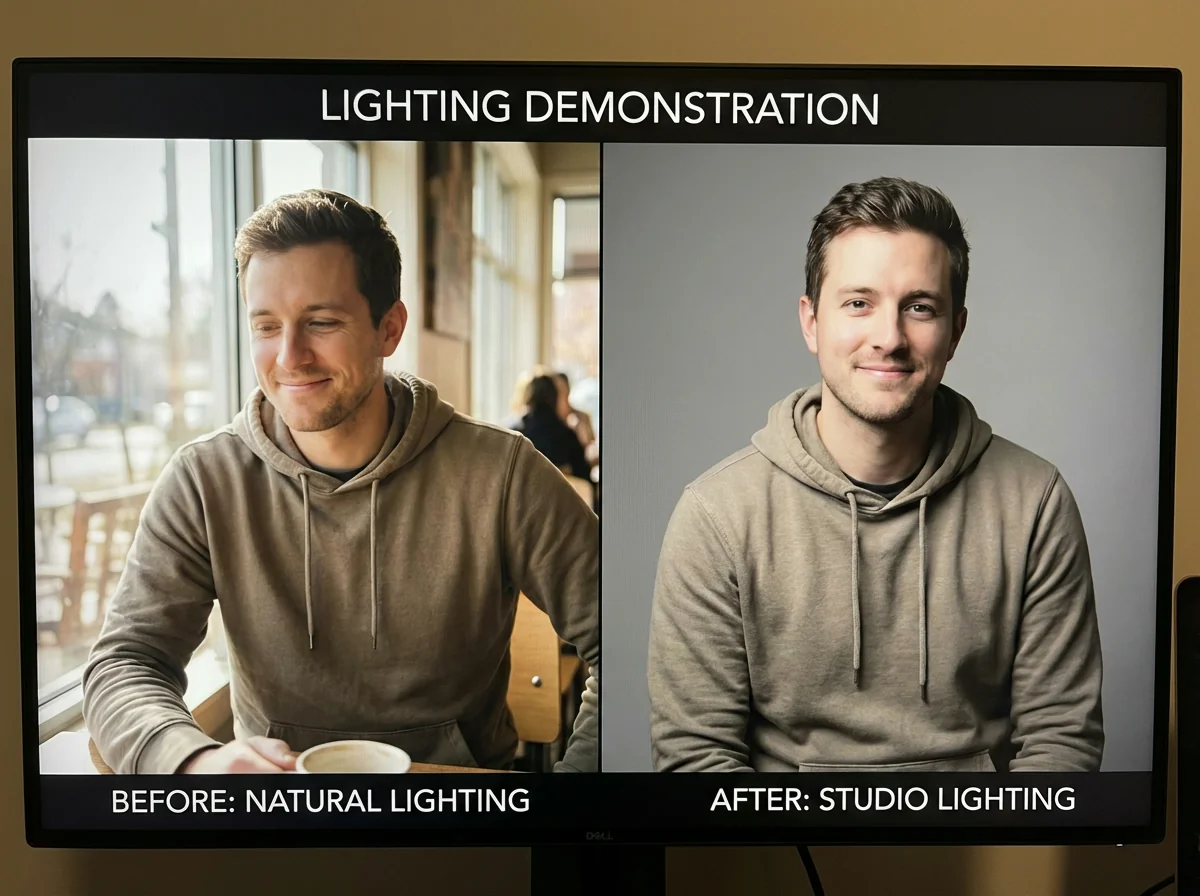
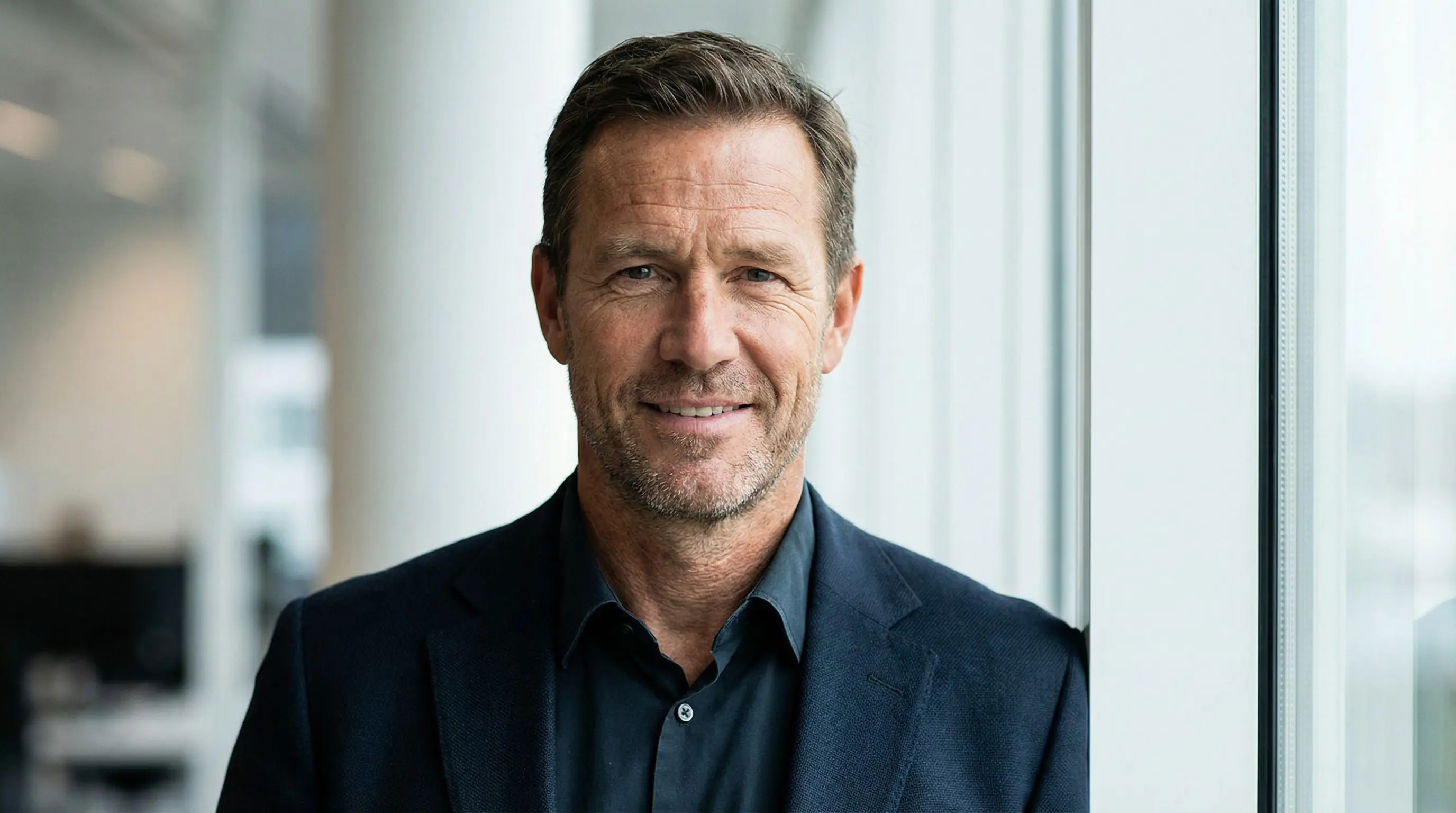
The #1 mistake guys make? Choosing dramatic studio lighting because it looks "professional." Here's the reality: natural lighting makes your photos look real, while studio lighting screams "AI-generated."
Choose settings labeled "natural light," "soft daylight," or "golden hour." These mimic real-world conditions and help you pass AI detection systems. Your photos will have the authentic feel that makes people want to swipe right.
Pro tip: Natural lighting also creates softer shadows on your face, which is more flattering in dating photos.
2. Style Intensity: The Sweet Spot is 60-75%
This is where most guys go wrong. Cranking style intensity to 100% might seem like it'll give you the best results, but it actually makes you look like a different person.
Keep your style intensity between 60-75%. This range enhances your features without losing your actual appearance. Women want to meet the guy in the photos – not some AI-enhanced version who looks nothing like you in person.
At 60-75%, you'll look like your best self on a great day. That's the goal.
3. Background Variety: Avoid the Template Look
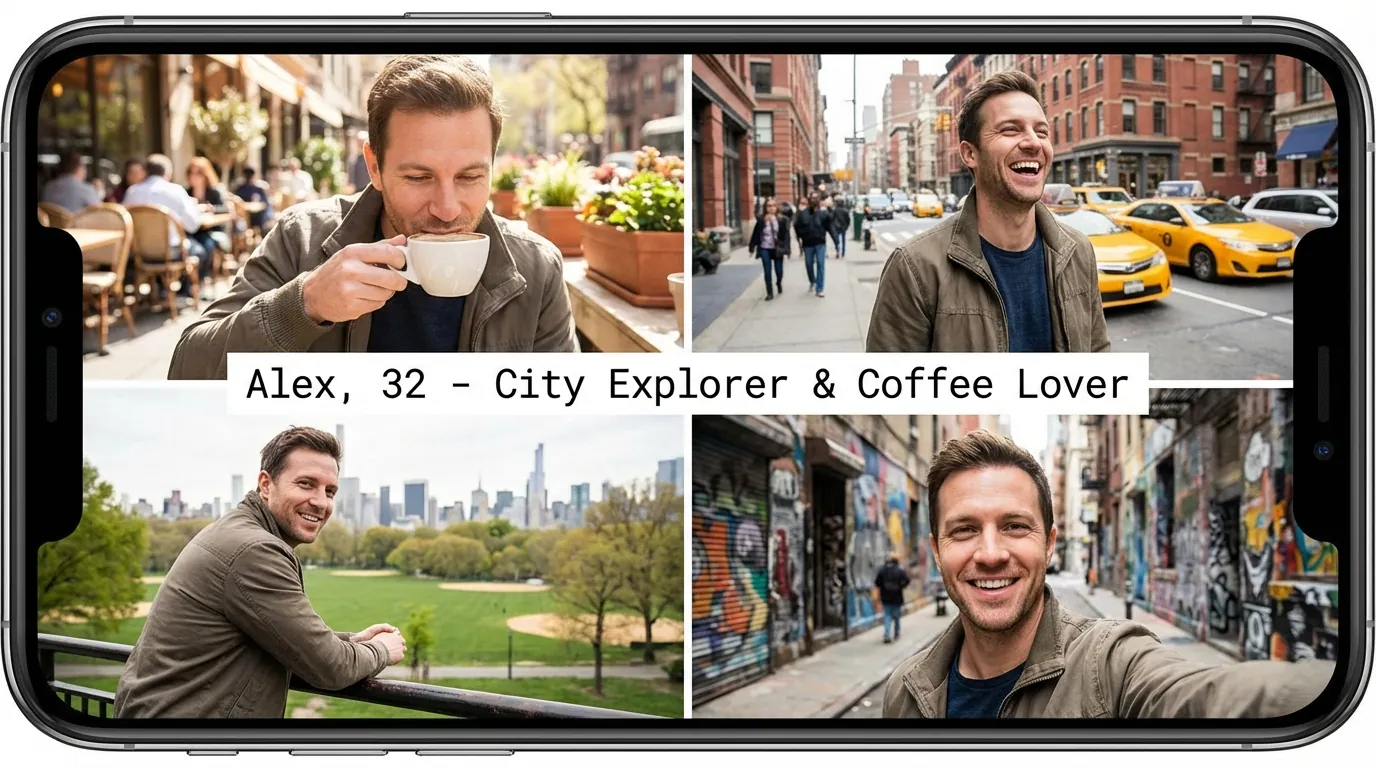
Using the same background style for all your photos is like wearing the same outfit in every picture – it's a dead giveaway. Mix it up with different settings: outdoor cafe, city street, park, indoor casual environment.
Variety signals authenticity. Dating app algorithms look for patterns, and repetitive backgrounds are a red flag. Diverse backgrounds also show you have an interesting life.
Aim for at least 4-5 different background styles across your profile photos, but do not choose them randomly. Pick settings that could plausibly belong to your life: one clear face photo, one outdoor or urban lifestyle shot, one activity or hobby context, and one warmer social or casual setting.
4. Resolution: Match Platform Requirements
Here's a setting most people ignore: output resolution. Each dating platform has different compression algorithms, and uploading the wrong resolution can make your photos look pixelated or overly processed.
For Tinder and Bumble, aim for 1080x1350 pixels (4:5 ratio). Hinge works best with 1080x1080 (1:1 ratio). Higher resolution doesn't always mean better – it can actually make AI artifacts more visible after the platform compresses your image.
Match your resolution to the platform's sweet spot for optimal quality.
Get Your Settings Right From The Start
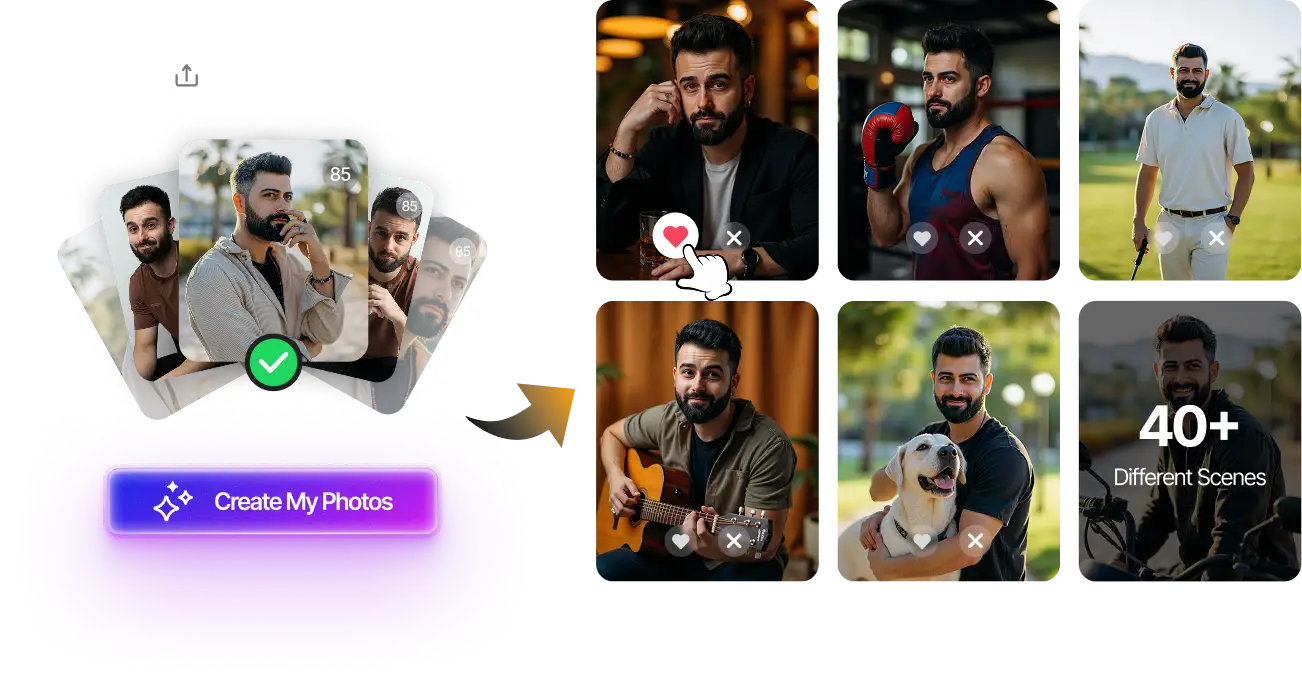
Upload your selfies and get 80-180 professionally optimized dating photos with all settings pre-configured for maximum matches.
Optimized settings • Natural results • 20-minute delivery
Generate Photos Now →5. Facial Expression: Subtle Smile Wins
The facial expression setting might seem minor, but it dramatically impacts your match rate. A subtle, natural smile (think slight grin, not full teeth) performs about 40% better than a serious expression or a big grin.
Select settings for "natural smile," "slight smile," or "relaxed expression." Avoid "laughing" or "serious" unless you're specifically going for a particular vibe in one photo.
Your default expression should be approachable and confident – that's the sweet spot.
6. Camera Angle: Eye Level or Slightly Above
Camera angle matters more than you think. Eye-level or slightly above (5-10 degrees) are the most flattering and natural-looking angles for dating photos.
Avoid low-angle shots (looking up) – they're rarely flattering and scream "selfie." High-angle shots (looking down) can work for one artistic photo, but shouldn't dominate your profile.
Eye-level angles create a sense of direct connection, which is exactly what you want in dating photos.
7. Clothing Style: Casual-Smart, Not Formal
The clothing style setting determines how you're dressed in generated photos. Casual-smart outfits (think nice jeans and a fitted shirt) outperform both ultra-casual and formal wear.
Avoid generating all photos in suits or tuxedos – it looks try-hard and unrelatable. Similarly, don't go full casual with hoodies and t-shirts in every shot. Mix it up with 60% casual-smart, 30% smart-casual, and 10% slightly dressed up.
Your clothing should look like clothes you actually own and wear regularly.
8. Photo Focus: Face-First Strategy
This setting controls how much of your body is visible. For dating apps, face-focused photos (head and shoulders) get 2-3x more engagement than full-body shots.
Your first 2-3 photos should be face-focused. Include 1-2 full-body or activity shots later in your profile. Face-first settings ensure people can clearly see who you are, which builds trust and interest.
Clear face visibility is the foundation of a strong dating profile.
9. Image Quality: High But Not Perfect
Ironically, photos that are too perfect look fake. When adjusting quality settings, aim for "high quality" rather than "ultra HD" or "maximum detail."
Slight imperfections actually increase authenticity. Real photos have minor variations in sharpness, slight color inconsistencies, and natural grain. Settings that preserve these characteristics help you create more natural-looking photos.
Think "professionally shot" not "magazine cover retouched."
10. Color Tone: Warm and Natural
The final setting: color tone. Warm, natural color tones consistently outperform cool or heavily filtered tones. Select settings like "natural color," "warm tone," or "true-to-life" over "vibrant," "cool," or "cinematic."
Warm tones make you appear more approachable and friendly. They also look more like photos taken with a modern smartphone, which increases perceived authenticity.
Your skin tone should look healthy and natural, not orange or washed out.
Bonus Setting: Batch Processing for Consistency
Here's an advanced tip: use batch processing settings to generate multiple variations of the same style. This gives you options while maintaining consistency across your profile.
Generate 8-10 photos with similar settings but different poses, expressions, or slight background variations. This helps you identify what works best while ensuring your photos look like they belong to the same person.
Consistency builds trust, and trust leads to matches.
Check Your Photo Quality Before Uploading
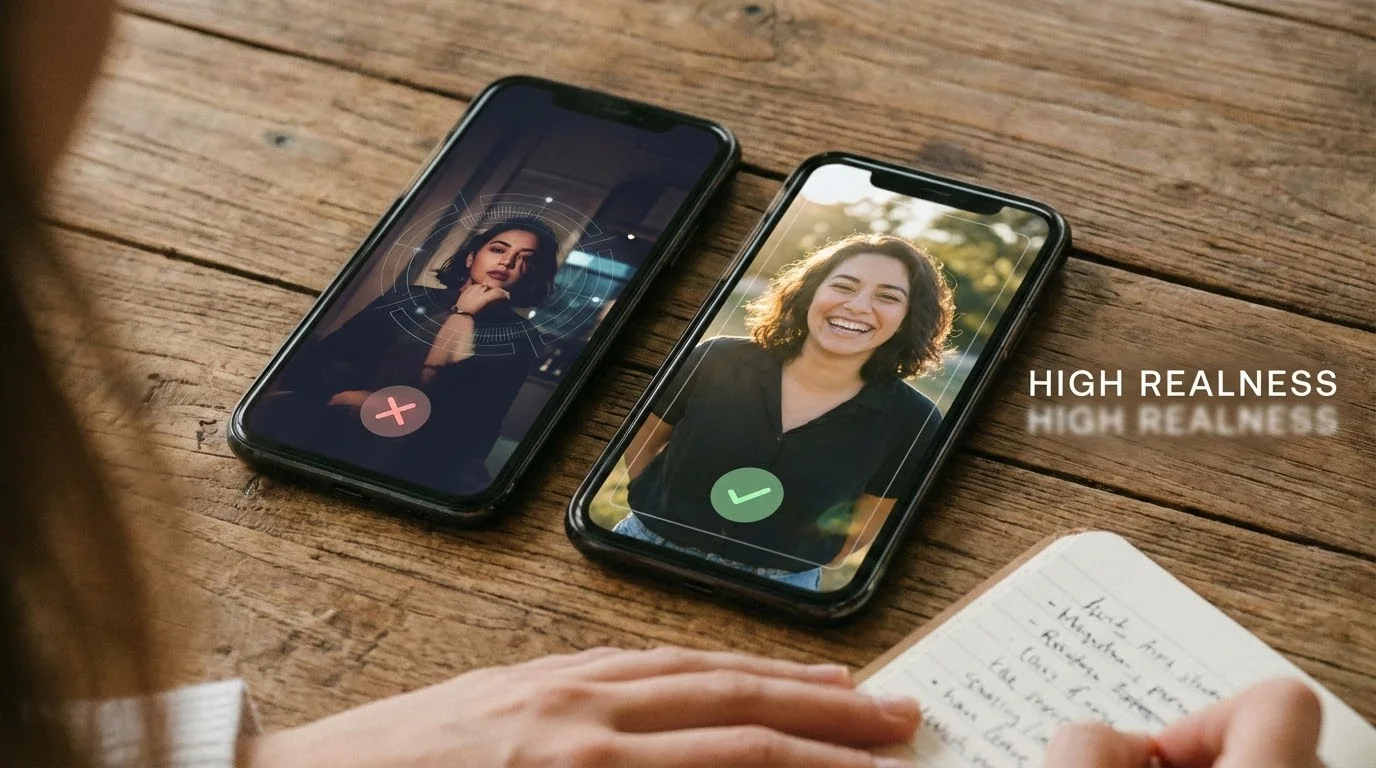
Use our free Realness Score Analyzer to verify your AI photos look natural and will pass dating app detection systems.
Free analysis • Instant results • No signup required
Analyze Your Photos Free →How to Apply These Settings for Maximum Results
Now that you know the optimal settings, apply them in a controlled order. Change one or two variables at a time, then judge the set as a profile lineup rather than as isolated portraits.
Start with your generator's default settings, then adjust the 10 parameters we've covered. Don't try to change everything at once – make incremental adjustments and compare results.
Generate in batches. Create 20-30 photos with slightly varied settings, then select your best 6-8 for your profile. This gives you plenty of options and helps you understand which settings work best for your features.
Test on platforms. Upload your photos to check their realness score before putting them on dating apps. A score above 85 means you're good to go. Below 75? Adjust your settings and regenerate.
Mix and match. Don't use identical settings for all photos. Vary 2-3 parameters between shots to create natural diversity. Real people don't have professional photoshoots in 10 identical outfits and locations.
Update regularly. Refresh your photos every 2-3 months with slightly different settings. Fresh photos signal an active profile and give you opportunities to optimize based on what's working.
Related guides: For next steps, use Photo Order on Dating Apps: AI vs Real Photo Placement and How Many Photos Should You Have? AI Photo Strategy 2025 to connect this advice with the rest of your dating profile plan.
Final Thoughts
Getting AI photo settings right isn't about finding a magic formula – it's about understanding how small adjustments change the final result. The 10 settings we've covered are the foundation of photos that look authentic, pass detection systems, and get you matches.
The goal isn't perfect photos. It's photos that show the best version of yourself while looking natural and approachable. When your settings are dialed in, your photos build trust and spark interest.
Ready to put these settings to work? Start with our AI Dating Photo Generator where all optimal settings are pre-configured based on thousands of successful profiles. Or if you've already generated photos, run them through the Realness Score Analyzer to see how they stack up.
Get Professionally Optimized Photos in 20 Minutes
Upload your selfies and get 80-180 AI-optimized photos with all settings pre-configured for maximum matches. No guesswork needed.
Optimized settings • High realness score • One-time payment
Generate Photos Now →FAQ
What's the most important AI photo setting for dating apps?
Natural lighting is the single most important setting. It increases your realness score by 30-40% and makes photos look authentic. Natural lighting mimics real-world conditions and helps you pass AI detection systems on Tinder, Hinge, and Bumble.
Should I use the same settings for all my dating photos?
No. Vary your settings across photos to create natural diversity. Change 2-3 parameters like background, clothing style, or expression between shots. Using identical settings for all photos creates a "template look" that triggers AI detection and looks unnatural.
What style intensity setting looks most natural?
Keep style intensity between 60-75%. This range enhances your features without making you look like a different person. Settings above 80% often create unrealistic results, while below 50% doesn't provide enough enhancement to stand out.
How do I know if my AI photo settings are working?
Test your photos with a realness score analyzer before uploading to dating apps. Aim for a score above 85. Also monitor your match rate – if you're getting quality matches and conversations, your settings are working. If not, adjust lighting and style intensity first.
Can I use the same AI photo settings across different dating platforms?
Yes, but adjust your output resolution. Tinder and Bumble work best with 1080x1350 pixels (4:5 ratio), while Hinge prefers 1080x1080 (1:1 ratio). The other settings (lighting, style intensity, backgrounds) can remain consistent across platforms.