PhotoAI Review 2026: What It Does Well and Where It Falls Short
Disclosure: We build DatePhotos.AI, a dating-photo product. That means we compete with PhotoAI in one narrow area. We've written this PhotoAI review to be useful to someone deciding where to spend money, which means naming the things PhotoAI genuinely does better than us. Where our bias could affect the read, we say so.
Short version: PhotoAI is a strong general-purpose AI photo generator, and dating photos are one of many use cases it supports rather than the thing it was built around. If you want headshots, product-style shots, social content, and travel-style images from one subscription, it's a reasonable pick. If your only goal is a dating profile lineup that survives real scrutiny, you're paying for breadth you won't use and skipping the dating-specific judgment you actually need.
This review walks through what the tool is, how the output tends to hold up, what pricing looks like in practice, and who should choose something else.
Quick Verdict
Rating for general AI photos: 4 / 5. Rating specifically for dating profiles: 3 / 5.
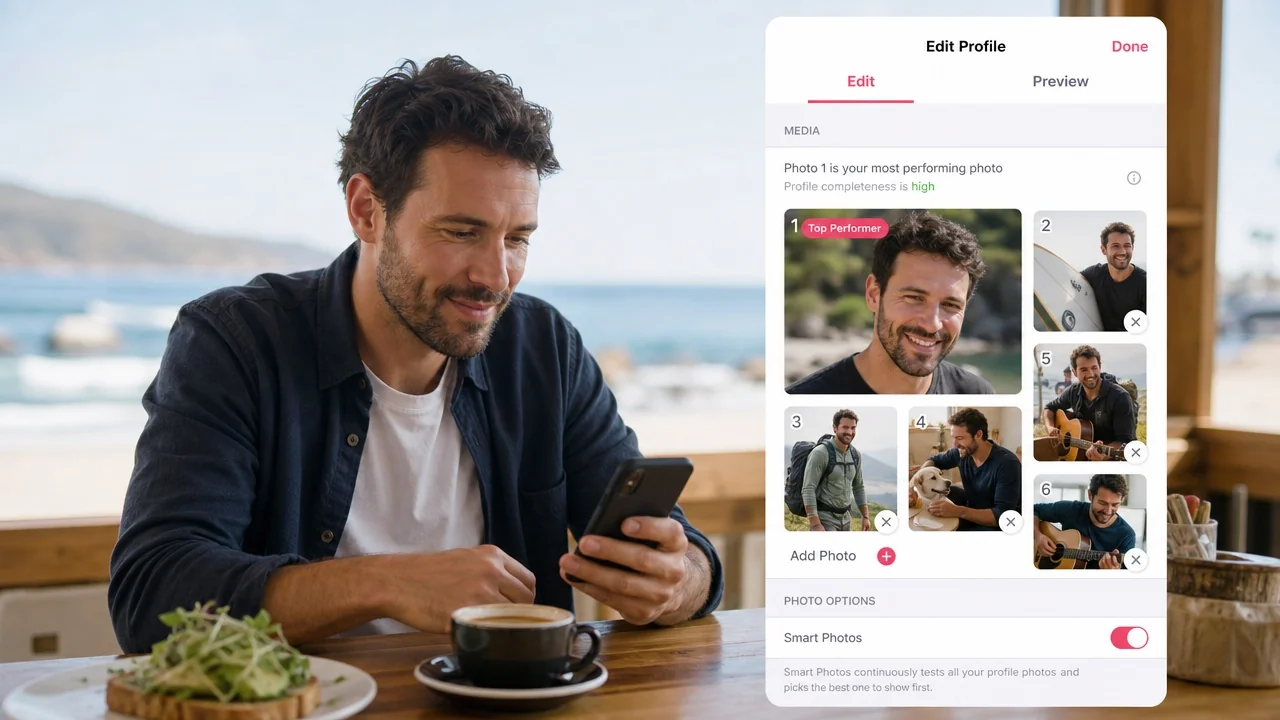
PhotoAI does the hard technical part well: you train on your own photos, then generate a wide range of looks without booking anything. The output is usable, the interface is straightforward, and the range of styles is genuinely larger than dating-only tools offer.
The gap is editorial, not technical. A dating lineup needs a specific job from each photo: one clear face shot, one full-body, one social-proof frame, one activity frame. It also needs to look like the same person a match will meet. A general generator gives you hundreds of images with no opinion about which six belong on your profile, and its most impressive outputs are often the least believable ones. You end up doing the curation work yourself, usually badly, because everyone overrates photos of themselves.
What Is PhotoAI?
PhotoAI is an AI photo generator that trains a personal model on selfies you upload, then produces new images of you in scenes, outfits, and styles you choose. It's positioned broadly, with use cases spanning professional headshots, marketing images, social content, and dating photos.
Mechanically, the flow is familiar if you've used any AI photo tool. Upload a batch of source selfies, wait for training, then generate from packs or your own prompts. The quality of what comes out depends heavily on what you put in, which is true of every tool in this category including ours.
What makes PhotoAI notable is scope and prompt control. You're not limited to a fixed set of dating scenarios. If you want yourself in a studio setup, then on a hiking trail, then in a business-casual office, you can do all three from the same trained model. For a freelancer or creator who needs varied images for varied channels, that flexibility has real value.
Features Deep Dive
Custom model training
This is the core, and it works. Likeness quality tracks closely with source photo variety: different lighting, different angles, different days, no heavy filters. Feed it ten near-identical bathroom selfies and you'll get a model that only knows how to render that one look.
Prompt freedom
The strongest feature for advanced users. You can specify scenes precisely instead of picking from preset packs. The tradeoff is that prompt freedom rewards people who already know what a good photo looks like. If you don't, you'll generate a lot of technically clean images that don't help your profile.
Style packs and presets
Useful shortcuts, but they skew toward polished and cinematic. That's great for a portfolio page. It's a liability on a dating app, where the most common failure mode is looking staged. A photo that reads as "content" rather than "a Tuesday" invites suspicion before it invites a swipe.
Consistency across a set
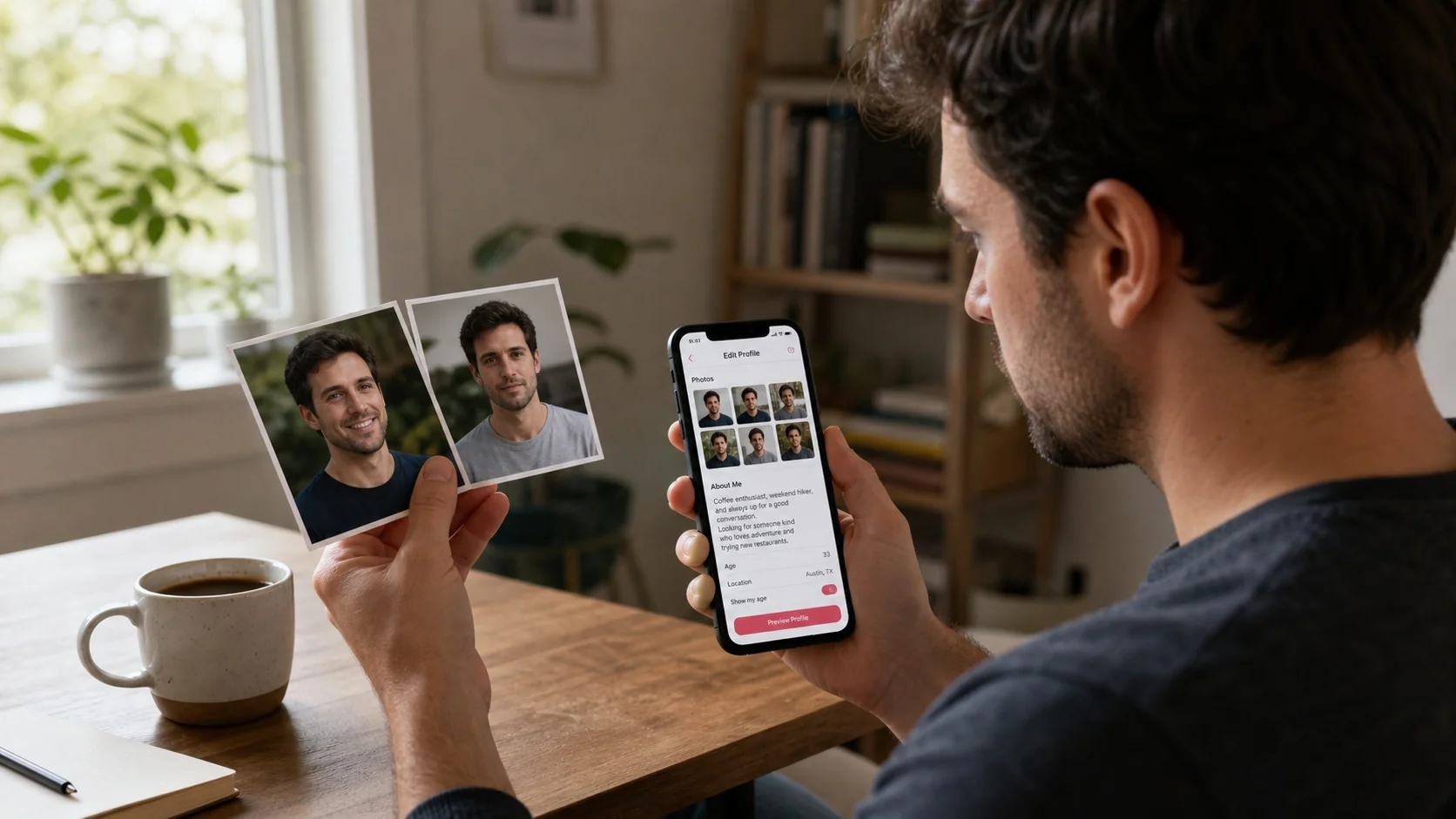
Here's where general tools tend to wobble. Individually good images can drift: slightly different face shape, different apparent age, different body proportions across the batch. Nobody notices in a single image. Everybody notices across six photos in a row, which is exactly how dating profiles get viewed. Building a coherent lineup from a large unsorted output takes real effort.
What it doesn't do
There's no dating-specific evaluation layer: no read on whether a photo looks AI-generated, no guidance on lineup order, no opinion on which shot should lead. Those are the decisions that actually change match rates. Our ranked breakdown of what actually gets matches covers the logic PhotoAI leaves to you.
Transform Your Dating Profile Today
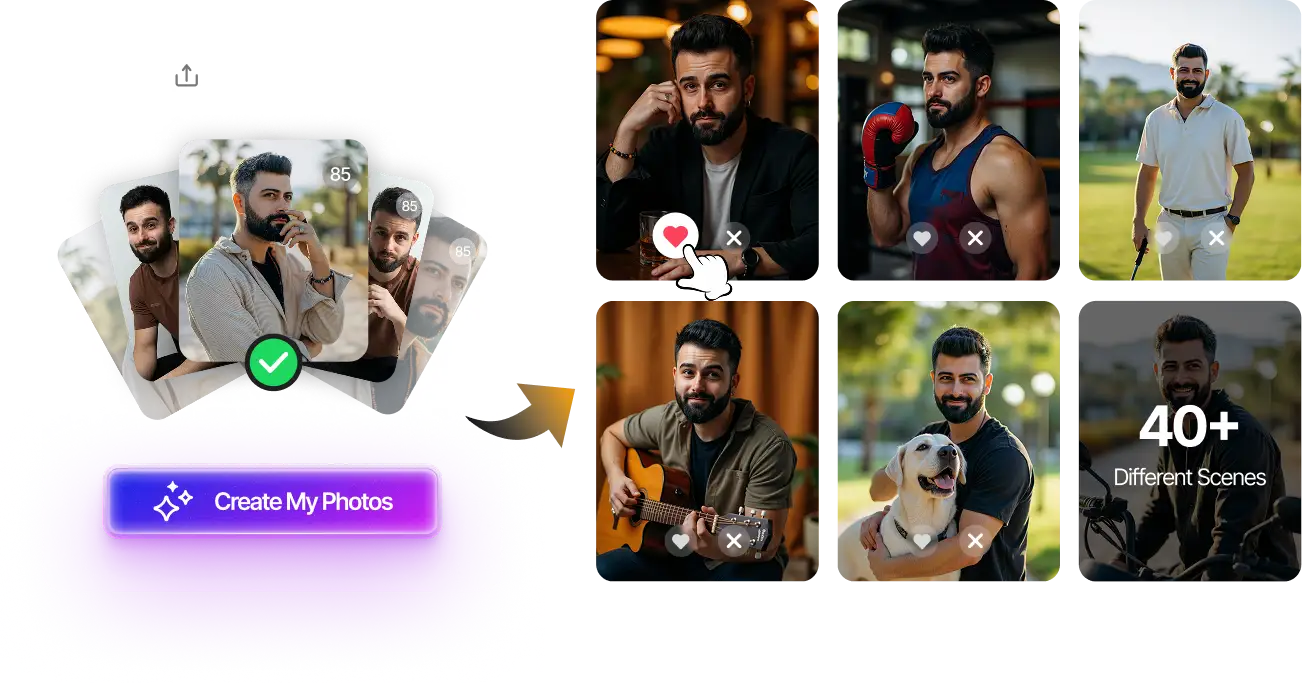
Upload your selfies, get 80-180 AI-optimized dating photos in just 20 minutes. No photoshoot needed.
7-Day Money Back • Privacy-first • One-time payment
Get Started Now →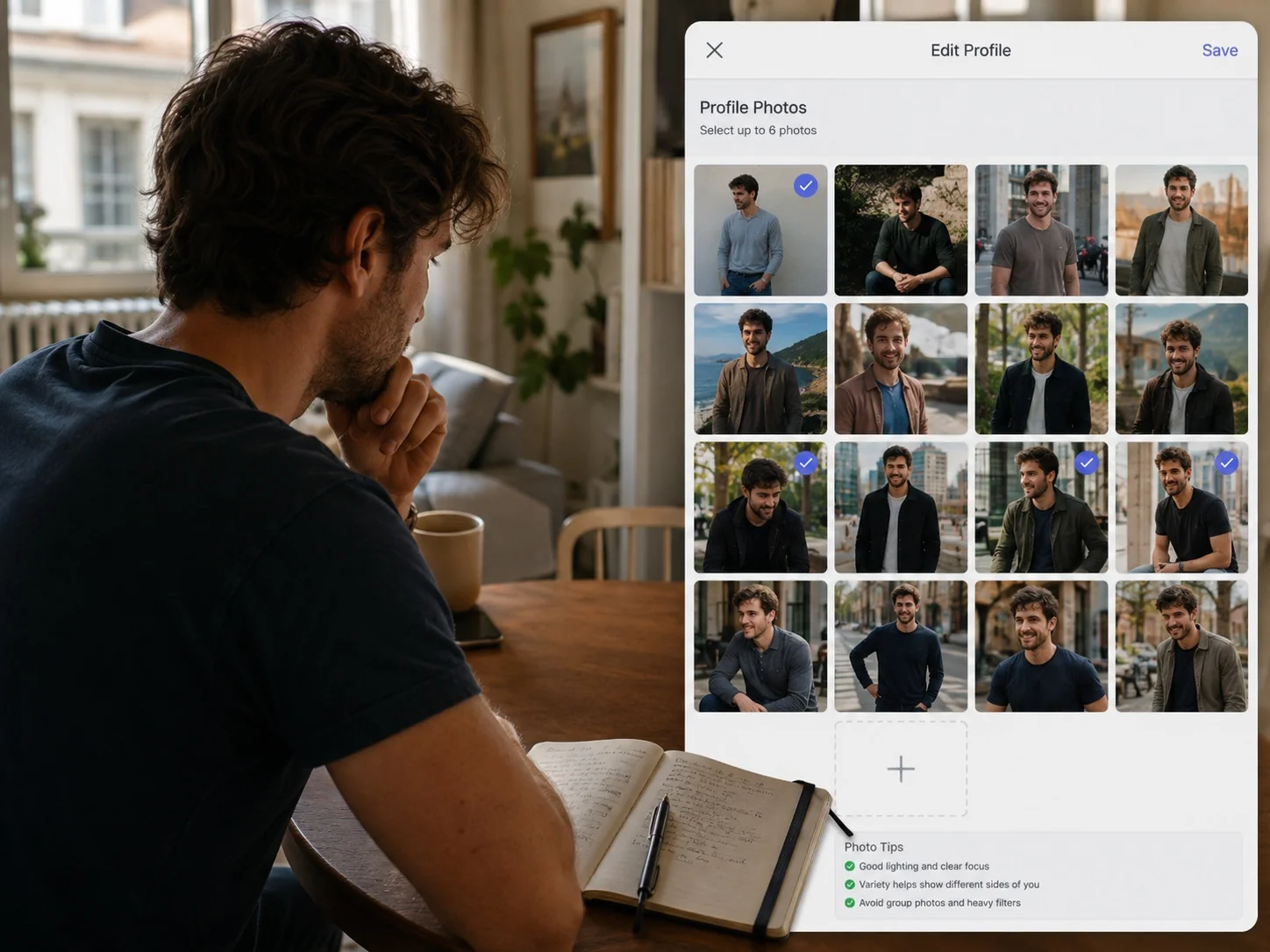
Pricing Breakdown
Pricing note: check the tool's official pricing page before you buy. AI photo tools tend to change plan structure and credit allocations, and we'd rather send you to the vendor's own page than publish a number that ages badly. What we can describe is the general pricing shape, which is broadly similar across tools in this category.
PhotoAI runs on a subscription model with tiers based on how many models you can train and how many images you can generate. That's a meaningfully different value calculation than a one-time photo pack.
| Factor | PhotoAI (subscription, general purpose) | Dating-focused photo pack (one-time) |
|---|---|---|
| Best when | You need images monthly, across several contexts | You need one strong lineup and then you're done |
| Cost risk | Forgetting to cancel after month one | Paying once for a use case you outgrow |
| Style range | Very wide, from headshots to lifestyle to creative | Narrow by design; dating scenarios only |
| Curation help | You choose from a large unsorted output | Output is shaped around a lineup structure |
| Believability tuning | Depends on your prompting skill | Built into the defaults |
The honest read: if a dating profile is your single reason for buying, a subscription is the wrong container. You'll use it for two weeks and pay for months. If you have ongoing image needs beyond dating, the subscription math flips in PhotoAI's favor.
Pros and Cons
Pros
- Genuinely wide style range from one trained model, hard to match with a niche tool
- Strong prompt control for people who know what they want
- Clean, no-nonsense interface and predictable training flow
- Solid likeness when source selfies are varied and unfiltered
- One purchase covers dating, professional, and social needs together
Cons
- Presets lean cinematic, which reads as staged on dating apps
- No authenticity check, so nothing tells you a photo looks AI-generated
- No lineup guidance, so curation falls entirely on you
- Consistency can drift across a batch, visible when six photos sit together
- Subscription pricing is poor value for a one-time dating refresh
- Output quality depends heavily on prompting skill you may not have
Who Should Use PhotoAI (and Who Shouldn't)

Choose PhotoAI if: you need images for more than dating (a professional headshot, social content, a personal site) and you're comfortable writing your own prompts. You'll get more mileage from one subscription than from stacking three narrow tools.
Choose PhotoAI if: you enjoy iterating. People who like experimenting with prompts get noticeably better results here than people who want a done-for-you answer.
Skip it if: your entire goal is fixing a dating profile that isn't working. You don't need more images. You need the right six, in the right order, that look like you. A general generator gives you volume and hands you the judgment problem.
Skip it if: you're worried about looking AI-generated. This is a legitimate concern, and PhotoAI offers no signal either way. If that's your main hesitation, our side-by-side comparison of DatePhotos.AI and PhotoAI lays out how the two approaches differ on believability. Broader options are covered in our roundup of AI dating photo generators.
Transform Your Dating Profile Today
Upload your selfies, get 80-180 AI-optimized dating photos in just 20 minutes. No photoshoot needed.
7-Day Money Back • Privacy-first • One-time payment
Get Started Now →Final Verdict
PhotoAI earns its reputation as a capable general AI photo generator. The training works, the range is wide, and the prompt control is better than most niche competitors offer. For anyone with mixed image needs, it's a defensible purchase.
For dating specifically, our honest verdict is that it's adequate rather than ideal. Dating photos are a narrow problem with unusual rules: believability matters more than polish, consistency across a set matters more than any single image, and the lineup structure matters more than the total count. PhotoAI is agnostic on all three. That's not a flaw; it's what "general purpose" means. But it does mean the last mile is yours to walk.
Whichever tool you pick, the test is the same. Line up your six best outputs and ask whether a stranger would believe they show one real person on six ordinary days. If the answer is no, more images won't fix it. Better selection will. That's the standard worth applying before you subscribe to anything, and it's the standard this PhotoAI review keeps coming back to.
FAQ
Is PhotoAI good for dating profile photos?
It works, but it isn't optimized for it. You'll get usable images and no guidance on which ones belong on your profile or whether they read as authentic.
How much does PhotoAI cost?
It's subscription-based with tiers by model count and generation volume. Check photoai.com for current pricing; plans in this category change frequently.
What are the best PhotoAI alternatives?
For dating specifically, look at tools built around dating lineups rather than general generation. For professional headshots, most general AI photo tools are close substitutes.
Do PhotoAI images look fake?
They can, especially with cinematic presets. The polished, dramatic outputs are usually the least believable ones on a dating app.
How many source selfies does PhotoAI need?
More variety beats more volume. Fifteen photos across different lighting, angles, and days will outperform thirty near-identical selfies.