Tinder Profile Review: What to Fix Before You Blame the Algorithm

Before you blame the algorithm, run a proper tinder profile review. Most of the time, the reason your matches dried up isn't a shadowban or a broken feed. It's a fixable gap in your profile that you stopped noticing months ago. This checklist walks you through what to inspect, in the order that moves the needle: photos first, then bio, settings, activity, and trust signals.
This isn't another list of generic Tinder tips. It's a structured teardown you can do in 20 minutes, so you know what to fix before spending money on boosts or resetting your account. If you'd rather compare against a full self-audit framework, our 15-point dating profile self-audit pairs well with everything below.
Key Takeaways
- Photos carry ~80% of the outcome. If your review only fixes one thing, make it your first photo and your overall lineup.
- Review in priority order: photos → bio → settings → activity → trust signals. Fixing settings before photos wastes effort.
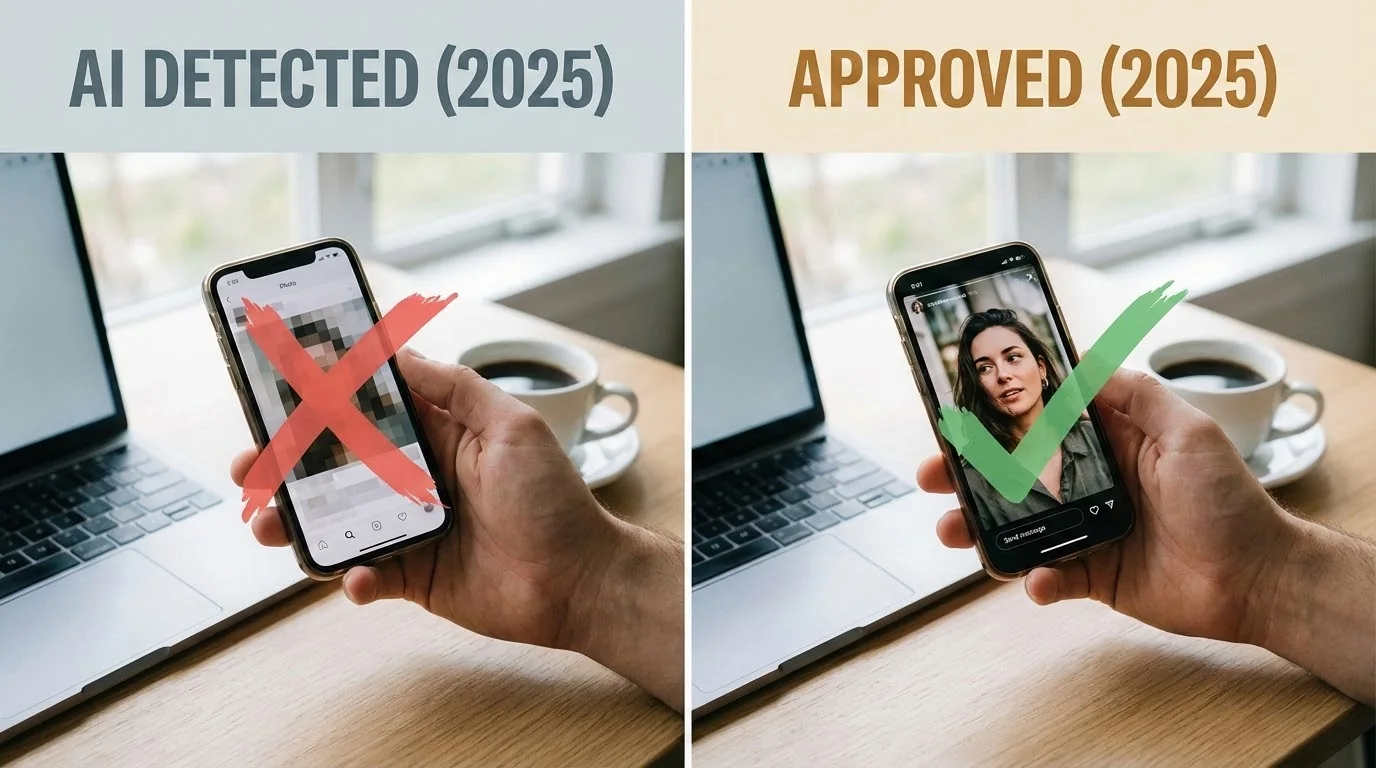
- Trust signals matter more than ever. Verification, consistent faces, and natural-looking images help you avoid detection systems and low-confidence penalties.
- Don't reset first. A reset amplifies whatever profile you already have. Fix the profile, then decide.
- Boosts multiply visibility, not appeal. Paying for reach on a weak profile just shows a weak profile to more people.
What Is a Tinder Profile Review?
A tinder profile review is a structured audit of every element a potential match sees and every setting that controls who sees you. Instead of guessing why your right swipes stopped converting, you inspect each layer, score it honestly, and fix the weakest link first.
Think of it like a mechanic checking a car in a fixed order rather than randomly replacing parts. Your profile has five layers, and they don't carry equal weight. Photos do the heaviest lifting, which is why every serious tinder review profile exercise starts there and works down.
Here's the priority order and roughly how much each layer influences your results:
| Layer | What It Controls | Impact | Fix Difficulty |
|---|---|---|---|
| Photos | Whether you get the swipe at all | Very High | Medium |
| Bio | Whether a maybe becomes a yes | Medium | Easy |
| Settings | Who even sees you | Medium | Easy |
| Activity | How often you're shown | Medium | Easy |
| Trust signals | Whether you look real and safe | Rising | Medium |
If you fix your bio but ignore a blurry first photo, you're polishing the doorknob on a house nobody walks into. Start at the top.
Why a Review Beats Blaming the Algorithm
It's tempting to assume Tinder throttled you. Visibility does fluctuate sometimes, but Tinder's own guidance is clear that profile completeness and activity strongly influence how often you're shown, and that there's no single hidden "score" you can game (Tinder Help Center). The levers you actually control are the ones on your profile.
Here's why the review-first approach saves you money and frustration:
- A boost multiplies whatever you have. If your profile converts poorly, a boost just shows that same profile to more people faster.
- A reset doesn't fix content. Starting fresh gives you a temporary visibility bump, but if the photos and bio stay weak, you land in the same place in a week.
- Small fixes compound. A stronger first photo plus a clearer bio plus verification can shift your results without spending a cent.
So before you tap upgrade, do the audit. If after a genuine review you still want a clean slate, our step-by-step Tinder reset guide covers how to do it safely, but only as a last resort.
Transform Your Dating Profile Today
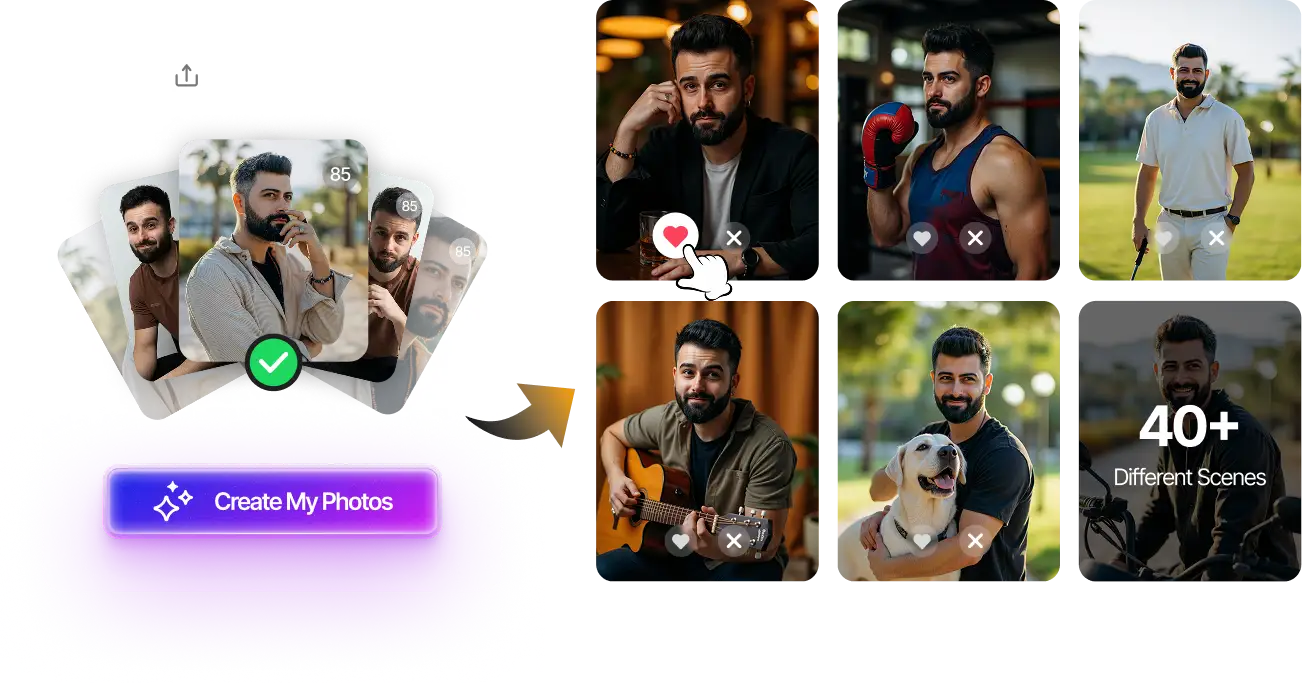
Upload your selfies, get 80-180 AI-optimized dating photos in just 20 minutes. No photoshoot needed.
7-Day Money Back • Privacy-first • One-time payment
Get Started Now →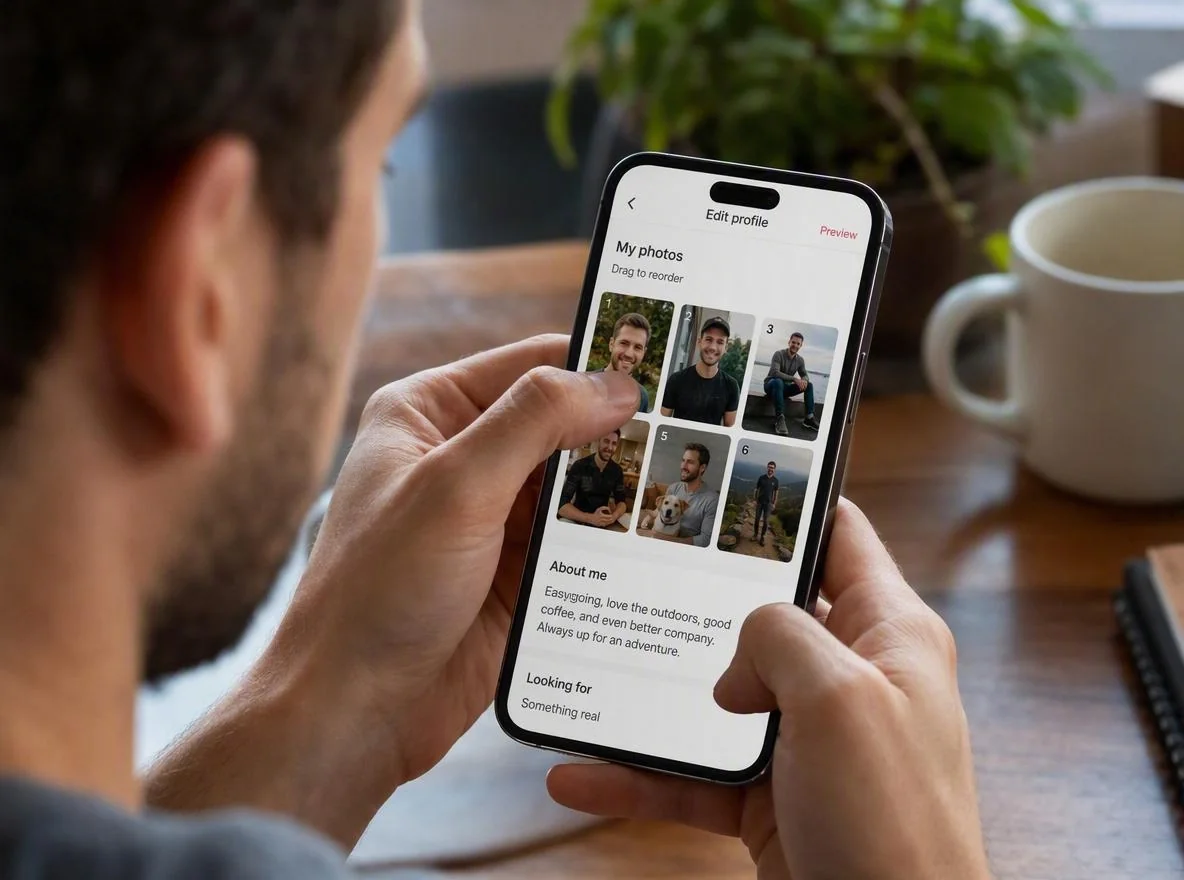
How to Review Your Tinder Profile Step by Step
Work through these five sections in order. Score each item honestly. A pass means you'd be proud to show it to a friend, not just "good enough."
Step 1: Photos (Start Here)
Your photos are the difference between a swipe and a scroll-past. Run this checklist against your current lineup:
- First photo is a clear, well-lit face. No sunglasses, no group shot, no distance. Testing consistently shows solo, sharp, smiling headshots win the opening slot. See our breakdown of the best photos for Tinder.
- You have 4-6 photos, not 1-2. A single photo reads as low effort and can suppress how often you're shown.
- Variety across the lineup. One clear face, one full-body, one social or hobby shot, one candid. Repeating the same angle looks thin.
- No obvious problem photos. Bathroom mirror selfies, heavy filters, ex cropped out, or photos where you're hard to identify.
- Your face is consistent across images. Wildly different lighting, weight, or hairstyle across photos creates doubt.
If your photos are the weak link and a real photoshoot isn't happening, ai tinder photos can rebuild your lineup from selfies you already have. For a photo-type roadmap, our guide to Tinder profile pictures that get matches shows which shots to include.
Step 2: Bio
Your bio rarely earns the swipe on its own, but it turns a "maybe" into a "yes" and gives people something to message about. Review for these:
- It's not blank. An empty bio signals low effort and gives no conversation hook.
- It's specific, not generic. "Love to travel and have fun" says nothing. "Currently ranking every taco truck in town" invites a reply.
- It's short and scannable. Two or three punchy lines beat a paragraph.
- It has one clear hook. A prompt, a question, or a specific detail someone can grab onto.
Stuck on wording? A free AI Tinder bio generator can draft options in seconds, and you can edit from there.
Step 3: Settings
Settings quietly control who sees you at all. Check these:
- Distance range isn't too narrow. A 2-mile radius in a small area starves your feed.
- Age range is realistic. Too narrow limits your pool; too wide dilutes relevance.
- Global or expanded discovery if your local pool is small.
- Show me on Tinder is ON. It's easy to accidentally hide yourself.
Step 4: Activity
Tinder tends to surface profiles that are active. If you binge-swipe once a month, you'll be shown less. Aim for shorter, regular sessions rather than rare marathons, and reply to matches within a day. Consistency signals you're a real, engaged user, not a dormant account.
Step 5: Trust Signals
This is the layer most people skip, and it's growing in importance. Dating apps are investing heavily in verification and authenticity to reduce fake and misleading profiles. Tinder now offers photo and ID verification to confirm you're a real person (Tinder verification support). Review these:
- Verification badge. Getting verified reassures matches and helps your profile look legitimate.
- Photos look natural and consistent. Over-edited or mismatched images can undermine trust and, in some cases, trip authenticity checks.
- Face is identifiable in your first photo. Hidden faces read as evasive.
- No red-flag content. Nothing that looks like a promo, a bot, or a catfish.
Transform Your Dating Profile Today
Upload your selfies, get 80-180 AI-optimized dating photos in just 20 minutes. No photoshoot needed.
7-Day Money Back • Privacy-first • One-time payment
Get Started Now →The Fast Tinder Profile Checklist
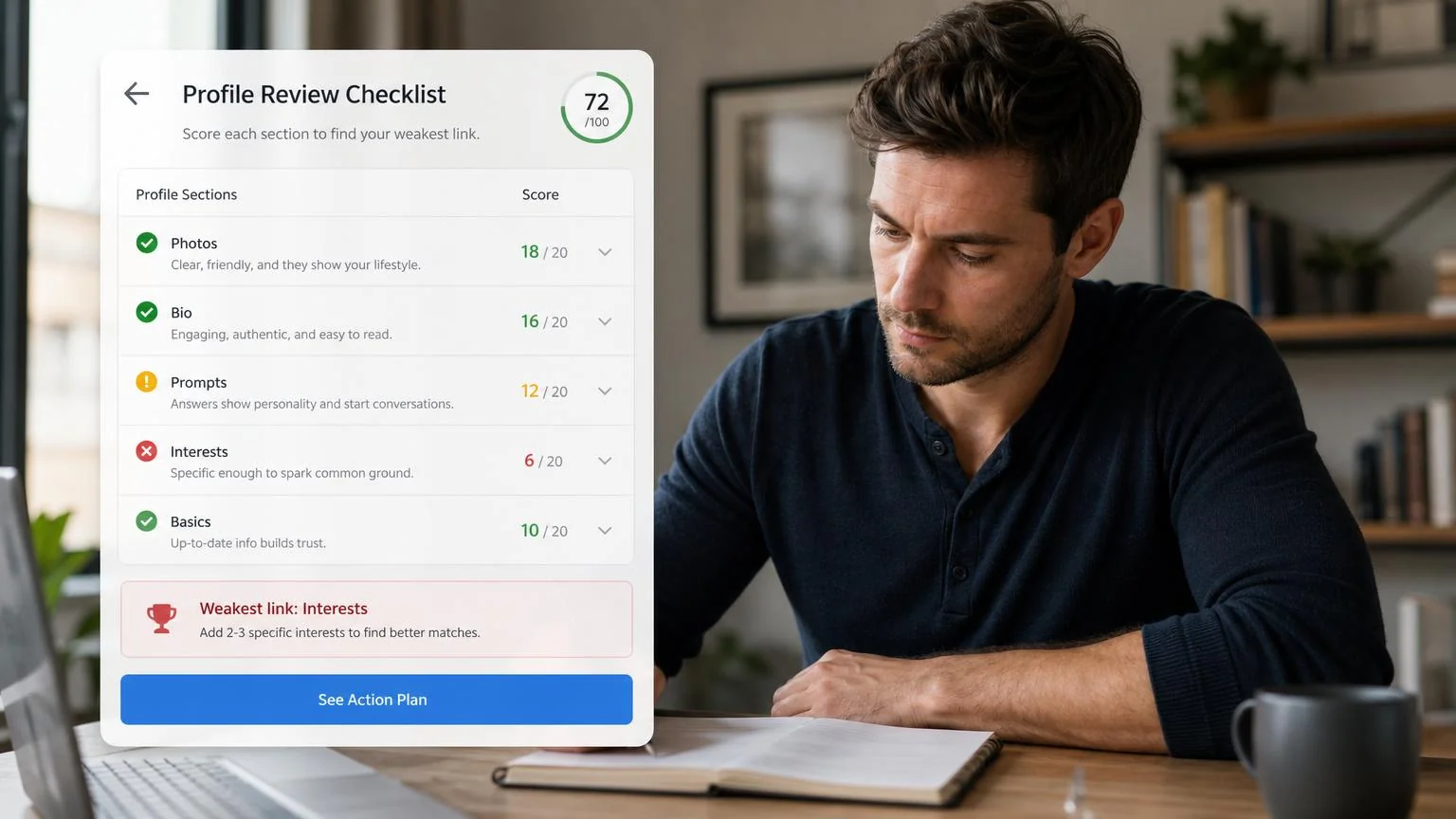
Short on time? Use this condensed tinder profile checklist to score yourself. Give one point per pass. Under 9? That's your fix list, and your answer isn't the algorithm.
| # | Check | Pass? |
|---|---|---|
| 1 | First photo is a clear, solo, smiling face | ☐ |
| 2 | 4-6 varied photos total | ☐ |
| 3 | At least one full-body shot | ☐ |
| 4 | No mirror selfies or heavy filters | ☐ |
| 5 | Face is consistent across all photos | ☐ |
| 6 | Bio is filled in and specific | ☐ |
| 7 | Bio has one clear conversation hook | ☐ |
| 8 | Distance and age ranges are reasonable | ☐ |
| 9 | You swipe and reply regularly | ☐ |
| 10 | Profile is verified with natural photos | ☐ |
Once you've scored yourself, tackle the failed items top to bottom. Photo fixes almost always deliver the biggest jump.
Common Mistakes to Avoid
Even careful reviewers slip up. Watch for these:
- Fixing the bio before the photos. Clever wording can't rescue a weak opening image. Reorder your priorities.
- Buying a boost first. Reach without appeal just burns money faster.
- Adding more of the same photo. Six near-identical selfies aren't variety.
- Ignoring trust signals. Skipping verification and using over-processed images can quietly cost you visibility.
- Reviewing once and never again. Refresh your profile every couple of months so it doesn't go stale.
- Making all changes at once. Change one layer at a time so you can tell what actually worked.
If matches still feel low after a clean review, the next step is your overall match strategy. Our guide on how to get more matches on Tinder picks up where this checklist ends.
Related guides: For next steps, use Tinder Account Under Review: What It Means and How to Get Out and Rate My Tinder Profile: How the Scoring Works and What to Fix First to connect this advice with the rest of your dating profile plan.
Final Thoughts
A proper tinder profile review almost always finds the answer before the algorithm ever needs the blame. Work top to bottom, photos, bio, settings, activity, then trust signals, and fix the weakest layer first. Most people find the real problem was a distant first photo or a blank bio, not a hidden penalty.
Ready to run yours? Score yourself with the checklist above, fix your lowest-scoring layer this week, and give it two weeks before you judge the results. If your photos are the bottleneck and a real shoot isn't realistic, rebuilding your lineup from existing selfies is the fastest high-impact move you can make. Keep the audit honest and change one thing at a time.
Transform Your Dating Profile Today
Upload your selfies, get 80-180 AI-optimized dating photos in just 20 minutes. No photoshoot needed.
7-Day Money Back • Privacy-first • One-time payment
Get Started Now →FAQ
How do I do a Tinder profile review myself? Audit five layers in order: photos, bio, settings, activity, and trust signals. Score each honestly, then fix the weakest layer first. Photos almost always deliver the biggest improvement, so start there.
Is my low match rate the algorithm or my profile? Usually your profile. Tinder's visibility depends heavily on profile completeness and activity, both of which you control. Run a full review before assuming you've been throttled or shadowbanned.
Should I reset my Tinder or buy a boost first? Neither. Fix your profile first. A boost multiplies reach and a reset gives a temporary bump, but both amplify whatever profile you already have. Improve the content, then decide if extra visibility is worth it.
How many photos should my Tinder profile have? Four to six varied photos: a clear solo face for the first slot, at least one full-body shot, and a mix of candid and social images. A single photo reads as low effort and can reduce how often you're shown.
Do trust signals like verification really matter? Increasingly, yes. Verification and natural-looking, consistent photos help you appear legitimate and can support how your profile is surfaced. Over-edited or mismatched images can undermine trust and, in some cases, trip authenticity checks.