Hinge Deleted My Photos? 2026 Fix & AI Photo Rules
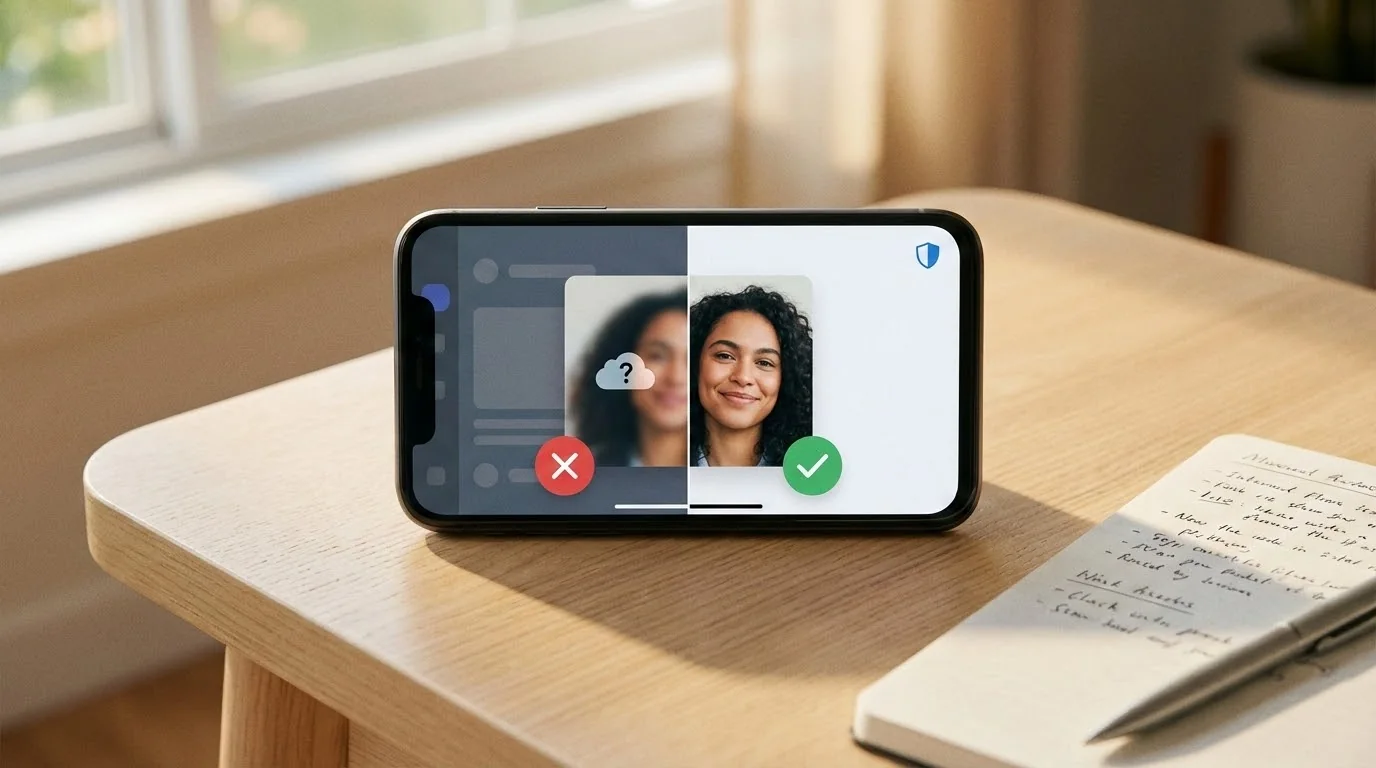
Short answer: if Hinge deleted your photos, replace the missing slot with a clear, realistic image first, then review what likely triggered removal: face obstruction, heavy editing, low quality, policy issues, or photos that look misleading.
Hinge does not give every user a detailed photo-by-photo explanation. The practical fix is to rebuild the profile with safer images, keep original files available, and contact support through the app if you believe a photo or content decision was wrong. Hinge's official terms are also worth checking before you re-upload borderline content: Hinge Terms.
Key Takeaways
- Fix the empty slot quickly: do not leave your Hinge profile with missing or weak photos.
- Use clearer replacements: visible face, natural lighting, no heavy filters, no misleading edits.
- AI photos need restraint: realistic Hinge AI photos are safer than fantasy or over-polished outputs.
- Check before uploading: test suspicious images with the Realness Score Analyzer.
Quick Fix Checklist for Deleted Hinge Photos
- Open your profile and confirm which slot disappeared.
- Replace it with a clear face or lifestyle photo, not another heavily edited version of the same image.
- Remove photos with sunglasses, group confusion, text overlays, obvious AI artifacts, or extreme smoothing.
- Run your new lineup through the dating profile optimizer before changing all six photos at once.
- If the deletion seems wrong, contact Hinge support in the app and include a calm explanation plus original image context.
Why Hinge Deletes Photos Without Warning
Hinge uses both automated AI detection and human moderators to review photos. Unlike other dating apps, Hinge has stricter quality standards because the platform emphasizes authentic connections.
Common reasons for photo removal:
- Heavily filtered or AI-enhanced photos: Excessive smoothing, beauty filters, or obvious AI-generated elements
- Poor image quality: Blurry, pixelated, or poorly lit photos that don't meet minimum standards
- Group photos as main picture: Your primary photo must clearly show you alone
- Promotional content: Photos with watermarks, logos, or brand promotion
- Inappropriate content: Suggestive poses, revealing clothing, or content violating community guidelines
- Sunglasses or face obstruction: Photos where your face isn't clearly visible in multiple slots
The frustrating part? Hinge rarely sends notifications explaining which rule you broke. The system assumes you'll figure it out and upload compliant photos.
Check Your Photos Before Hinge Does
Use our free AI Realness Score Analyzer to check if your photos might trigger Hinge's detection systems before uploading.
Free analysis • Instant results • No signup required
Analyze Your Photos Free →Immediate Fix: What to Do Right Now
When Hinge deletes your photo, your profile becomes incomplete. This reduces your visibility in the stack. Here's your recovery plan:
Step 1: Replace deleted photos immediately
Open your Hinge profile and add new photos to fill empty slots. Don't leave gaps for more than 24 hours, as incomplete profiles get deprioritized in the algorithm.
Step 2: Review Hinge's photo guidelines
Before uploading replacements, check Hinge's current content guidelines. Use clear, truthful photos and avoid misleading or prohibited content before you re-upload.
Step 3: Choose natural, high-quality alternatives
Select photos that are:
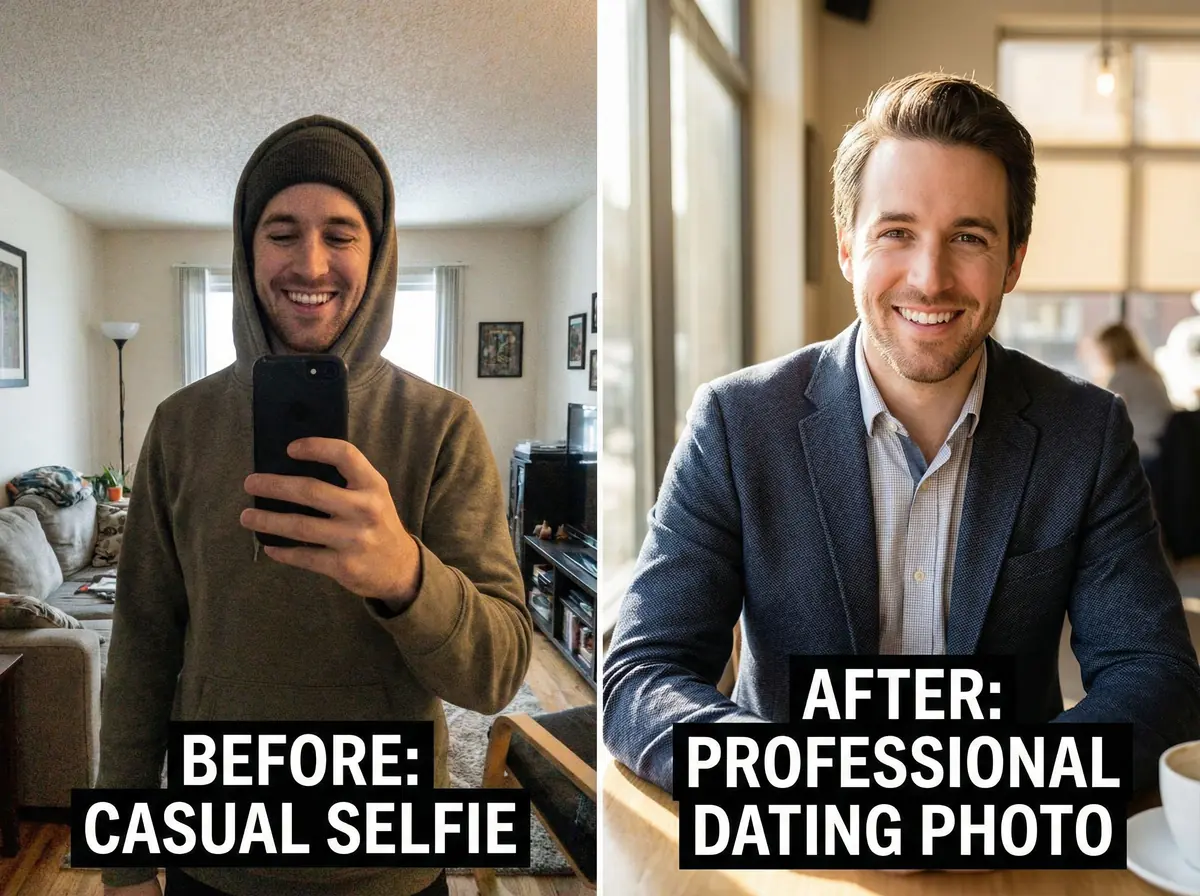
- Well-lit with natural lighting
- In focus and high resolution
- Showing your face clearly in at least 2-3 photos
- Minimal or no filters applied
- Recent (within the last year)
Step 4: Diversify your photo types
Hinge performs best with variety. Include clear headshots, full-body photos, and photos showing hobbies or activities.
If you're struggling to find photos that meet Hinge's standards, our complete Hinge AI photo guide shows proven examples that pass moderation while maximizing matches.
How to Prevent Future Photo Deletions
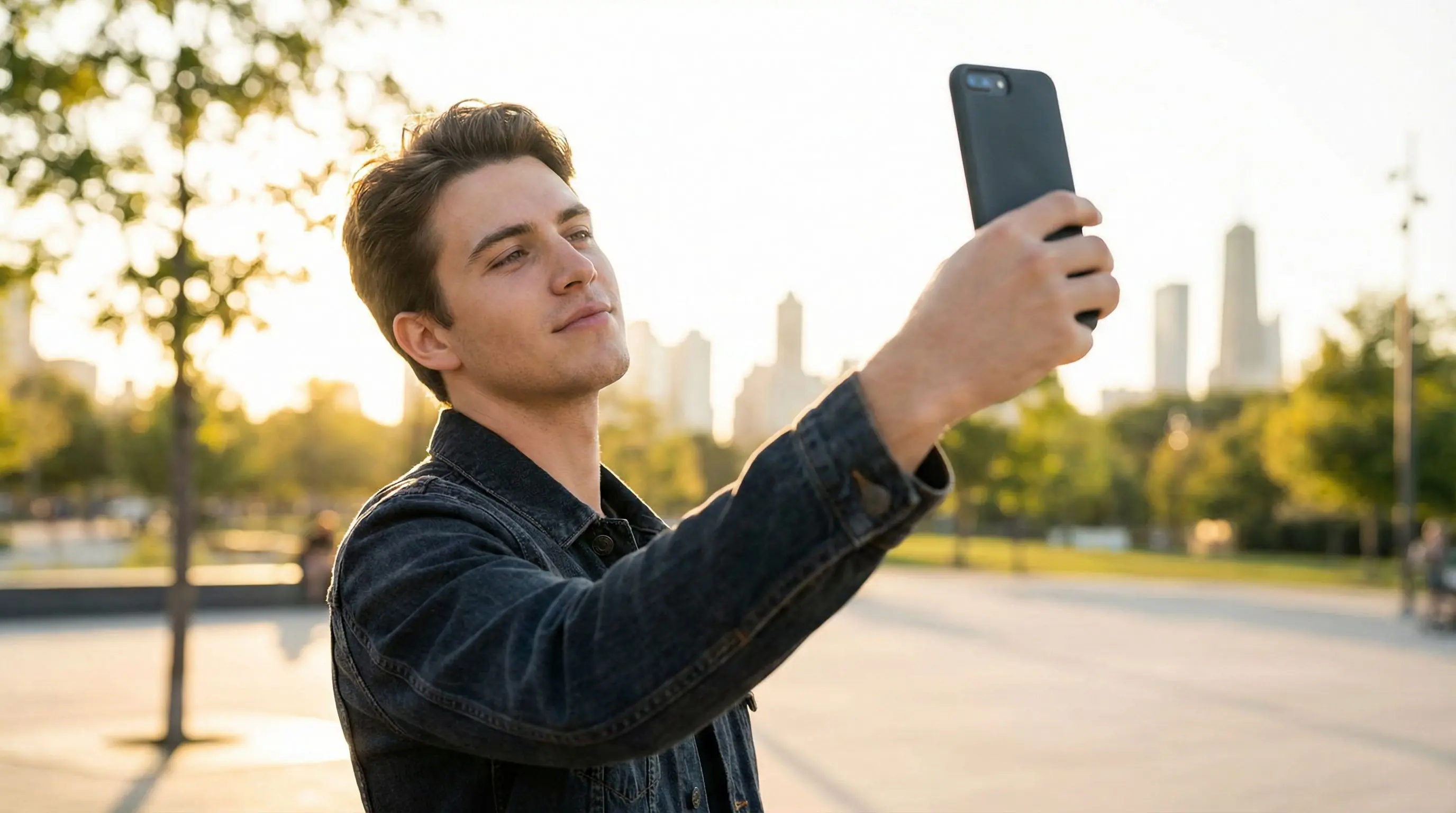
The best fix is prevention. Here's how to keep your Hinge profile compliant long-term:
1. Test photos before uploading
Before adding any photo to Hinge, run it through our free Realness Score Analyzer. It detects AI artifacts and quality issues that might trigger Hinge's moderation instantly.
2. Avoid heavy editing
Modern smartphones apply automatic beautification. Disable these features:
- Turn off "Beauty Mode" in your camera app
- Avoid Facetune or similar smoothing apps
- Use minimal Instagram filters (or none)
- Don't use AI headshot generators without quality checking
3. Prioritize natural lighting
Photos taken in natural daylight look more authentic and pass moderation more easily. Golden hour (early morning or late afternoon) produces the most flattering results.
4. Show your real self
Hinge values authenticity. Photos should represent what you actually look like when someone meets you. Overly polished photos set unrealistic expectations and often get flagged.
5. Keep photos updated
Replace photos every 3-6 months. This keeps your profile fresh and ensures photos accurately reflect your current appearance.
Get Hinge-Approved Photos in Minutes
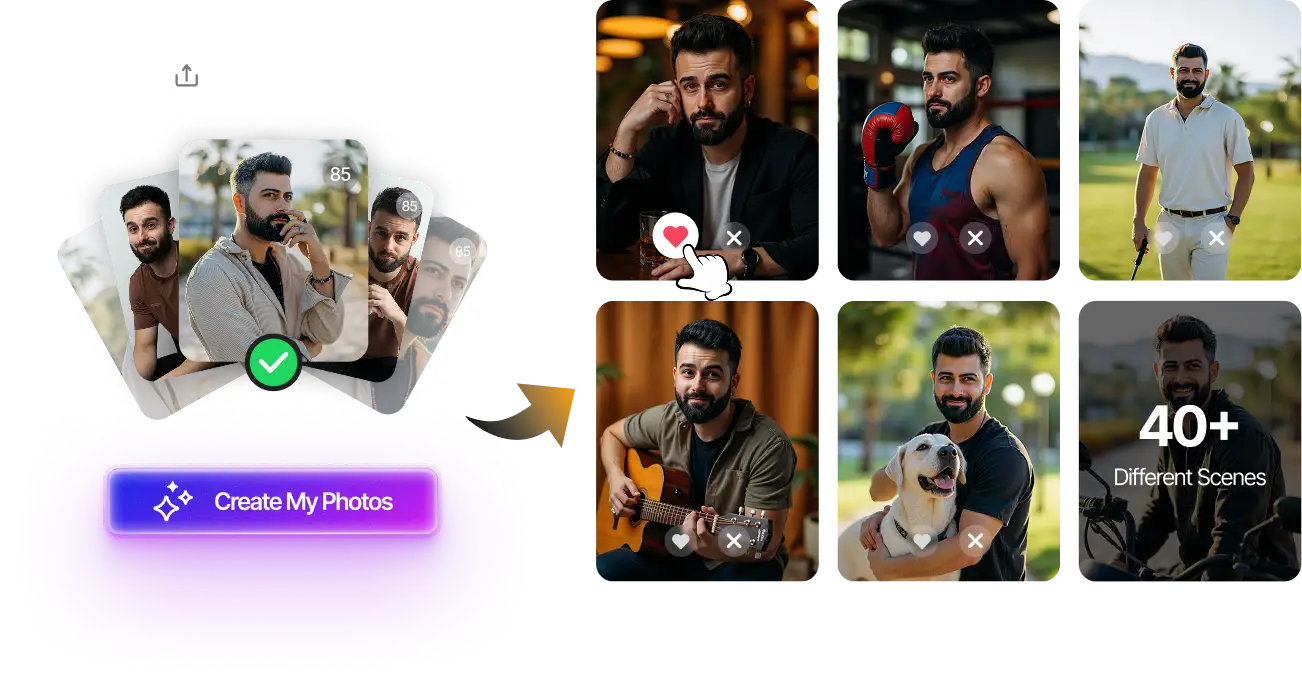
Upload your selfies, get 80-180 AI-optimized dating photos in just 20 minutes. Designed to meet Hinge's quality standards while maximizing matches.
Hinge-compliant photos • Natural results • One-time payment
Generate Photos Now →Can You Use AI Photos on Hinge?
The short answer: yes, but with strict conditions.
Hinge doesn't ban AI photos outright, but their moderation system detects and removes obviously artificial images. The key is making sure your AI-generated photos look natural and realistic.
What works:
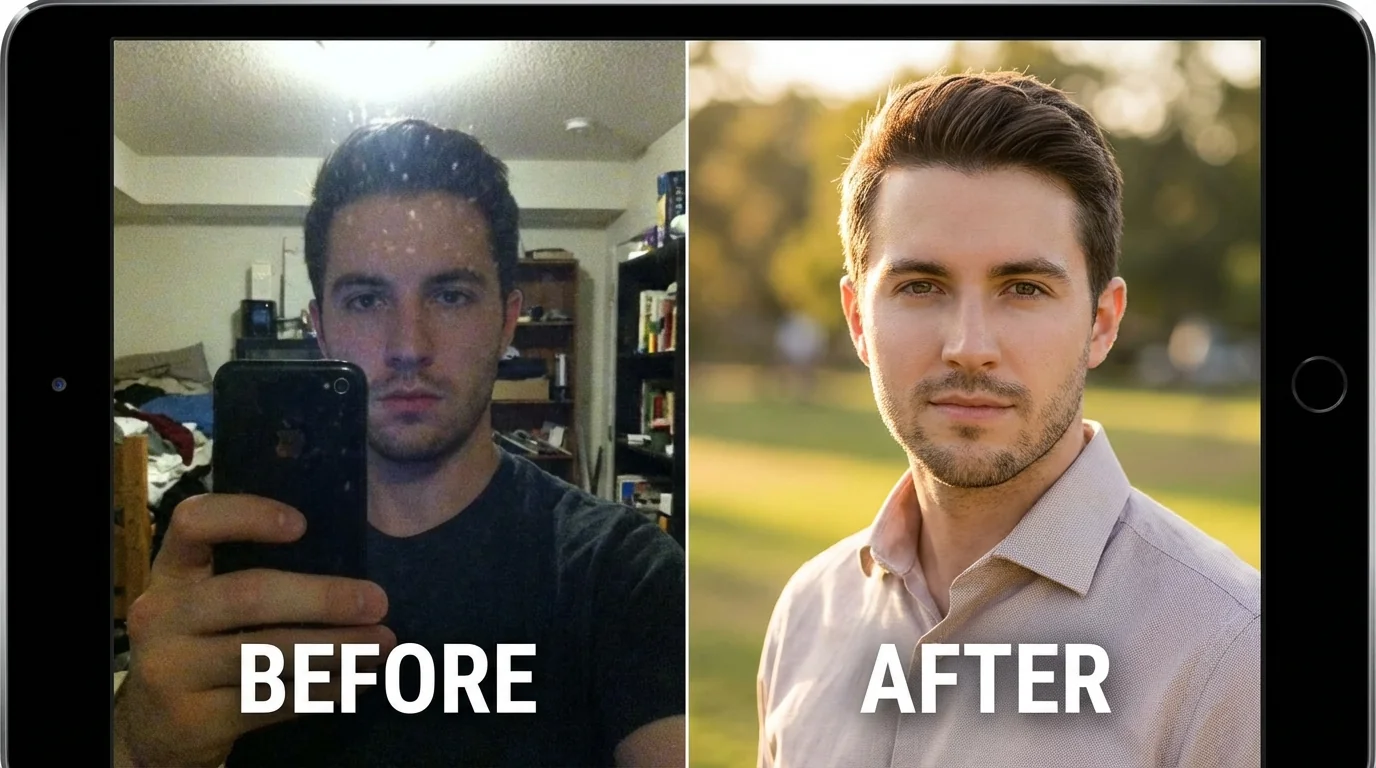
- High-quality AI photos with natural skin texture
- Realistic lighting and backgrounds
- Photos that match your actual appearance
- AI photos mixed with real photos (recommended ratio: 2-3 AI to 3-4 real)
What gets deleted:
- Over-smoothed skin or plastic-looking features
- Inconsistent facial features across photos
- Unnatural lighting or impossible shadows
- Background artifacts or distortions
- All AI photos with no real ones
Before uploading any AI-generated photo, check it with our Realness Score Analyzer to ensure it passes Hinge's quality standards.
Step-by-Step: Complete Photo Recovery Guide
Follow this systematic approach to fix your Hinge profile and prevent future issues:
Phase 1: Damage Control (Day 1)
- Log into Hinge and identify which photos were removed
- Note the photo types that got deleted (selfie, full-body, activity, etc.)
- Replace deleted slots with existing photos from your camera roll that meet guidelines
- Ensure you have at least 5-6 photos total (Hinge recommends 6)
Phase 2: Quality Upgrade (Days 2-3)
- Review all remaining photos on your profile
- Remove any photos that might be at risk (heavy filters, group shots, poor quality)
- Take or select new photos following best practices
- Test each photo with the Realness Score Analyzer before uploading
- Upload approved photos one at a time, waiting a few hours between uploads
Phase 3: Long-Term Strategy (Ongoing)
- Set a calendar reminder to refresh photos every 3 months
- Keep a folder of Hinge-approved backup photos
- Test new photos before removing old ones
- Monitor your match rate to ensure photo changes are working
Final Thoughts
Having photos deleted on Hinge is frustrating, but it's fixable. The key is understanding that Hinge prioritizes authentic, high-quality photos that accurately represent who you are. By following the guidelines above and testing your photos before uploading, you can maintain a compliant profile that performs well.
Remember: the goal isn't just to avoid deletions. It's to create a profile that attracts genuine matches. Natural, well-chosen photos will always outperform heavily edited ones.
Ready to upgrade your Hinge photos? Use our free Realness Score Analyzer to check your existing photos, or try our AI Dating Photo Generator to create Hinge-compliant photos that get results.
Transform Your Hinge Profile Today
Upload your selfies, get 80-180 AI-optimized dating photos in just 20 minutes. No photoshoot needed, Hinge-approved quality guaranteed.
100+ unique photos • Privacy-first • One-time payment
Get Started Now →FAQ
Why did Hinge delete my photos?
Hinge may remove photos that appear low quality, misleading, heavily edited, policy-violating, promotional, or unclear about who is in the image. Obvious AI artifacts and extreme filters can also make a photo look risky.
Can I appeal if Hinge removed a photo?
If you believe a moderation decision was wrong, contact Hinge support through the app and explain the issue clearly. For a single removed photo, replacing it with a safer image is usually faster than waiting.
Will Hinge delete AI photos?
Hinge is more likely to remove AI photos that look deceptive, over-edited, or unlike your real appearance. Realistic AI-assisted photos that preserve your current identity are lower risk, but you should still check them before upload.
What photos should I upload after Hinge deletes one?
Use a clear, recent photo with natural lighting, visible face, no text overlay, no group confusion, and no obvious AI or filter artifacts. Avoid replacing a deleted image with another version of the same problem.
How can I prevent future Hinge photo deletions?
Use realistic photos, keep your face visible, avoid heavy editing, and test AI-assisted images for realness before uploading. A complete profile lineup is safer than relying on one polished image.