No Matches on Hinge? A Diagnostic Checklist That Actually Finds the Problem

If you're getting no matches on Hinge, the honest answer is this: something specific is failing, and it's almost never bad luck. In most cases it comes down to one of three things: your photos, your written profile, or how your account is being distributed. The trick is figuring out which one before you burn hours rewriting prompts that were never the problem.
This guide is a diagnostic, not a tips list. Instead of throwing 30 random ideas at you, we'll walk through a checklist that isolates the actual bottleneck. You'll know whether to fix your first photo, your prompts, or your activity pattern, so you stop guessing and start seeing your likes turn into conversations.
Let's find the real reason you're not getting matches on Hinge, then fix that one thing.
Key Takeaways
- Photos are the most common cause. Your first photo does most of the work. If it's dim, cluttered, or hard to read at thumbnail size, likes drop before anyone reads a word.
- Diagnose in order. Check photos first, then prompts and bio, then activity and account health. Fixing the wrong layer wastes weeks.
- Sudden vs. chronic matters. A sudden drop points to activity, resets, or account review. A chronic drought points to profile fundamentals.
- One change at a time. Swap a single variable, wait a few days, and read the signal. Changing everything at once tells you nothing.
The Fast Diagnosis: Which Layer Is Broken?
Before you change anything, figure out what kind of problem you have. "Hinge no matches" usually splits into three layers, and each one has a different fix. Use the table below to point yourself at the right starting place.
| Symptom | Likely layer | Where to start |
|---|---|---|
| People rarely like you back; few profile views | Photos (first impression) | Rebuild your first 3 photos |
| You get likes but conversations die fast | Prompts & bio | Rewrite prompts for replies |
| Matches suddenly dropped to near zero | Activity or account health | Check usage pattern & status |
| New account, slow start after a few days | Early distribution | Be patient, keep engaging |
The rule of thumb: if likes are low, it's almost always photos. If likes are fine but nothing goes anywhere, it's your written profile. If things suddenly changed, look at how you've been using the app, not your content.
Layer 1: Photos (Fix This First)
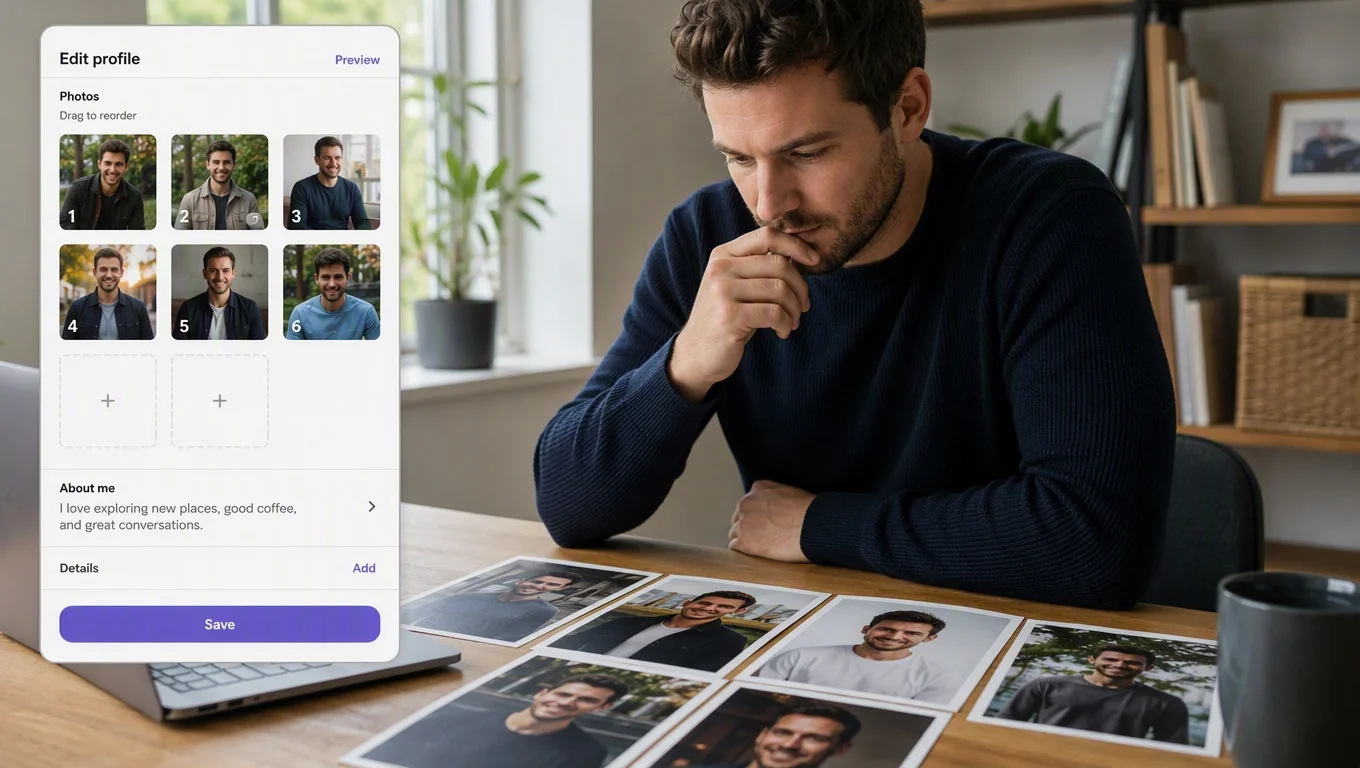
Most people who get no matches on Hinge have a photo problem, not a personality problem. Your first photo has to work in a fraction of a second, at small size, next to dozens of other profiles. If it doesn't read clearly in that moment, nothing else you wrote gets a chance.
Run your lineup through this quick audit:
- First photo clarity: Is your face lit, in focus, and taking up enough of the frame? Squinting at a tiny thumbnail should still tell someone what you look like.
- Genuine expression: A real, relaxed smile outperforms a stiff, closed-mouth stare almost every time.
- Variety across the set: One clear headshot, one full-body, and one photo that shows a life: travel, a hobby, friends. Six near-identical selfies signal nothing.
- No clutter or confusion: Group shots where you're hard to spot, heavy filters, and sunglasses in the lead photo all cost you.
If you're not sure where your set is weak, compare it against a proven structure. Our breakdown of the best dating profile photos that actually get matches shows what each slot in your lineup should do, so you're not guessing which shot to lead with.
For Hinge specifically, photos also anchor the conversation. People comment on what they see. If you want a scannable, platform-fit approach to building that set, the guide to hinge ai photos walks through the photo mix that reads well on the app and gives people something to react to.
Transform Your Dating Profile Today
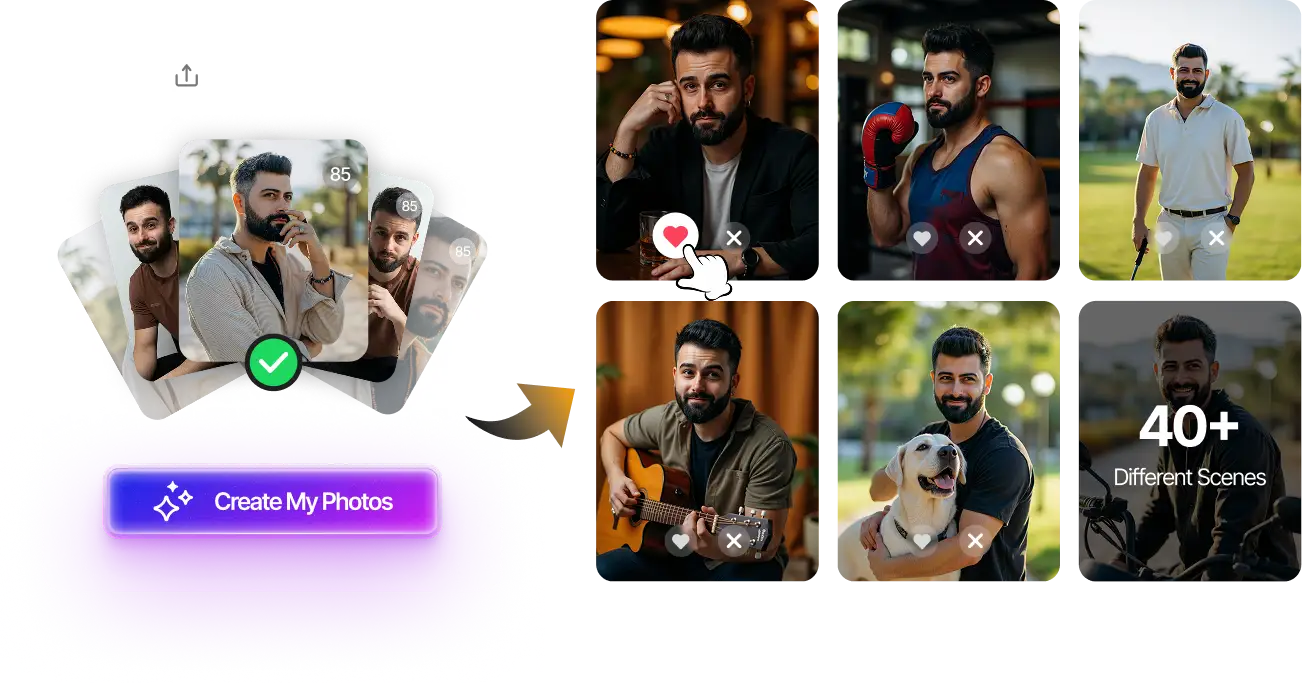
Upload your selfies, get 80-180 AI-optimized dating photos in just 20 minutes. No photoshoot needed.
7-Day Money Back • Privacy-first • One-time payment
Get Started Now →
Layer 2: Prompts and Bio (When Likes Don't Convert)
If your photos are pulling people in but conversations stall, or you get likes with comments that go nowhere, the problem has moved to your written profile. On Hinge, prompts are the hook. A flat prompt gives someone nothing specific to reply to, so they scroll on even if they liked your face.
Here's what usually kills prompt performance:
- Generic answers: "I love to travel" or "just ask" gives no entry point. Specific, slightly unexpected answers invite a natural reply.
- All humor or all sincerity: Mix one funny prompt, one that shows values, and one that hints at your lifestyle. Balance reads as a real person.
- No clear conversation bait: The best prompts leave an obvious opening: a question, an opinion, or a small story someone wants to finish.
Rewriting three prompts is faster than rebuilding a photo set, so this is a cheap, high-impact fix once photos are handled. For a structured pass through every element that Hinge scores, work through the Hinge profile optimization checklist. It covers the exact order to tighten photos, prompts, and proof. And if you suspect specific lines are dragging you down, the 10 Hinge profile fixes guide points out the most common prompt and bio mistakes to swap out.
Layer 3: Activity and Account Health (Sudden Drops)
If your matches suddenly fell off a cliff, not a slow decline but a near-total stop, the issue usually isn't your content. It's how your account is being distributed or used. A few patterns tend to trigger this:
- Long inactivity, then a burst: Apps tend to surface active, responsive profiles. If you disappear for weeks and return, expect a slower ramp.
- Mass, rapid liking: Firing off likes as fast as possible can look low-effort and may reduce how often you're shown. Slower, intentional liking often reads better.
- Rarely replying to matches: Leaving conversations dead can signal a low-quality experience for others, which doesn't help your reach.
- Recent report or policy flag: If your visibility dropped alongside a warning, your account may be under review rather than shadow-limited.
People often jump straight to "shadowban," but that word gets overused. If you genuinely think your account has been limited or is under review, don't re-diagnose it here. Read our dedicated walkthrough on what an account under review actually means and how to get out of it. The signals and recovery steps translate across dating apps, and it'll save you from blaming your photos when the real issue is account status.
For most people, though, the fix is simpler than a ban theory: use the app like a normal human. Log in regularly, like thoughtfully, reply to your matches, and give the distribution a few days to respond to any profile change you make.
How to Run the Diagnosis, Step by Step
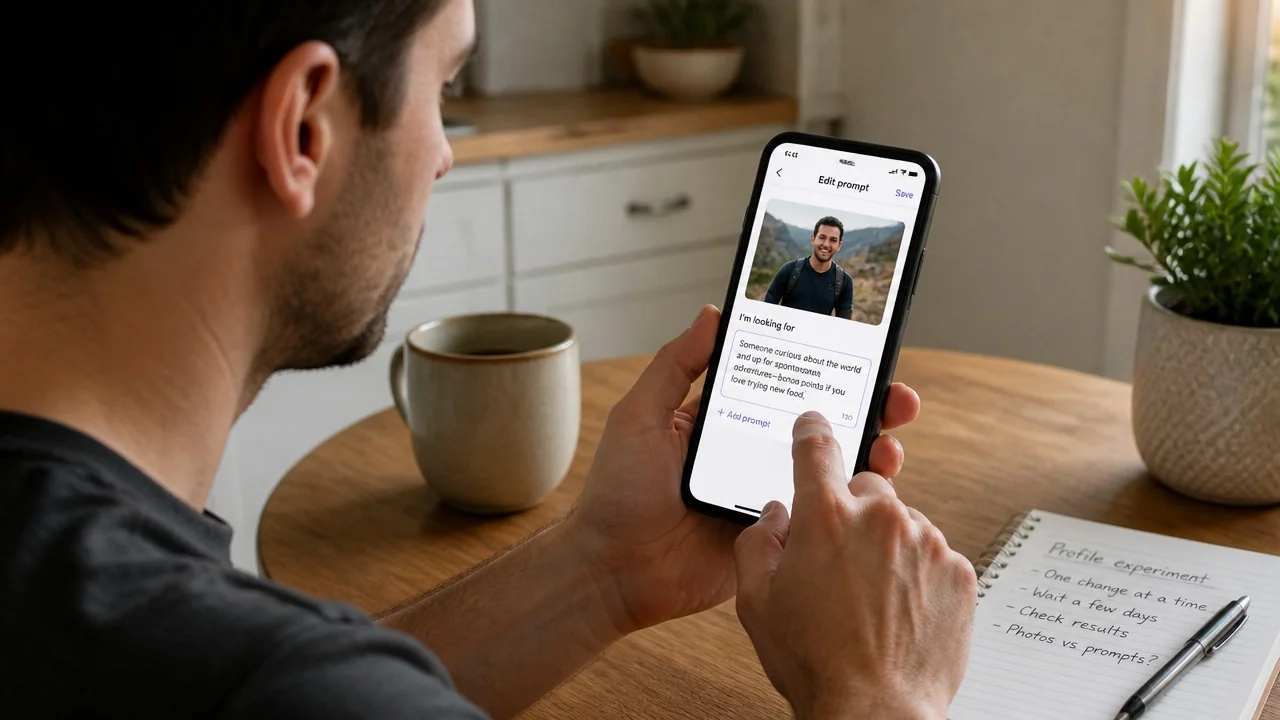
Don't change five things at once. If you do, you'll never know what worked. Follow this sequence instead:
- Screenshot your current profile. Note your rough like-to-match pattern over the last week so you have a baseline.
- Fix the first photo only. Swap in your clearest, best-lit, genuine-expression shot. Leave everything else untouched.
- Wait three to five days. Give the change time to reach new people before you judge it.
- Read the signal. More likes? Photos were your bottleneck. No change? Move to the next layer.
- Rewrite prompts next. If likes improved but conversations still stall, tighten your three prompts for specificity and reply bait.
- Then check activity. Only after content is solid should you audit login habits, liking speed, and account status.
This one-variable-at-a-time approach turns a vague "why am I not getting matches on Hinge" into a clear, testable answer. It's slower than a full overhaul, but it actually tells you what's wrong instead of leaving you guessing.
One caveat: if your entire lineup is weak, with every photo dim, cluttered, or low-effort, don't test them one by one. Rebuild the whole set at once, because a single swap into a bad lineup won't move the needle.
Transform Your Dating Profile Today
Upload your selfies, get 80-180 AI-optimized dating photos in just 20 minutes. No photoshoot needed.
7-Day Money Back • Privacy-first • One-time payment
Get Started Now →Final Thoughts
Getting no matches on Hinge feels personal, but it's usually a fixable, mechanical problem hiding in one specific layer. Start with photos, since your first shot does most of the work. Move to prompts only if likes are coming in but conversations aren't. Save the activity and account-health check for sudden, dramatic drops, not slow droughts.
The most important habit is discipline: change one thing, wait a few days, and read the result. That's how you turn frustration into a clear diagnosis instead of another round of guessing. Once you know your photos are the bottleneck, rebuilding a stronger, Hinge-ready lineup is the highest-leverage move you can make. Everything else on your profile only gets a chance once your first photo earns the swipe.
FAQ
Why am I suddenly getting no matches on Hinge?
A sudden drop usually points to activity or account health, not your content. Common triggers include long inactivity followed by a burst of use, rapid mass-liking, or a recent report. If visibility fell alongside a warning, your account may be under review rather than simply low-performing.
Is it my photos or my prompts causing no matches?
If likes are low, it's almost always photos: your first image isn't reading clearly at thumbnail size. If you get likes but conversations stall, it's your prompts and bio. Fix photos first, then move to written profile elements.
How long should I wait after changing my profile?
Give any single change three to five days before judging it. Distribution needs time to show your updated profile to new people, and a rushed verdict after a few hours tells you nothing useful.
Does Hinge shadowban accounts?
People use "shadowban" loosely, but reduced visibility is more often tied to inactivity, low-effort liking, or account review. Rather than re-diagnosing it here, check a dedicated guide on what an account under review means, since the signals and recovery steps carry across dating apps.
How many photos should a Hinge profile have?
Fill all six slots with variety: one clear headshot, one full-body shot, and images that show a real life like hobbies, travel, or friends. A varied set gives people something to react to, which matters on Hinge where photos anchor the conversation.