Bumble AI Photo Feedback 2026: What It Misses
Bumble AI Photo Feedback Is Useful, But It Is Not a Full Profile Fix
Short answer: Bumble AI photo feedback can help you spot weak photos, but it cannot create better photos, fix a weak bio, or build a profile story that makes people want to message you.
The tool is best treated as a diagnostic signal. If Bumble says your photos need work, the next step is not just rearranging the same weak images. You need clearer first-photo trust, warmer profile pictures, realistic lifestyle context, and a Bumble profile that feels easy to respond to.
For a full photo strategy, read the Bumble AI photos guide. For the product landing page, see Bumble AI photos.
Key Takeaways
- Bumble AI photo feedback diagnoses problems, but it cannot create a stronger first photo for you.
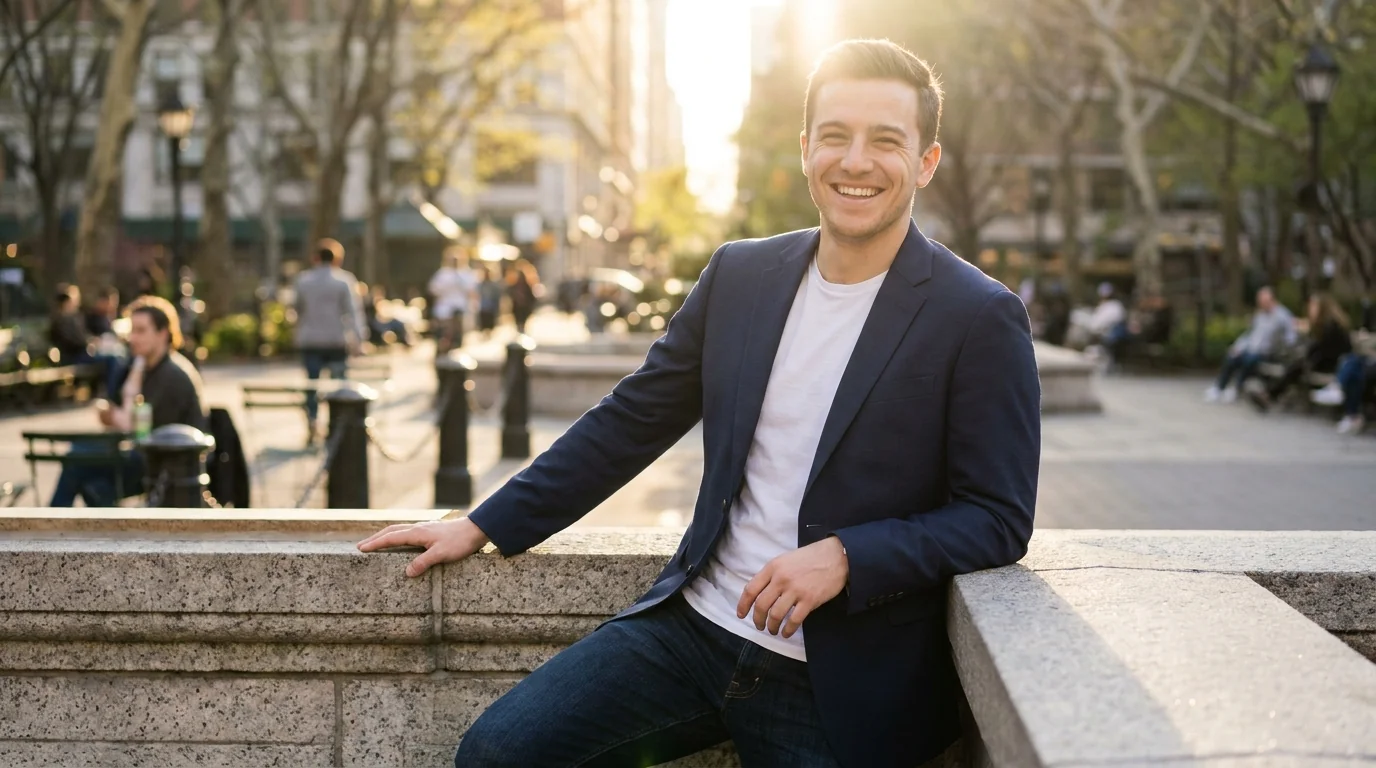
- Photo quality still matters most: clear face, realistic lighting, approachable expression, and believable context.
- Bumble rewards warmth: photos that feel safe, current, and easy to message usually outperform over-polished shots.
- AI-assisted photos can help when they look like a real version of you, not a synthetic profile set.
- The profile needs a full system: photo order, bio, prompts, and first-message hooks all affect results.
What Bumble's AI Photo Feedback Actually Does
Bumble's AI photo feedback tool analyzes the photos you've uploaded and provides a score or set of recommendations based on several factors:
- Face visibility: Is your face clearly visible and centered? Bumble's algorithm, like most swipe-based platforms, heavily weighs photos where the face is unobstructed.
- Lighting quality: The system flags photos taken in low light or harsh artificial lighting, which tend to score lower in A/B engagement tests.
- Background clutter: Messy environments, distracting backgrounds, and busy settings get flagged as reducing focus on the subject.
- Photo variety: The tool checks whether your photo set includes a mix of solo shots, activity shots, and lifestyle images.
- First-photo performance: Based on anonymized swipe data, Bumble's system can suggest which of your uploaded photos performs best as the lead image.
On paper, this is genuinely helpful. Most guys have no idea why their profile isn't working — and having an algorithm point to "your first photo has poor lighting and your face is partially obscured" is a real diagnosis.
But here's where the feature hits a wall.
Why Bumble's Feedback Tool Has a Fundamental Flaw
The feedback tool works within the constraints of your existing photos. It can tell you that Photo #3 is better than Photo #1. It can tell you that your bathroom selfie isn't working. It can suggest you upload a photo with better lighting.
What it cannot do is give you better photos.
This is the core problem. If you're working with a library of mediocre snapshots — phone selfies, low-res group shots, blurry outdoor photos — Bumble's AI can rearrange them, but the ceiling on your results stays exactly where it was. You're optimizing a weak hand, not upgrading to a stronger one.
Think about it this way: imagine you have five photos, all taken on a dim iPhone, none of them particularly flattering. Bumble's tool might correctly identify which one performs best. But even the "best" photo in that set is still a mediocre photo. Rearranging mediocre photos doesn't make them good.
There's also a second limitation: the tool is reactive, not proactive. It responds to what you've already uploaded. It doesn't help you understand what type of photo would dramatically outperform your current set. It won't tell you that a professional-quality headshot with natural outdoor lighting and a confident expression would get you 40% more right swipes. It only works with what you've already given it.
Transform Your Bumble Profile Today
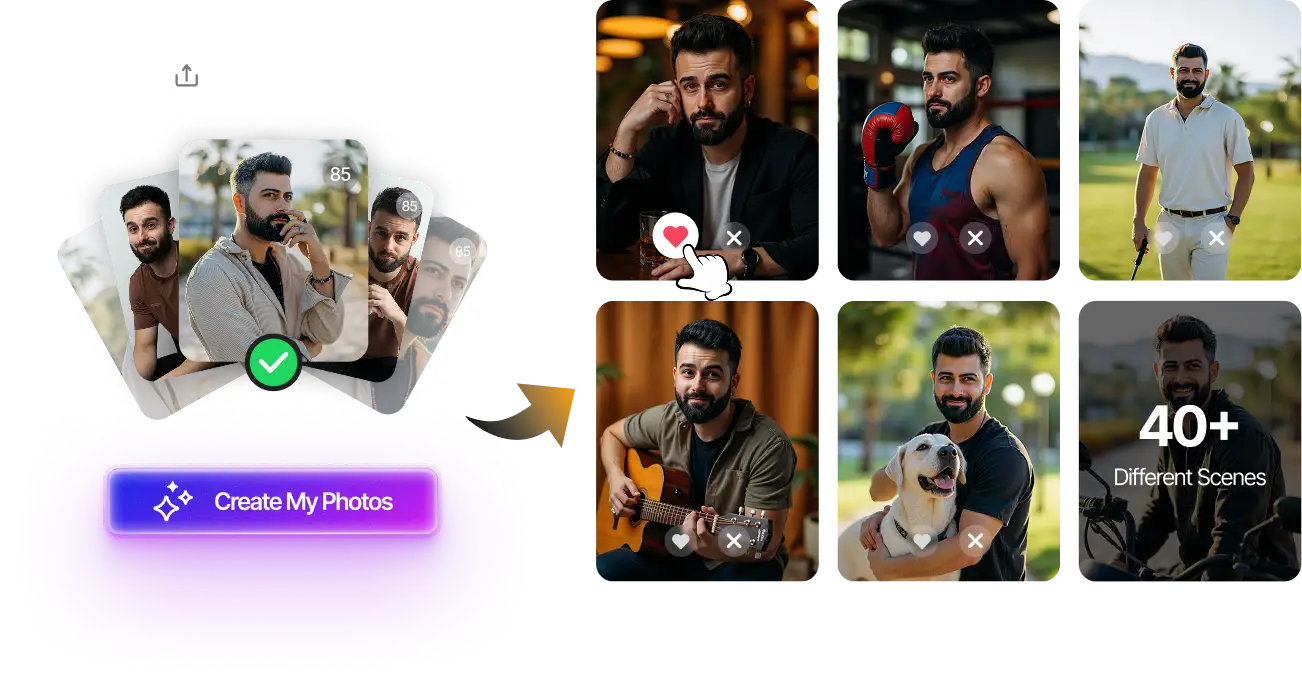
Upload your selfies, get 80-180 AI-optimized dating photos in just 20 minutes. No photoshoot needed.
100+ unique photos • Privacy-first • One-time payment
Get Started Now →What Actually Works on Bumble in 2026
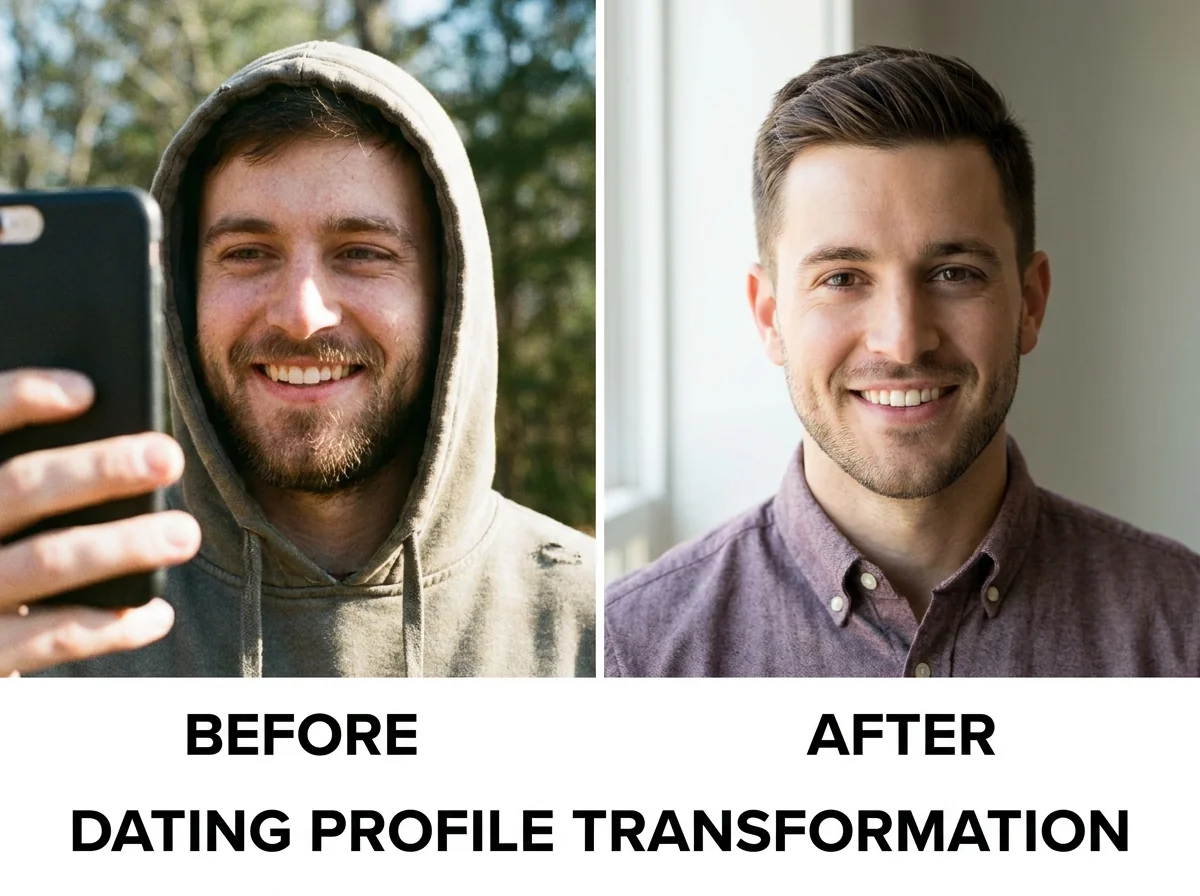
Bumble's user base skews toward intentional daters — people who read your profile instead of just swiping on reflex. That means photo quality carries even more weight here than on swipe-heavy apps like Tinder. Here's what the data and real-world testing show actually drives results:
1. Professional-Quality Lead Photos
Your first photo does about 70% of the work. On Bumble, where women make the first move, a standout lead photo is the difference between being seen and being scrolled past. The photos that consistently perform best share three things: excellent lighting, a genuine expression, and a clean or interesting background. Casual selfies rarely hit all three.
2. Variety With a Clear Story
Bumble's research suggests profiles with 4–6 photos see significantly higher match rates than those with 1–2. But variety without coherence doesn't help. The best-performing profiles tell a visual story: here's who I am, here's what I enjoy, here's what I look like in different contexts. A consistent look and feel across photos — similar quality, similar energy — signals that you take your dating life seriously.
3. Natural-Looking, High-Quality Images
One of the most consistent findings in 2026 dating app data: photos that look professional but not over-produced perform best. Overly edited images, obvious AI artifacts, or photos that look like stock photography trigger skepticism. The goal is polished but authentic — which is exactly what well-generated AI dating photos can deliver. For a full breakdown of what makes AI photos pass the "looks real" test, the complete Bumble AI photos guide covers every detail of what works on this specific platform.
4. Activity and Lifestyle Shots
Photos that show you doing something — hiking, cooking, at a concert, with a dog — consistently outperform static headshots as secondary images. They give potential matches a conversation hook and signal that you have an actual life outside of dating apps.
What Bumble's AI Feedback Flags — And What It Misses
To be fair to the feature, Bumble's AI does catch several real problems. Here's what it reliably identifies:
- ✅ Poor face visibility in lead photo
- ✅ Low-light or harsh artificial lighting
- ✅ Cluttered or distracting backgrounds
- ✅ Suboptimal photo ordering
- ✅ Too few photos uploaded
But here's what it consistently misses or can't address:
- ❌ Overall photo quality ceiling — it can't tell you "all your photos are mediocre, you need better source material"
- ❌ Expression quality — forced smiles vs. genuine confidence are hard to quantify but immediately felt by viewers
- ❌ Style and grooming consistency — whether your photos present a cohesive, attractive version of yourself
- ❌ What specific photo types would upgrade your set — it works reactively, not prescriptively
- ❌ Bio and photo alignment — whether your visual story matches what your bio is saying
If you've applied Bumble's feedback and still aren't seeing improvement, these gaps are almost certainly where the real problem lies. For a deeper dive into what else might be holding your profile back, the guide on why you're not getting matches after using AI photos covers the most common culprits in detail.
Step-by-Step: Optimizing Your Bumble Profile Beyond the AI Feedback
Here's the practical playbook for getting real results on Bumble in 2026 — starting from the assumption that you've already used the AI feedback tool and want to go further.
Step 1: Audit Your Current Photo Quality Honestly
Look at each photo and ask: could this pass as a professional profile photo? If the answer is "no" for most of your photos, no amount of reordering will fix the problem. This is the hardest step because it requires admitting that the issue is the source material, not the arrangement.
Step 2: Generate AI-Optimized Photos
This is where the real upgrade happens. AI photo generation tools like DatePhotos.AI train on your actual face and generate 80–180 professional-quality photos in different settings, outfits, and lighting conditions. These photos have the consistent quality and natural-looking polish that routinely outperforms smartphone snapshots in swipe testing. You can explore the full Bumble AI photos guide to see exactly which styles and settings work best on this specific platform.
Step 3: Run Your New Photos Through Bumble's Feedback Tool
Now the feedback tool becomes genuinely useful. Once you have a strong set of AI-generated photos to work with, Bumble's AI can help you identify the top performers and suggest the optimal ordering. High-quality input + smart ordering = maximum results.
Step 4: Check Your Photos' Realness Score
Before uploading any AI-generated photos, use our free Realness Score Analyzer to verify that your photos pass the natural-looking test. This is especially important on Bumble, where users tend to scrutinize profiles more carefully. A score of 80+ means your photos will read as authentic rather than AI-generated.
Step 5: Align Your Bio With Your Visual Story
Your photos set the tone — your bio closes the deal. If your photos present a confident, active, well-put-together guy, your bio needs to match that energy. A sharp bio that reflects what your photos are showing is what converts profile views into matches.
Step 6: Monitor and Iterate
Upload your optimized set, let it run for 1–2 weeks, then use Bumble's feedback tool again to see how the new photos are performing. This iterative approach — strong source material, smart optimization, ongoing feedback — is what separates profiles that plateau from profiles that keep improving.
Check If Your Photos Look Natural Before Uploading
Use our free AI Realness Score Analyzer to make sure your photos pass Bumble's quality standards and look authentic to real users.
Free analysis • Instant results • No signup required
Analyze Your Photos Free →Related guides: For next steps, use AI-Native Dating Profiles: How to Keep Your Photos Honest in 2026 and Bumble Photo Feedback Is a Start. Here Is What to Fix Next. to connect this advice with the rest of your dating profile plan.
Final Thoughts
Bumble's AI photo feedback is a genuinely useful feature — and it's a sign that dating apps are finally taking profile quality seriously. But it's a diagnostic tool, not a solution. It can tell you what's wrong with your current photos. It can't give you better ones.
The men who see real results on Bumble in 2026 combine smart tools: AI-generated photos for the quality foundation, Bumble's feedback tool for optimization and ordering, and a Realness Score check to ensure everything looks authentic. That three-layer approach consistently outperforms any single tool used alone.
If you've been stuck on Bumble — applying every tip, tweaking your photo order, reading every guide — and still not seeing results, the most likely culprit is the quality of your source photos. That's the one variable Bumble's AI feedback can't fix. Upgrading your photos with a tool like DatePhotos.AI is the step most guys skip, and it's almost always the step that actually moves the needle.
Upgrade Your Bumble Profile With AI Photos
Upload your selfies, get 80-180 AI-optimized dating photos in just 20 minutes. No photoshoot needed.
100+ unique photos • Privacy-first • One-time payment
Get Started Now →Frequently Asked Questions
Does Bumble AI photo feedback improve matches?
It can help, but only as a diagnosis. If your existing photos are weak, Bumble AI photo feedback may tell you what is wrong without giving you better photos. Match improvement usually requires stronger source photos and better photo order.
What does Bumble photo feedback miss?
It can miss profile story, bio quality, first-message hooks, lifestyle context, and whether your photo set feels trustworthy as a whole. A technically good photo can still fail if it does not fit your profile.
Should I use AI photos after Bumble gives bad photo feedback?
AI-assisted photos can help if they are realistic, current, and trained on your real appearance. Use them to add better lighting, stronger first-photo trust, and more lifestyle variety, not to create a fake version of yourself.
What kind of Bumble photo performs best in 2026?
The strongest Bumble photos are warm, clear, and approachable: visible face, natural expression, realistic light, and a setting that makes starting a message easy.
Can Bumble flag AI-generated photos?
Bumble focuses on authenticity and misleading profiles. AI photos are lower risk when they accurately represent your current appearance and are mixed with real or candid-style photos.
What should I fix after Bumble photo feedback?
Start with your first photo, then fix photo variety, full-body context, lifestyle scenes, and bio-photo consistency. If you are unsure, use a profile optimizer before replacing every photo.