
How to Reset Tinder and Start Fresh in 2026 (Step-by-Step)

Here's the short answer: to reset Tinder and start fresh, you delete your account in the app settings, wait the required cooling-off window, then create a brand-new account with a different setup. That's the clean version. The version that actually gets you better results takes a few extra steps, because a sloppy reset can leave you worse off than before.
If your matches have dried up or your profile feels stale, a reset can hand you a fresh algorithm score and a clean slate. But Tinder doesn't make this instant, and rushing it is the most common way people waste the opportunity. Tinder's own account deletion guidance explains that deleting your account removes your profile visibility and deletes your data, including matches, messages, and photos, so this isn't a casual toggle. Let's walk through how to do it right.
Key Takeaways
- Reset = delete + wait + remake. Simply logging out or hiding your profile does not reset your Tinder algorithm score.
- The waiting period matters. Recreating too fast can link your new account to the old one, undoing the reset.
- Back up your data first. Deletion wipes matches, conversations, and any purchases tied to that account.
- New account, new photos. A fresh start with the same tired pictures is just the same profile with a reset clock.
Why Reset Tinder in the First Place
A reset is really about your ELO-style desirability score. When you've been on Tinder a while, your profile builds up a history. Low right-swipe rates, ignored matches, and stale activity all feed into how often the algorithm shows you to other people. Deleting and remaking gives the system a blank file to work with.
That said, a reset is not a cure for a weak profile. If your old account underperformed because of your photos or bio, a new account inherits the same problem the moment you upload the same content. The reset buys you a clean algorithmic start. What you do with it decides whether the fresh start sticks. Think of it as a do-over, not a magic fix.
What You'll Need Before You Reset
Don't tap delete until you've handled a few prerequisites. Each one prevents a headache later:
- A backup of important conversations. Screenshot any numbers, plans, or chats you care about. Deletion is irreversible and your message history goes with it.
- Clarity on your subscription. Tinder notes that deleting your account does not automatically cancel a Tinder+ or Gold subscription billed through the App Store or Google Play. Cancel it separately first to avoid paying for an account that no longer exists.
- A different phone number or email (optional but useful). Reusing the exact same identifiers can make it easier for the system to associate your new account with the old one.
- Fresh photos ready to go. Reusing your old pictures defeats half the point. Have your new lineup prepared before you remake.
Transform Your Dating Profile Today
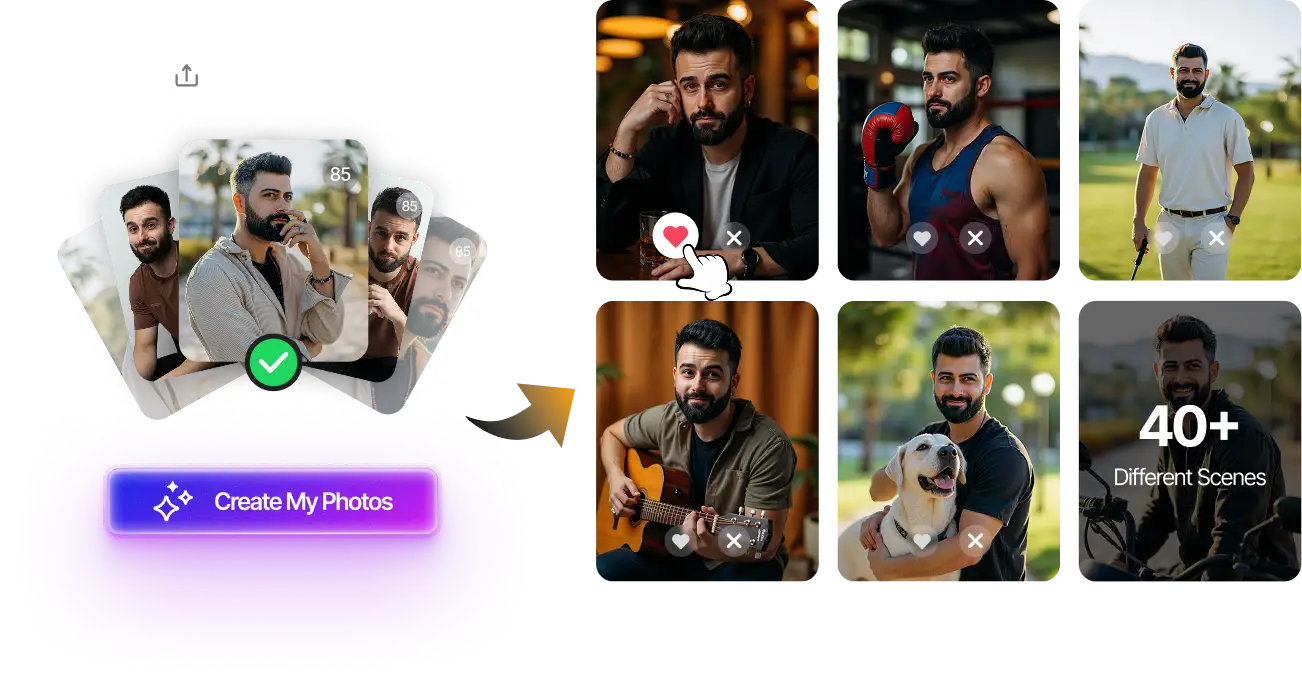
Upload your selfies, get 80-180 AI-optimized dating photos in just 20 minutes. No photoshoot needed.
7-Day Money Back • Privacy-first • One-time payment
Get Started Now →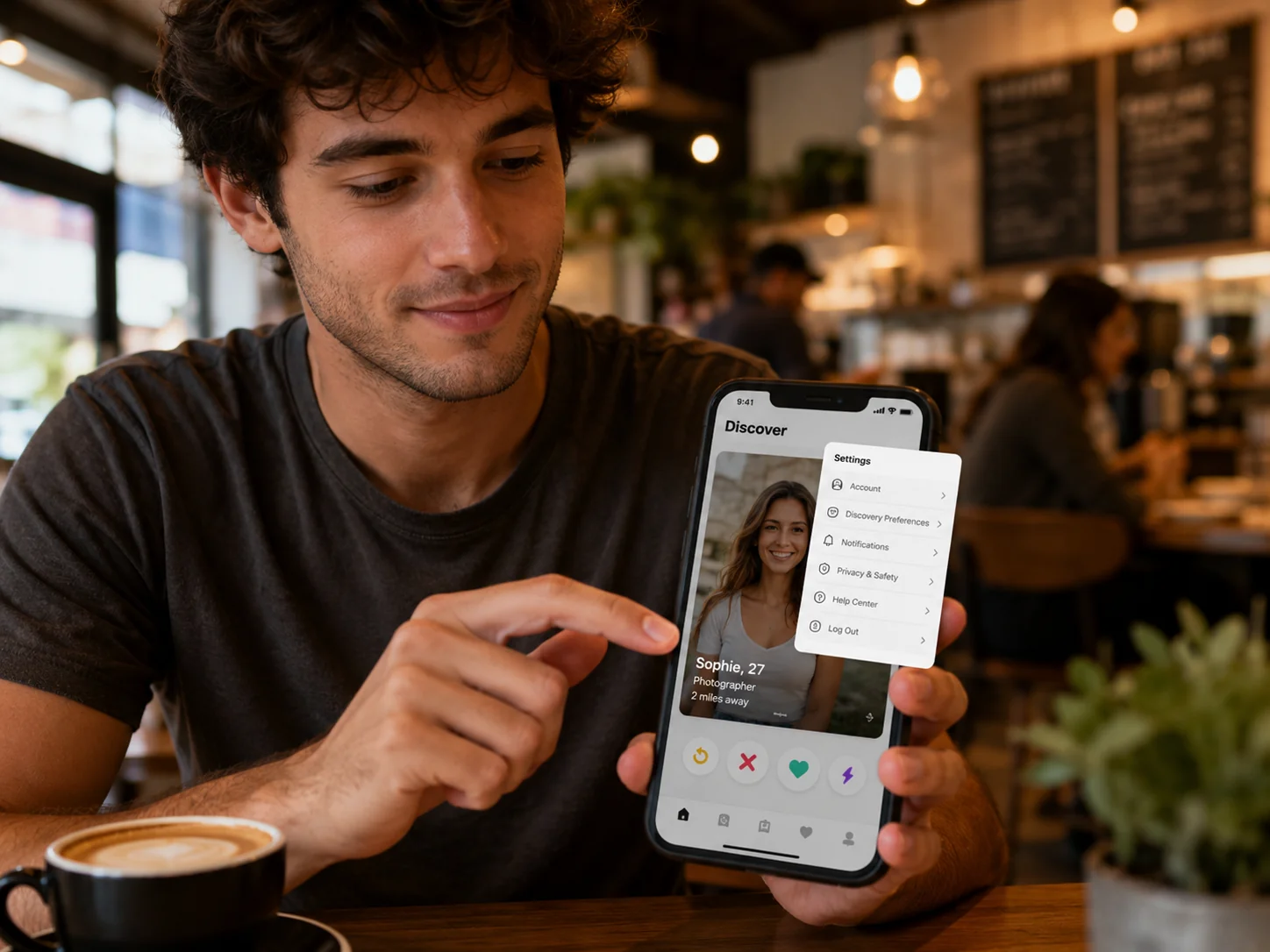
How to Reset Tinder: Step-by-Step
Follow these in order. The sequence is what separates a real reset from a cosmetic one.
Step 1: Cancel your subscription. Open the App Store or Google Play, find your Tinder subscription, and cancel it. Why it matters: deleting the account doesn't stop the billing, and you can't easily reclaim a sub on an account that no longer exists.
Step 2: Delete your account, not just the app. Go to your profile, tap Settings, scroll to the bottom, and choose Delete Account. Why it matters: uninstalling the app or choosing "pause" leaves your profile and history fully intact. Only a true deletion clears your algorithm slate.
Step 3: Wait out the cooling-off window. Give it at least a few days; many users wait a week or more. Why it matters: remaking immediately on the same device, number, or email can trigger the platform to recognize you and restore your old desirability score, which undoes the entire reset.
Step 4: Create the new account with a fresh setup. Sign up again, ideally with a different phone number or email if you have one. Why it matters: the more separation between old and new, the cleaner the start the algorithm gives you.
Step 5: Upload a brand-new photo lineup and bio. This is the step most people skip, and it's the one that actually changes outcomes. New photos signal a genuinely new profile and give you the best shot during the high-visibility window new accounts often get. If you're not sure which images to lead with, the Tinder AI photo guide breaks down what performs in 2026. Why it matters: a fresh algorithm score with the same old photos is just your old profile wearing a new badge.
Pro Tips for the Best Fresh Start

A reset is a rare chance to get the boost new accounts tend to receive. Don't waste it on a half-built profile. A few things that make the difference:
Lead with your strongest image. New accounts often surface to more people early on, so your first photo is doing the heaviest lifting it will ever do. Make it count. If you want to understand exactly how that first frame gets evaluated, our breakdown of how your first Tinder photo competes with the algorithm is worth a read before you upload.
Vary your photo types. A mix of a clean headshot, a full-body shot, and one or two lifestyle images reads as a real, well-rounded person. Six similar selfies do not.
Swipe with intention in the first days. Mindless right-swiping rebuilds a low-quality score fast. Be selective so the algorithm learns who you actually want to match with. And before you go all-in, it's worth knowing whether something deeper is going on. Signs of a dating app shadowban can look a lot like a profile that just needs a reset, and the fixes are different.
Common Mistakes to Avoid
Most failed resets come down to a handful of avoidable errors:
- Remaking too soon. The single biggest mistake. Skipping the waiting period is the fastest way to inherit your old score.
- Reusing every old photo. Same pictures, same results. The algorithm resets, but real people scrolling don't see anything new.
- Forgetting the subscription. Getting billed for a deleted account is an annoying, common surprise.
- Resetting to dodge a ban. If you were removed for a policy violation, a fresh account doesn't fix the underlying issue and can violate Tinder's community guidelines. Solve the real problem instead.
Final Thoughts
Knowing how to reset Tinder is really about respecting the sequence: cancel billing, delete fully, wait out the cooling-off window, and remake with genuinely fresh content. Skip any of those and you get a half-reset that looks new on the surface but performs like your old profile underneath.
The fresh start is the easy part. The photos are what determine whether it actually works. If your old pictures were the reason matches stalled, this is your moment to fix that, not repeat it. Walk into your new Tinder account with a strong, varied lineup and you give that reset clock something worth counting.
Your New Tinder Account Deserves New Photos
Starting fresh? Upload a few selfies and get 80-180 AI-optimized dating photos in about 20 minutes. No photoshoot, no awkward camera time.
7-Day Money Back • Privacy-first • One-time payment
Get Started Now →FAQ
How long should I wait before remaking my Tinder account? Wait at least a few days, and ideally a week or more. Recreating too quickly on the same device, number, or email can cause the platform to associate the new account with your old one and restore your previous desirability score, which defeats the reset.
Does deleting Tinder reset my algorithm score? Yes, a full account deletion clears your algorithmic history, while pausing or simply uninstalling the app does not. To get a true fresh start, you must delete the account from Settings, not just hide your profile.
Will I lose my matches and messages if I reset? Yes. Deletion is permanent and removes all of your matches, conversations, and profile data. Screenshot anything important, like phone numbers or plans, before you delete.
Do I need to cancel my Tinder subscription separately? Yes. Deleting your account does not automatically cancel a subscription billed through the App Store or Google Play. Cancel it directly in your app store settings before deleting to avoid being charged for an account that no longer exists.
Can I reset Tinder to get unbanned? No. If you were banned for violating the rules, creating a new account doesn't address the underlying issue and can breach Tinder's community guidelines. Resolve the original problem rather than relying on a reset.