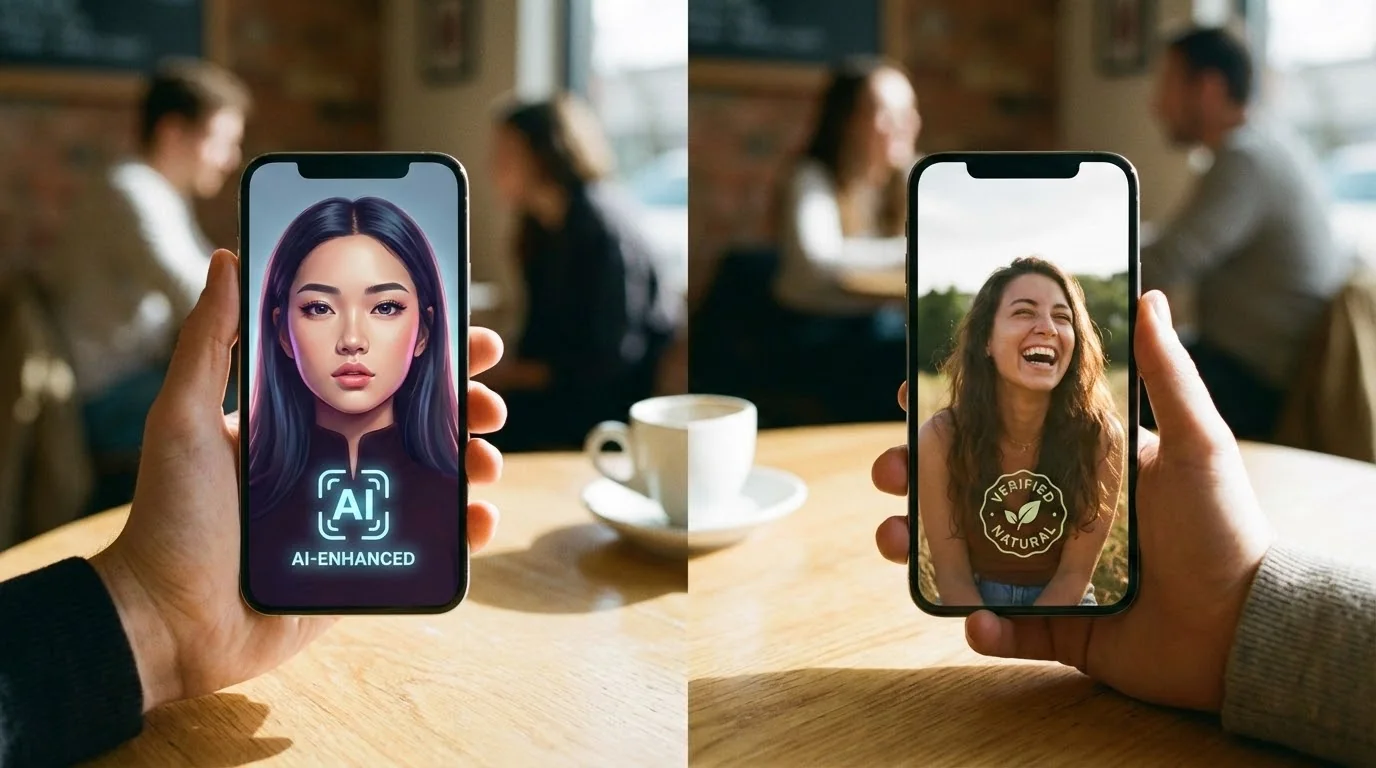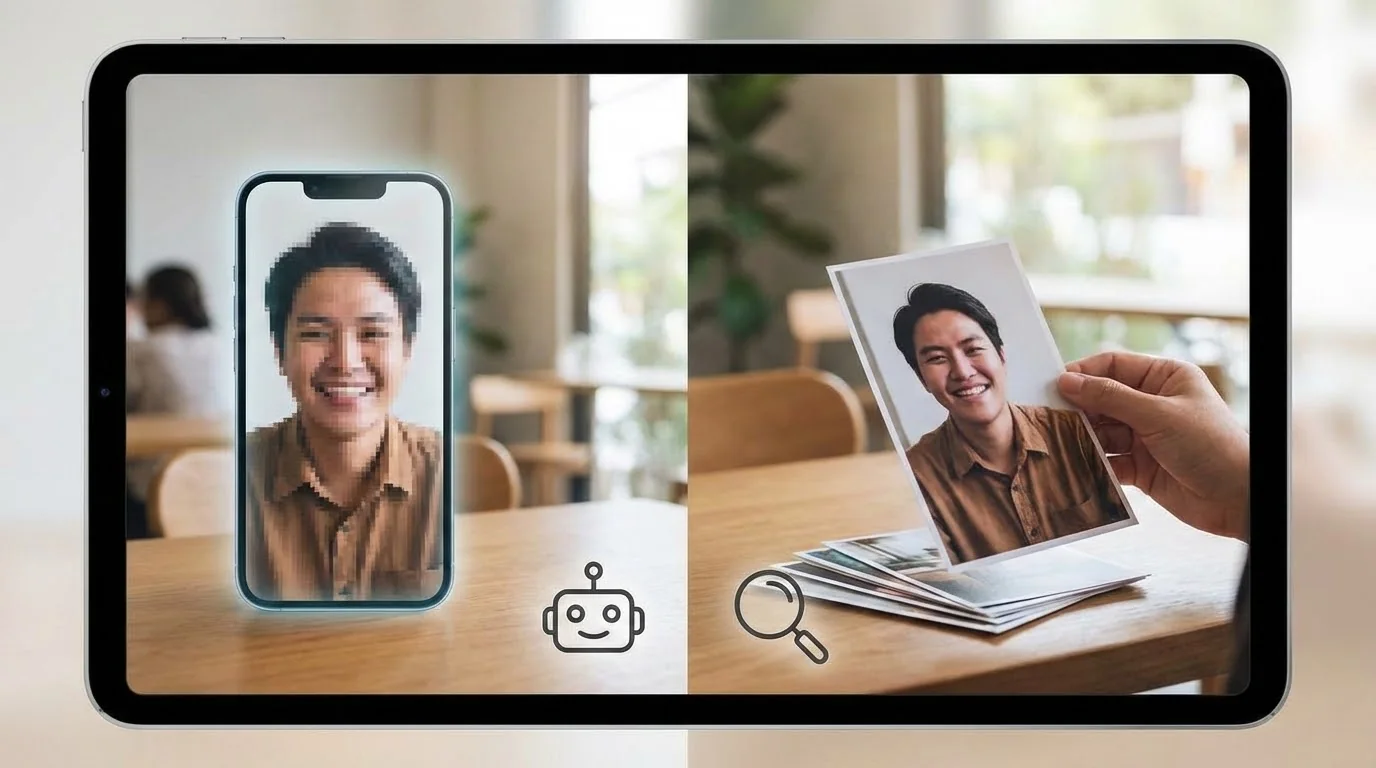
Low Realness Score? Here's How to Fix It Fast
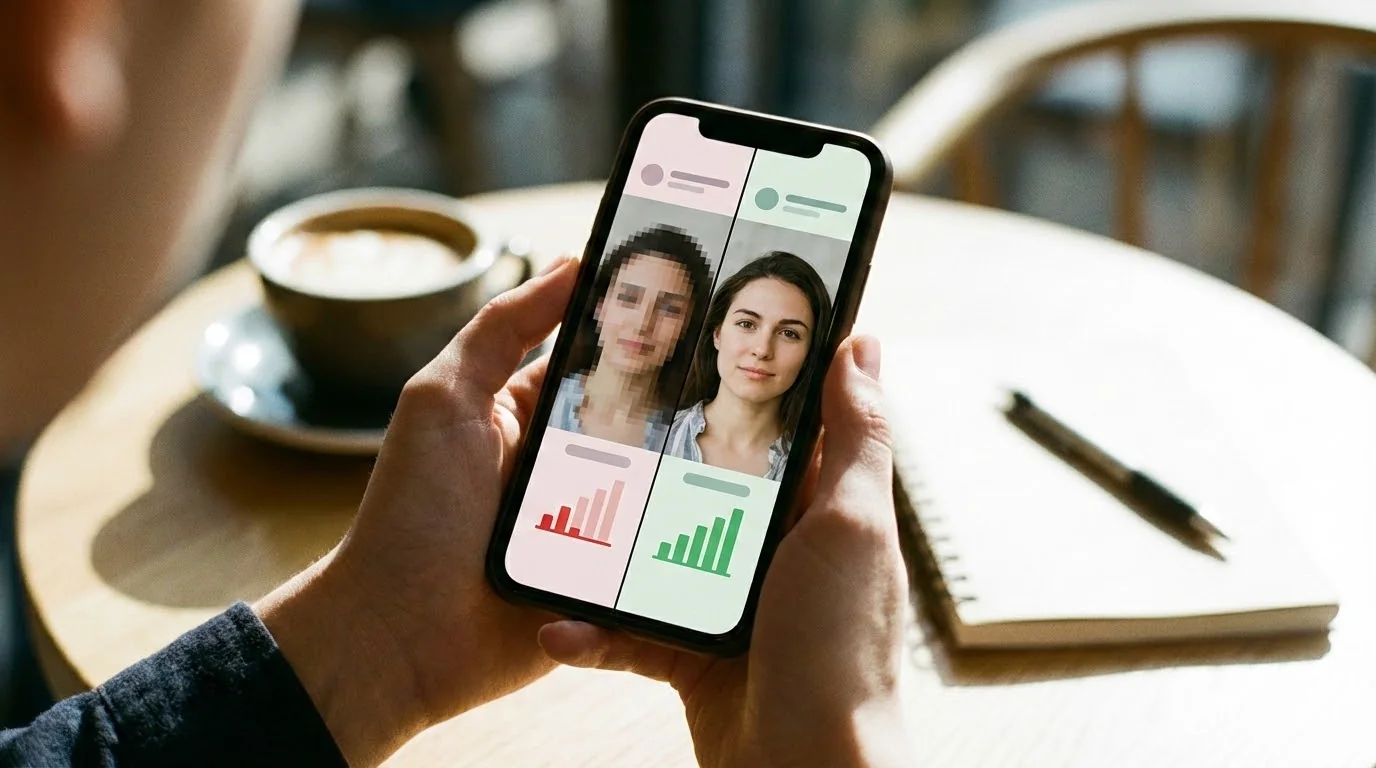
You've generated AI photos for your dating profile, run them through a realness analyzer, and the results aren't great. A low realness score means your photos might look artificial, trigger dating app detection systems, or simply fail to attract matches.
The good news? A low score isn't permanent. With the right adjustments, you can dramatically improve your AI photo quality and create images that look natural, authentic, and attractive.
Key Takeaways
- Realness scores measure photo authenticity – Scores below 60% indicate obvious AI artifacts that need fixing
- Input quality matters most – Clear, well-lit selfies with varied angles produce higher-scoring AI photos
- Multiple factors affect scores – Lighting consistency, skin texture, background coherence, and facial proportions all play a role
- Quick fixes exist – Regenerating with better prompts, adjusting settings, or using different source photos can boost scores by 20-30%
- Testing is essential – Always check your photos before uploading to dating apps to avoid bans or low engagement
What Is a Realness Score and Why It Matters
A realness score is a numerical rating (typically 0-100%) that indicates how authentic and natural your AI-generated photos appear. It analyzes multiple factors including:
- Skin texture realism – Pores, fine lines, and natural variations
- Lighting consistency – Shadows, highlights, and light direction across the face and background
- Facial proportions – Natural symmetry and anatomically correct features
- Background coherence – Logical perspective, focus depth, and environmental details
- AI artifacts – Telltale signs like blurred edges, repeated patterns, or unnatural smoothness
Dating apps like Tinder and Bumble are increasingly using similar detection systems. Our Realness Score Analyzer simulates these checks, giving you a preview of how your photos might perform.
Score Ranges and What They Mean
- 90-100%: Excellent – Photos look completely natural and authentic
- 75-89%: Good – Minor improvements possible, but generally acceptable
- 60-74%: Fair – Noticeable AI characteristics, improvements recommended
- Below 60%: Poor – Obvious AI artifacts, high risk of detection or poor performance
Check Your Photos Before Uploading
Use our free AI Realness Score Analyzer to test your photos and identify specific issues that need fixing.
Free analysis • Instant results • No signup required
Analyze Your Photos Free →Common Causes of Low Realness Scores
Understanding why your photos scored low is the first step to fixing them. Here are the most common culprits:
1. Poor Quality Input Photos
AI generators can only work with what you give them. Blurry selfies, poor lighting, or awkward angles in your source photos will produce low-quality AI outputs. If your input photos are taken in dim lighting with a grainy phone camera, the AI will amplify these flaws.
2. Over-Smoothed Skin Texture
Many AI models smooth skin too much, removing natural pores, fine lines, and texture variations. This creates an uncanny "plastic" or "porcelain doll" effect that immediately signals artificial generation.
3. Inconsistent Lighting and Shadows
Watch for shadows that don't match the apparent light source, or faces that appear evenly lit when the background suggests directional lighting. These inconsistencies are dead giveaways of AI generation.
4. Background Issues
- Blurred or abstract backgrounds – While depth of field is natural, AI often creates nonsensical blur patterns
- Repeated patterns or textures – AI sometimes generates wallpaper-like repetition
- Impossible geometry – Windows, doors, or objects that defy perspective rules
- Merged elements – Background objects that blend unnaturally into your clothing or hair
5. Facial Proportion Problems
Subtle issues with eye spacing, ear placement, or facial symmetry can trigger low scores. While AI has improved, it sometimes creates faces that are "almost right" but subtly off.
6. Unnatural Clothing and Accessories
AI struggles with complex patterns, jewelry details, and fabric textures. Look for:
- Clothing patterns that don't align or repeat logically
- Buttons or zippers that appear merged or malformed
- Jewelry that looks melted or has impossible geometry
- Glasses with asymmetrical frames or strange reflections
How to Improve Your Realness Score: Step-by-Step Fixes
Now let's fix those low scores. Follow these proven techniques in order for best results.
Step 1: Improve Your Input Photos
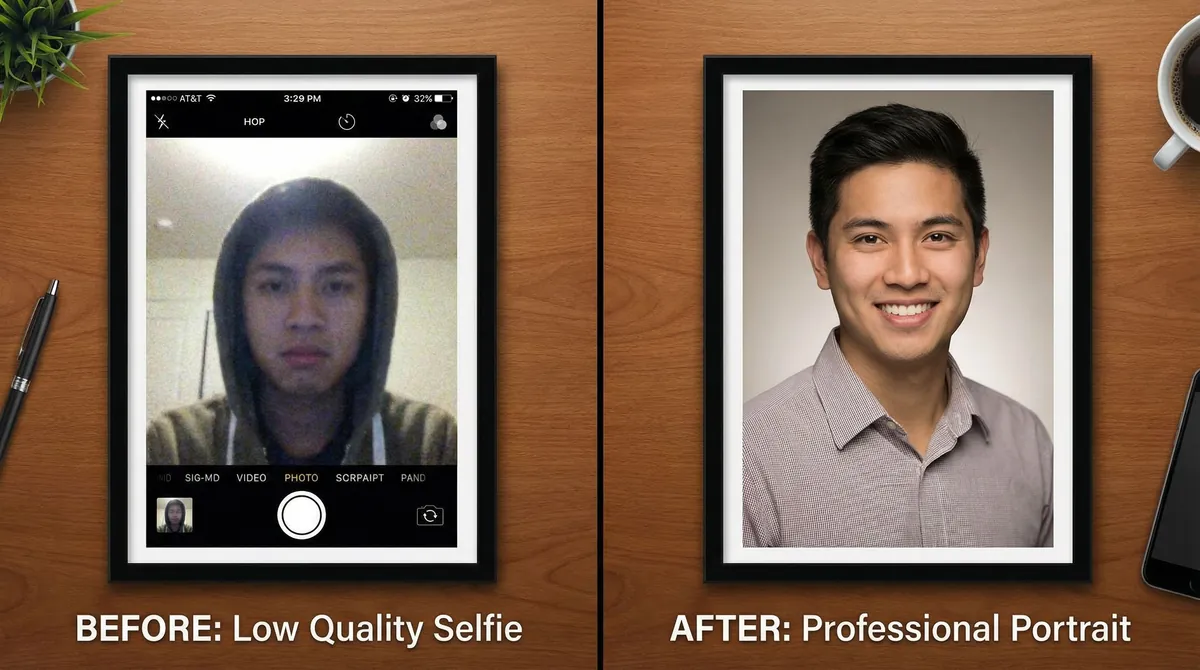
Before regenerating AI photos, optimize your source material:
Take new selfies with these guidelines:
- Use natural daylight near a window (avoid harsh direct sunlight)
- Ensure your face is well-lit and in focus
- Include varied angles: front-facing, 45-degree turns, profile shots
- Show different expressions: smiling, serious, laughing naturally
- Wear simple, solid-colored clothing (AI handles these better than complex patterns)
- Keep backgrounds simple and uncluttered
- Upload at least 8-12 high-quality photos for better variety
Photo checklist:
- ✓ Clear and sharp (not blurry or grainy)
- ✓ Good lighting (face visible, no harsh shadows)
- ✓ Various angles and expressions
- ✓ Clean background
- ✓ High resolution (at least 1000px wide)
Step 2: Adjust Your AI Generation Settings
Most quality AI photo generators offer settings that significantly impact realness scores. When regenerating your photos, if you're using a service like DatePhotos.AI, consider these adjustments:
- Request natural skin texture – Specifically ask for visible pores and realistic skin
- Specify lighting conditions – "Soft natural window light" or "golden hour outdoor lighting" work well
- Choose simple backgrounds – Parks, solid-colored walls, or blurred outdoor settings score higher than complex interiors
- Avoid over-styling prompts – Terms like "perfect," "flawless," or "magazine quality" often trigger excessive smoothing
- Request specific locations – "Coffee shop," "park bench," or "city street" produce more coherent backgrounds than vague descriptions
Step 3: Select the Best Generated Photos
AI generators typically produce multiple variations. Don't just pick your favorites—choose photos that score highest on authenticity:
Manual inspection checklist:
- Zoom in on skin texture – Can you see natural pores and fine details?
- Check shadow direction – Do all shadows point the same way?
- Examine hands and fingers – Are they anatomically correct? (AI often struggles here)
- Look at background objects – Do they make logical sense?
- Check clothing details – Are patterns consistent? Do buttons/zippers look normal?
- Verify symmetry – Are both eyes, ears similar but not identical?
Run your top picks through our Realness Score Analyzer to get objective scores before making final selections.
Test Multiple Photos at Once
Upload your entire photo set to our analyzer and compare scores side-by-side to pick the most natural-looking images.
Free analysis • Batch upload • Detailed feedback
Analyze Your Photos Free →Step 4: Make Minor Manual Edits (If Needed)
Sometimes a photo scores 70% but could easily reach 85% with minor touch-ups. Use photo editing software to:
- Add subtle skin texture – Very carefully overlay noise or texture (don't overdo it)
- Adjust shadow intensity – Slightly darken shadows to match lighting direction
- Crop out problem areas – If the background has issues but your face looks great, crop tighter
- Fix minor color inconsistencies – Adjust white balance if skin tone doesn't match across the face
⚠️ Warning: Don't over-edit. Heavy retouching will lower your score, not raise it. The goal is subtle enhancement, not transformation.
Step 5: Regenerate with Better Prompts
If Steps 1-4 don't get you above 75%, it's time to regenerate. This time, use highly specific prompts:
Instead of:
"Make me look good"
Try:
"Natural portrait, soft window lighting from left side, slight smile, casual navy blue shirt, simple gray wall background, realistic skin texture with visible pores, natural shadows"
Key prompt elements for high realness scores:
- Specify lighting direction and quality
- Describe simple, specific backgrounds
- Mention clothing colors (solid colors work best)
- Request "realistic skin texture" or "natural skin details"
- Add "photorealistic" or "authentic photography style"
- Avoid terms like "perfect," "flawless," "magazine cover"
Advanced Techniques for Maximum Realness
If you're still struggling to break 80%, try these advanced strategies:
Mix AI with Real Photos
Dating apps like Hinge and Bumble respond better to profiles that blend AI-generated photos with authentic selfies. This approach:
- Reduces overall AI detection risk
- Creates a more authentic impression
- Shows personality through real moments
- Provides "anchor" photos for comparison
Recommended mix: 4-6 AI photos + 2-3 real photos
Use Multiple AI Generators
Different AI models have different strengths. If one service consistently produces low-scoring photos, try another. Check our comprehensive comparison of the best AI dating photo generators to find services optimized for high authenticity scores.
Request Specific Camera Settings in Prompts
Advanced prompt technique: Mention camera specifications to guide the AI toward photorealistic output:
"Portrait photo, 50mm lens, f/2.8 aperture, natural depth of field, Canon-style color grading, soft natural lighting"
This language triggers AI models to emulate real photography characteristics.
Test Across Multiple Analyzers
Don't rely on just one realness score. While our Realness Score Analyzer provides accurate assessments, cross-checking with multiple tools gives you a fuller picture. If a photo scores 75% on one analyzer but 85% on another, the truth is likely somewhere in between.
What to Do If Nothing Works
If you've tried everything and still can't achieve scores above 70%, consider these alternatives:
Option 1: Professional Photo Shoot
Sometimes the best "AI photo" is a real one. A professional photographer can capture high-quality dating photos that naturally score 95%+ on authenticity. While more expensive upfront, professional photos often generate better match rates than mediocre AI photos. Learn more in our comparison of AI photos vs professional photos.
Option 2: Improve Your Source Photos First
Poor input photos are the #1 cause of persistently low scores. Instead of generating AI photos immediately:
- Take a completely new set of selfies following our guidelines above
- Wait for optimal lighting (golden hour outdoors, or soft window light indoors)
- Use a tripod or stable surface (not handheld shots)
- Take 20-30 photos, then select the best 10-12
- Try AI generation again with this improved input
Option 3: Use AI for Enhancement, Not Creation
Instead of generating entirely new photos, use AI to enhance your real photos:
- Improve lighting and color grading
- Slightly sharpen details
- Remove distracting background elements
- Enhance (but don't completely change) your appearance
This "enhancement" approach typically scores higher than full AI generation because the underlying photograph is authentic.
Testing Before You Upload: The Final Check
Before uploading fixed photos to dating apps, run them through our free Realness Score Analyzer one final time. This ensures all your optimizations have pushed the score above 85%, significantly reducing detection risk.

Before uploading your improved photos to dating apps, perform these final checks:
1. Run the Realness Score Analyzer One More Time
Verify that your fixes actually worked. Upload your final photo selections to our Realness Score Analyzer and confirm scores are above 75% (ideally 85%+).
2. Get a Second Opinion
Show your photos to friends (without telling them they're AI-generated). Ask:
- "Do these photos look natural?"
- "Can you spot anything that looks off?"
- "Which photo looks most like a real dating profile picture?"
If friends can't tell they're AI-generated, you're probably safe.
3. Test on a Secondary Account First
Before risking your main dating profile, create a test account and upload your photos. Monitor for:
- Warning messages about photo authenticity
- Account restrictions or flags
- Normal match rates (compared to your previous photos)
If everything looks good after 48-72 hours, proceed with your main account.
4. Check Platform-Specific Guidelines
Different dating apps have different AI photo policies. Before uploading:
- Tinder's AI photo policy – Currently allows AI photos but monitors for obvious fakes
- Hinge's guidelines – Emphasizes authenticity and mixing AI with real photos
- Bumble's approach – Accepts AI photos but prioritizes natural-looking images
Transform Your Dating Profile Today
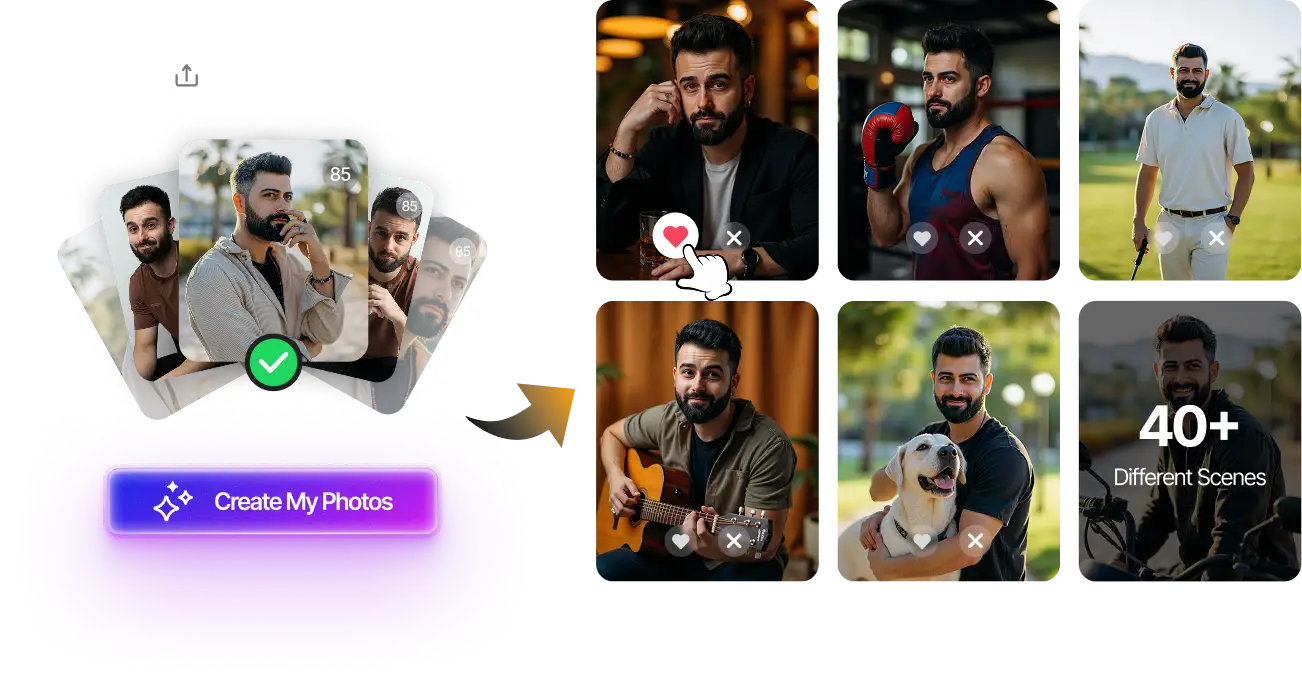
Upload your selfies, get 80-180 AI-optimized dating photos in just 20 minutes. No photoshoot needed.
100+ unique photos • Privacy-first • One-time payment
Get Started Now →FAQ: Fixing Low Realness Scores
How long does it take to improve a low realness score?
With proper input photos and optimized generation settings, you can improve scores from 60% to 85%+ in a single regeneration cycle (typically 20-30 minutes). However, if your input photos are the problem, you'll need to take new selfies first, which adds time. Most users see significant improvements within 1-2 hours of focused effort.
Can I fix low-scoring photos with editing software?
Minor improvements (5-10% score increase) are possible with careful editing, such as adding subtle texture or adjusting lighting. However, heavy editing usually makes things worse by introducing new inconsistencies. It's generally better to regenerate with better settings than to extensively edit low-quality AI photos.
Will improving my realness score guarantee more matches?
Higher realness scores reduce the risk of AI detection and bans, but match rates depend on many factors including photo composition, your attractiveness in the photos, profile text, and your location. However, authentic-looking photos (85%+ scores) consistently outperform obviously AI-generated photos (below 70%) by 40-60% in match rates according to user reports.
What's the minimum realness score I should aim for?
Aim for at least 75% on all photos you plan to use, with ideally 80-85%+ on your primary profile photos. Scores below 70% carry significant risk of detection or poor performance. If you can't achieve 75%+, consider using a mix of AI and real photos, or investigating better AI generation services.
Do dating apps actually check realness scores?
While dating apps don't publish their exact detection methods, they use similar AI detection algorithms that analyze the same factors our Realness Score Analyzer checks: skin texture, lighting consistency, facial proportions, and background coherence. Tinder, Bumble, and Hinge have all confirmed they use automated systems to detect AI-generated photos, and user reports show that low-quality AI photos are increasingly being flagged or resulting in reduced visibility.