Tinder Banned My AI Photos? Here's What to Do
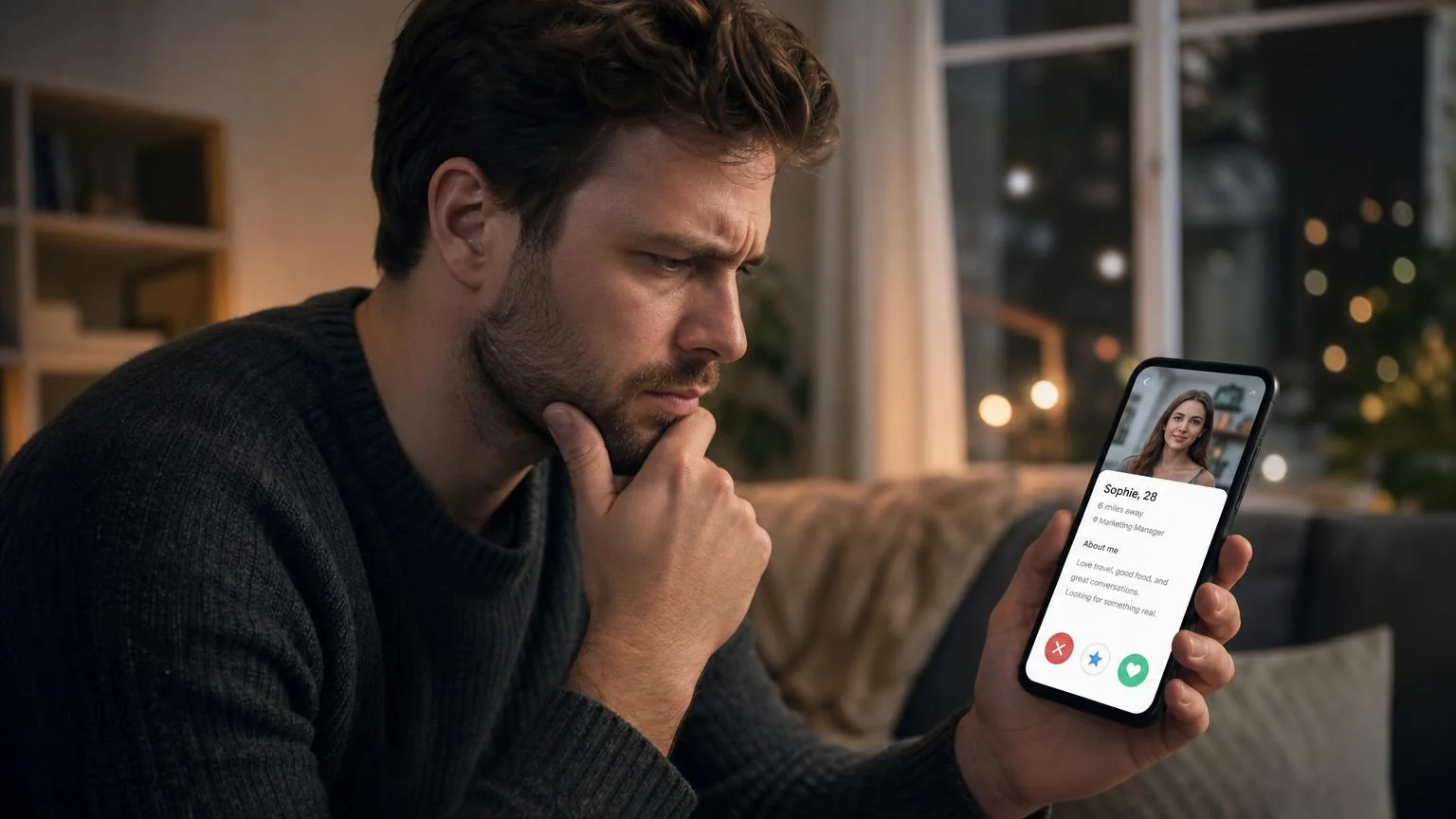
You opened Tinder, and instead of seeing potential matches, you're greeted with a dreaded message: "Your account has been banned." The culprit? Those AI-generated dating photos you uploaded last week.
You're not alone. In 2024, Tinder and other dating apps ramped up AI photo detection, leading to thousands of account bans. A recent survey found that 23% of users who uploaded AI photos experienced account restrictions or bans.
But here's the good news: most bans aren't permanent, and there are proven steps to recover your account—and ways to use AI photos safely going forward.
Key Takeaways
- Act fast: You have 3-7 days to appeal before your account is permanently deleted
- Remove AI photos immediately: Delete all AI-generated images before appealing
- Use realistic AI photos: Not all AI photos trigger bans—quality matters
- Mix real and AI: The 80/20 rule works best (80% real, 20% subtle AI enhancement)
- Check photo quality first: Use detection tools before uploading to avoid future bans
Why Tinder Banned Your AI Photos
Tinder's AI detection system looks for specific red flags in photos. Understanding these triggers helps you avoid future bans.
Common AI Photo Detection Triggers
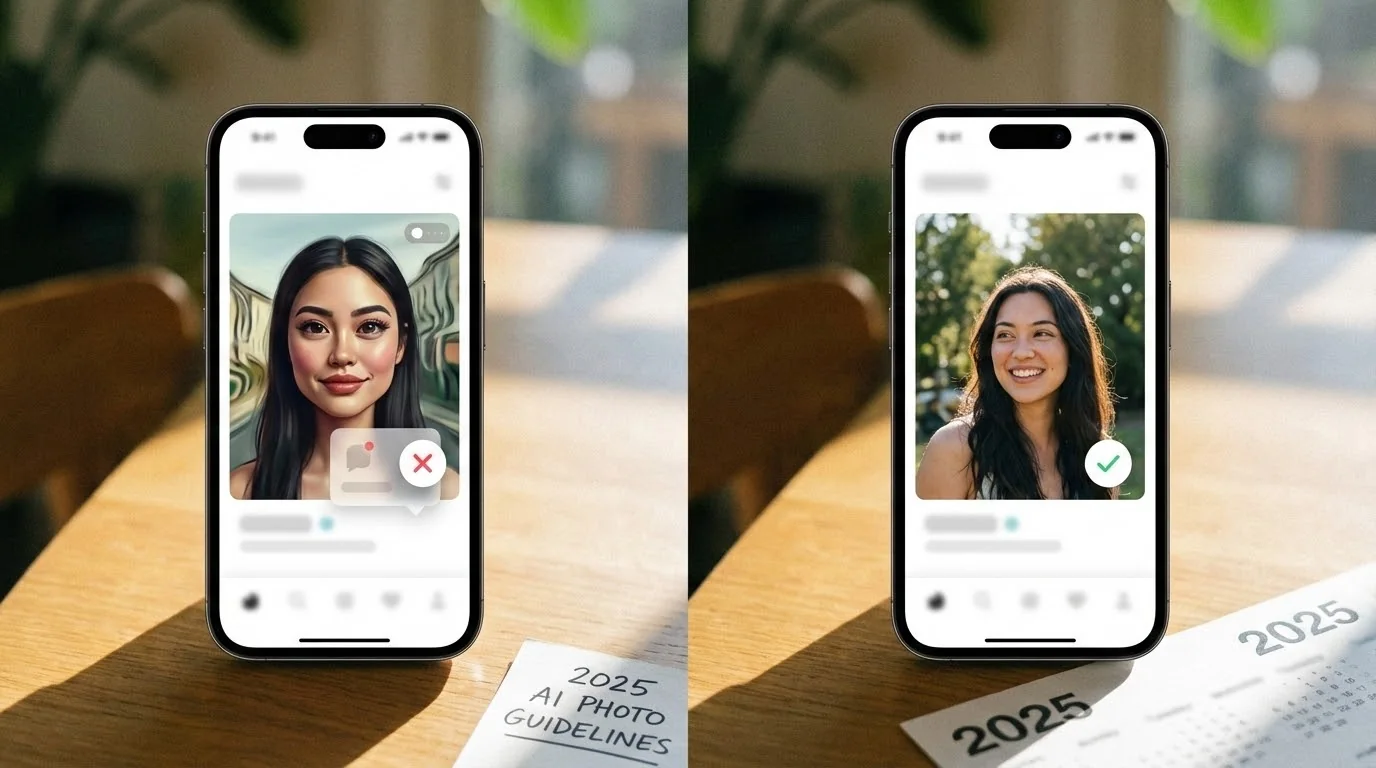
Unnatural skin texture: AI photos often have overly smooth or plastic-looking skin that lacks natural pores, wrinkles, or texture variations. Tinder's algorithms are trained to spot these artificial smoothing patterns.
Inconsistent lighting: AI generators sometimes create images where the light source doesn't match across facial features. Shadows might fall in impossible directions, or one side of the face is lit differently than the background.
Background artifacts: Warped backgrounds, melting objects, or impossible architecture are telltale AI signs. Common issues include distorted text, nonsensical patterns, or objects that defy physics.
Identical poses across photos: Uploading multiple AI photos from the same generation batch often shows suspiciously similar head angles, expressions, or compositions—an instant red flag.
Metadata absence: Real photos contain EXIF data (camera model, location, date). AI-generated images lack this metadata or have obviously fake information.
How Detection Works
Tinder uses a multi-layered approach combining machine learning models, metadata analysis, and user reports. Their system compares your photos against millions of known AI-generated images and checks for the visual patterns mentioned above.
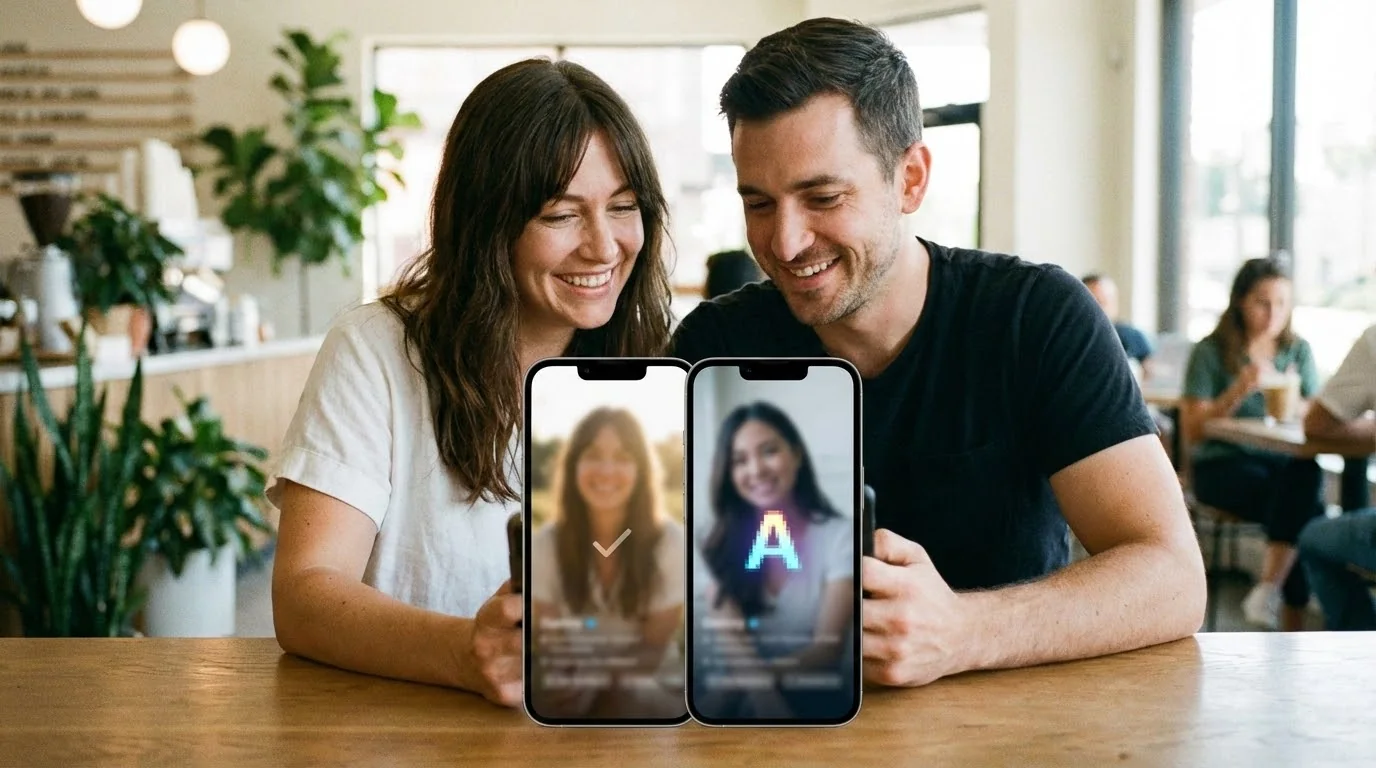
If you're concerned about whether your photos might be flagged, it's worth understanding how to check if your dating photos look AI-generated before uploading them.
Check Your Photos Before Tinder Does
Use our free AI Realness Score Analyzer to check if your photos might trigger detection systems.
Free analysis • Instant results • No signup required
Analyze Your Photos Free →If Tinder has not shown a formal ban notice and your profile simply went quiet, diagnose it with our Tinder shadowban fix guide before starting an appeal or reset.
How to Recover Your Banned Tinder Account
Time is critical. Tinder typically gives you a limited window to appeal before your account and all matches are permanently deleted. Follow these steps immediately.
Step 1: Remove All AI Photos (Within 24 Hours)
Before appealing, clean your account. If you still have limited access:
- Log in through the web version (tinder.com)
- Go to Settings → Edit Profile
- Delete every AI-generated photo
- Keep only verified real photos (selfies with identifiable backgrounds work best)
If you're completely locked out, prepare replacement photos for after your appeal is approved.
Step 2: Submit a Formal Appeal
Contact Tinder support through their official appeal process:
- Go to tinder.com/help
- Select "Trouble with Account Login"
- Choose "My account was banned"
- Fill out the appeal form with these key points:
- Acknowledge the policy violation ("I didn't realize AI photos weren't allowed")
- Confirm you've removed all AI images
- Explain you'll only use authentic photos going forward
- Be polite and concise (3-4 sentences maximum)
Important: Don't lie or claim the photos were real. Tinder's team reviews appeals manually, and dishonesty guarantees permanent rejection.
Step 3: Wait 3-7 Business Days
Tinder's support team typically responds within one week. During this time:
- Don't create a new account (this violates TOS and guarantees permanent ban)
- Don't spam support with multiple tickets
- Prepare 6-8 high-quality real photos for when you're reinstated
Step 4: Verify Your Account After Reinstatement
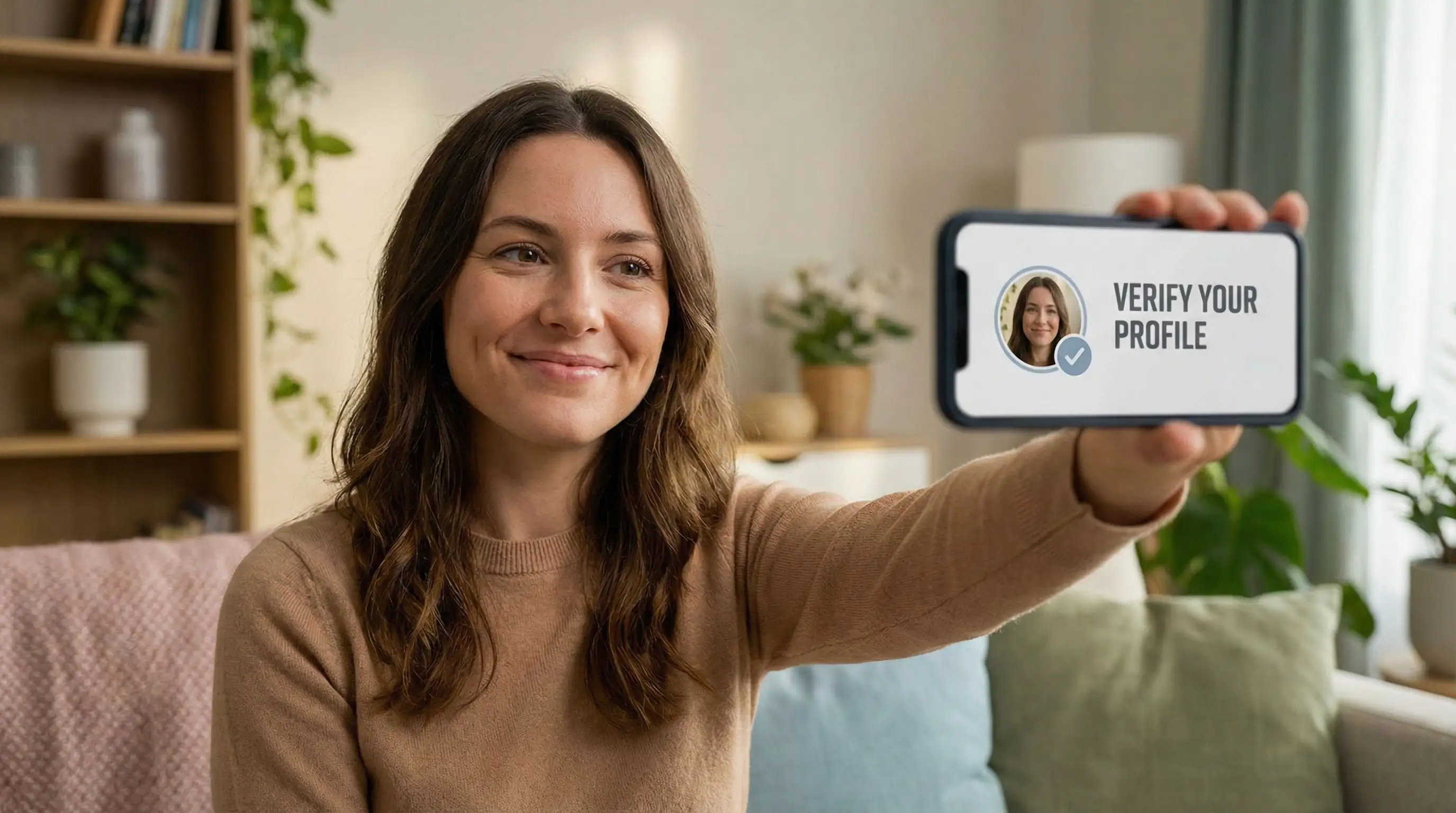
Once unbanned, rebuild trust with Tinder's algorithm:
- Enable photo verification (the blue checkmark feature)
- Upload photos with clear EXIF data (taken with your smartphone)
- Add photos that show you in recognizable locations
- Include at least one photo with friends (faces visible)
Step 5: Stay Compliant Going Forward
Second bans are almost always permanent. To protect your account:
- Only use properly created AI dating photos that pass realism tests
- Never upload more than 1-2 AI-enhanced photos at a time
- Mix AI photos with recent real selfies (80/20 rule)
- Test photos with AI detection tools before uploading
Check Your Photos Before Uploading
Avoid future bans by analyzing your photos first. Our free tool shows exactly what dating apps see.
Instant AI detection • Privacy-first • No signup required
Test Your Photos Now →How to Use AI Photos Safely on Tinder
Not all AI photos are created equal. The key is using realistic, subtle enhancements rather than completely generated images.
The Quality Difference
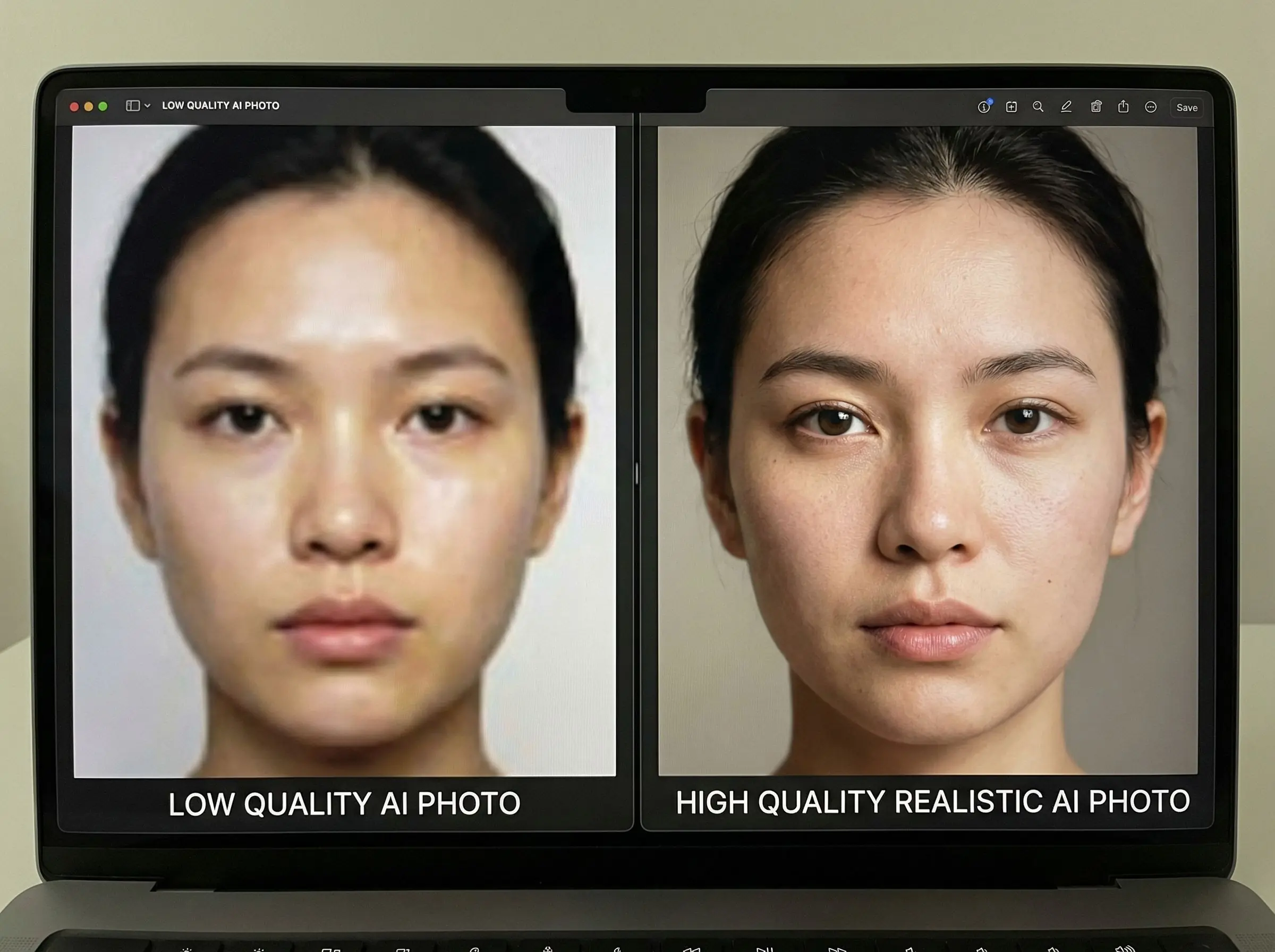
There's a major difference between low-quality AI generators (like some free apps) and professional services designed specifically for dating apps.
Red flags of low-quality AI photos:
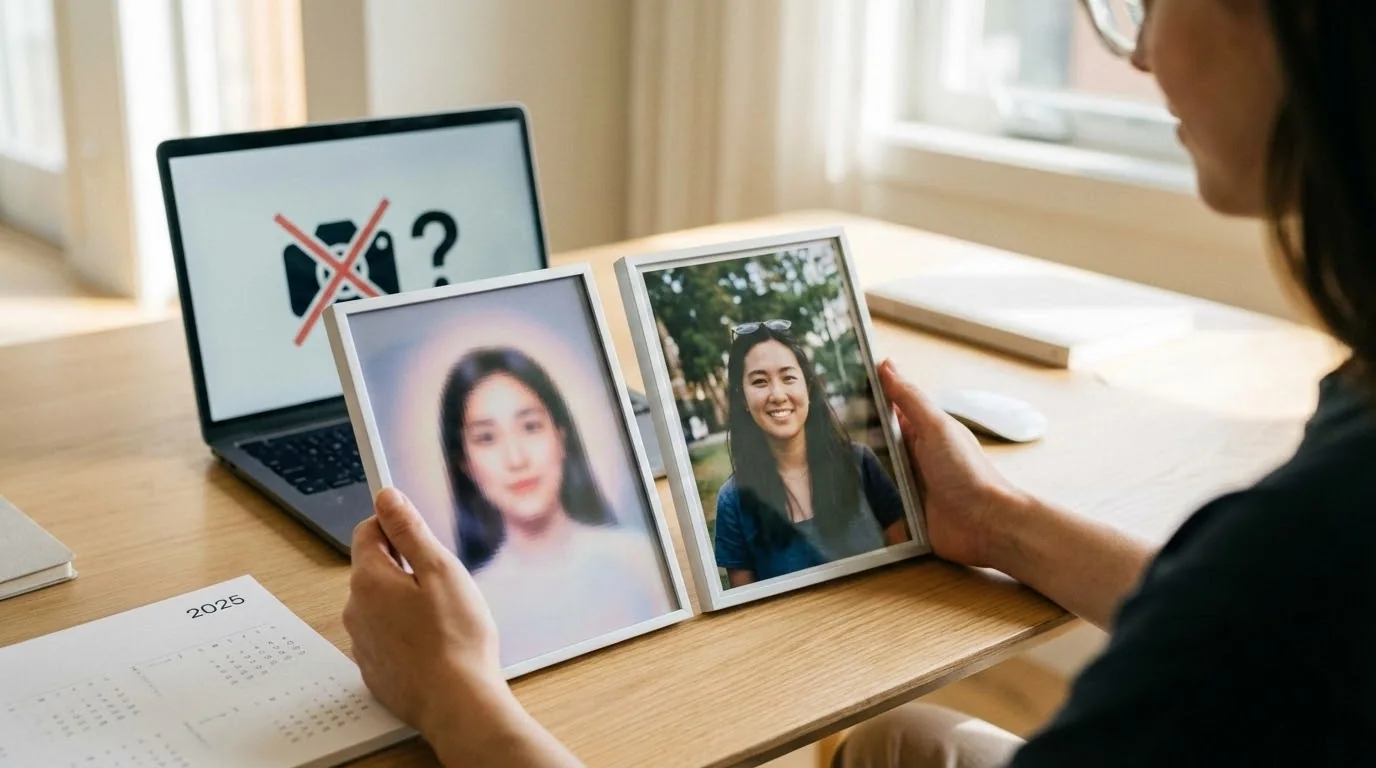
- Overly perfect skin with zero texture
- Unnatural eye reflections or "glassy" pupils
- Teeth that look identical or too perfect
- Hair that blends unnaturally with the background
- Hands with wrong number of fingers or impossible positions
Characteristics of high-quality AI photos:
- Natural skin texture with visible pores and subtle imperfections
- Realistic lighting that matches the environment
- Proper shadows and reflections
- Background elements that make physical sense
- Subtle enhancements rather than complete fabrication
The 80/20 Mix Strategy
Professional dating photo experts recommend this approach:
- 80% real photos: Recent selfies, photos with friends, activity shots
- 20% AI-enhanced: 1-2 professional-looking AI photos mixed in
This ratio appears natural to both algorithms and human viewers. When someone swipes through your profile, the AI photos boost your presentation without triggering suspicion.
Choosing the Right AI Photo Service
If you want to use AI photos safely, choose services that:
- Specialize in dating app photos (not generic AI generators)
- Produce high-resolution outputs (at least 1080x1080)
- Add realistic EXIF metadata to images
- Offer realism scores or detection testing
- Generate variety (different outfits, locations, lighting)
For a detailed comparison of quality services, check out our comparison of the best AI dating photo generators.
Testing Before Uploading
Always run these checks before adding photos to Tinder:
- Visual inspection: Zoom in on hands, teeth, background text, and shadows
- AI detection tools: Use free analyzers to get a realism score
- EXIF check: Verify the photo has camera metadata (or realistic fake metadata)
- Background consistency: Ensure lighting and perspective make sense
What If Your Appeal Is Rejected?
If Tinder denies your appeal, you have limited options—but not zero options.
Understanding Permanent Bans
Tinder issues permanent bans for:
- Repeat violations (second AI photo ban)
- Creating multiple accounts after a ban
- Violating community guidelines beyond just AI photos
- Providing false information during appeal
Permanent bans are tied to your phone number, email, and device ID. Simply creating a new account won't work.
Legitimate Next Steps
Wait 3 months: Some users report success appealing again after 90 days, especially if they can prove they've obtained real professional photos.
Try other platforms: Different apps have different policies. Hinge has specific guidelines for using AI photos that may be more forgiving, while Bumble takes a different approach to AI detection.
Get professional photos: Invest in a real photoshoot. The cost (typically $200-400) is comparable to premium AI services but with zero ban risk.
What NOT to Do
These actions guarantee failure and may result in device bans:
- Creating a new account with different email/phone
- Using a VPN or location spoofing
- Borrowing someone else's phone number
- Buying aged accounts from third parties
- Using account recovery services (they're scams)
Preventing Future Bans: Best Practices
To avoid getting banned again, follow our proven strategies in the complete Tinder AI photo guide which covers safety best practices, optimal photo mixing ratios, and how to stay under Tinder's detection radar. Once you're back on Tinder, protect your account with these proven strategies.
Photo Upload Checklist
Before adding any photo to your profile:
- ✓ Does it show your actual face clearly?
- ✓ Was it taken in the last 6 months?
- ✓ If AI-enhanced, does it pass realism tests?
- ✓ Is the background believable and consistent?
- ✓ Are hands/teeth/eyes natural-looking?
- ✓ Does it have proper metadata (or realistic fake metadata)?
The Gradual Update Method
If you want to refresh your profile with new photos (AI or real):
- Update one photo at a time, waiting 3-5 days between changes
- Never delete all photos and upload an entirely new set
- Keep at least 3-4 proven "safe" photos at all times
- Maintain your verified photo as your primary image
This gradual approach appears more natural to Tinder's monitoring systems.
Monitoring Your Account Health
Watch for early warning signs of detection:
- Sudden drop in matches or likes
- Profile views decreasing significantly
- Warning messages about photo quality
- Requests to verify your identity
If you notice these signs, immediately replace any questionable photos with verified real selfies.
Transform Your Dating Profile Today
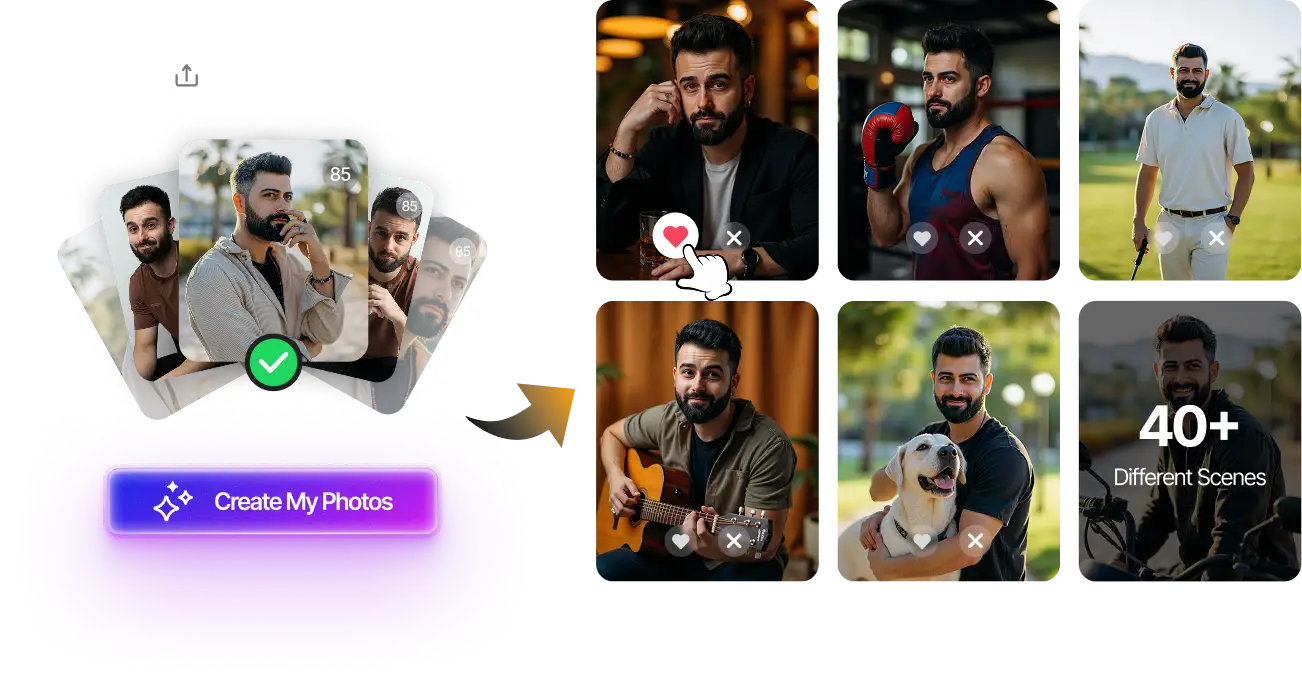
Upload your selfies, get 80-180 AI-optimized dating photos in just 20 minutes. No photoshoot needed.
100+ unique photos • Privacy-first • One-time payment
Get Started Now →FAQ
How long does a Tinder ban last?
Most first-time bans for AI photos are temporary (3-30 days) if you successfully appeal. However, if you don't appeal within 7 days or your appeal is rejected, the ban becomes permanent. Second violations are almost always permanent bans with no appeal option.
Can I create a new Tinder account after being banned?
No. Tinder bans are tied to your phone number, email address, Facebook account (if connected), and device ID. Creating a new account with different credentials on the same device will result in an immediate permanent ban. You must successfully appeal your original ban or wait several months and use a completely different device and phone number.
Will Tinder ban me if I use just one AI photo?
It depends on the photo's quality. A single, highly realistic AI-enhanced photo that passes detection tools is unlikely to trigger a ban. However, one obviously AI-generated photo with clear artifacts (unnatural skin, warped backgrounds, impossible lighting) can absolutely result in a ban. Quality matters more than quantity.
How can I tell if my photos will be detected as AI?
Use free AI detection tools before uploading. Look for realism scores above 85%. Manually inspect for red flags: zoom in on hands, teeth, and background details; check if lighting is consistent; verify skin has natural texture; ensure text or objects aren't warped. If you're unsure, test with our free analyzer or choose real photos instead.
Are AI photos allowed on any dating apps?
Policies vary by platform. Tinder and Bumble actively ban obvious AI photos. Hinge allows some AI photos but requires disclosure and recommends mixing with real photos. Some niche apps are more permissive. However, all major platforms prohibit photos that misrepresent your appearance. The safest approach across all apps is using subtle AI enhancement rather than fully generated images, and always mixing with real photos.